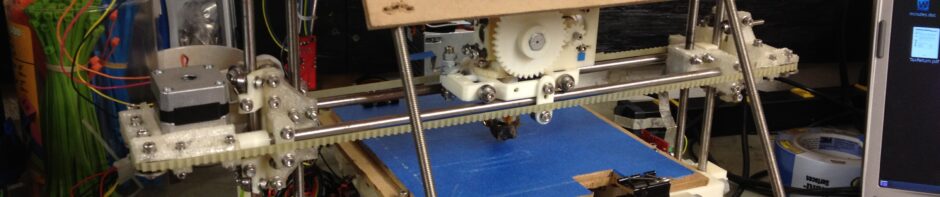
IT’S PRINTING!!! Well, it’s failing spectacularly at printing, but it has extruded plastic all on its own while trying to make a mini-mug (a little shot glass that I can toast success with). Instead it’s a glob of plastic that only a RepRap parent could love. 🙂
There is video of that a few photos/videos down from here, but as usual I’ll show what led up to that first.
I’d only had two times last week that I could play with my RepRap and I was having problems getting it to fully extrude on its own. The stepper motor seemed very weak..
Here it was, thinking it was printing a mini-mug:
Here’s a video showing the extruder appearing extremely weak, unable to push out plastic.
Then I started getting much closer just by adjusting the motor mounting while it was trying to extrude, so I could see where it could grip. I still wasn’t there, but I was closer:
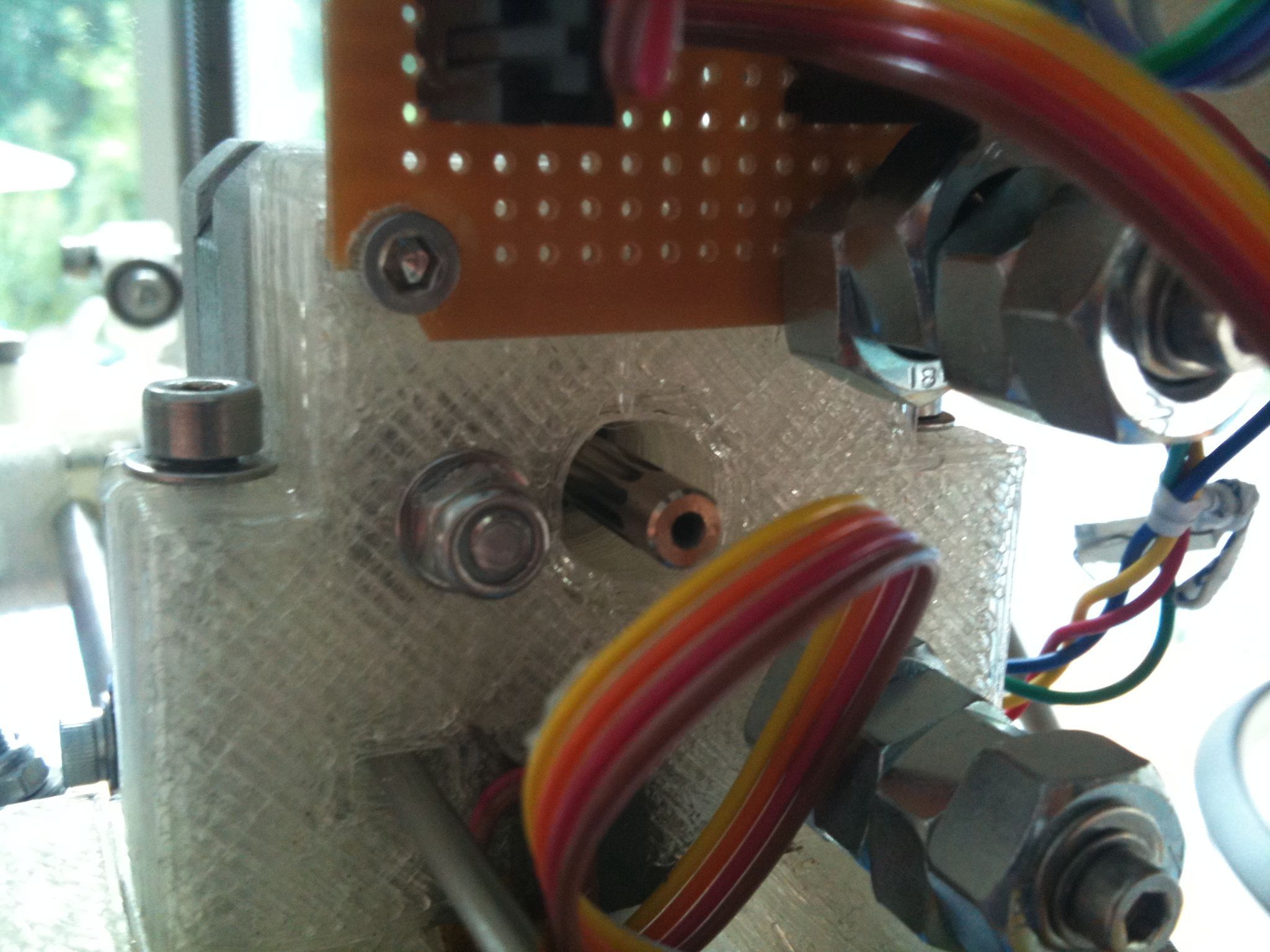
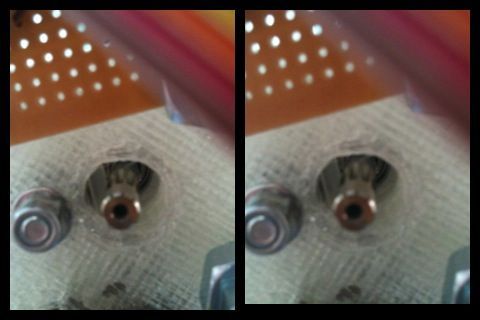
3-d cross-your-eyes picture of the plastic in the extruder (click for unscaled picture, which works better):
I’d posted to the reprap forum about my weak extruder problem and Wade said he’d had the same problem, and suggested cranking up the current on the stepper motor and slowing the extrusion speed. I had already tried turning the trimpot on the extruder board with no success, and remembered reading on the extruder controller page that the trimpot wasn’t currently used.
It turns out that it can be used by the FiveD firmware if you issue the right “M” command (M113). M113 without any arguments causes the trimpot to be read right then. I’d you supply an argument, though, you can specify a value right there in the gcode file.
That revelation led to one long uneventful video that I’ll spare you from, and then…. to THIS:
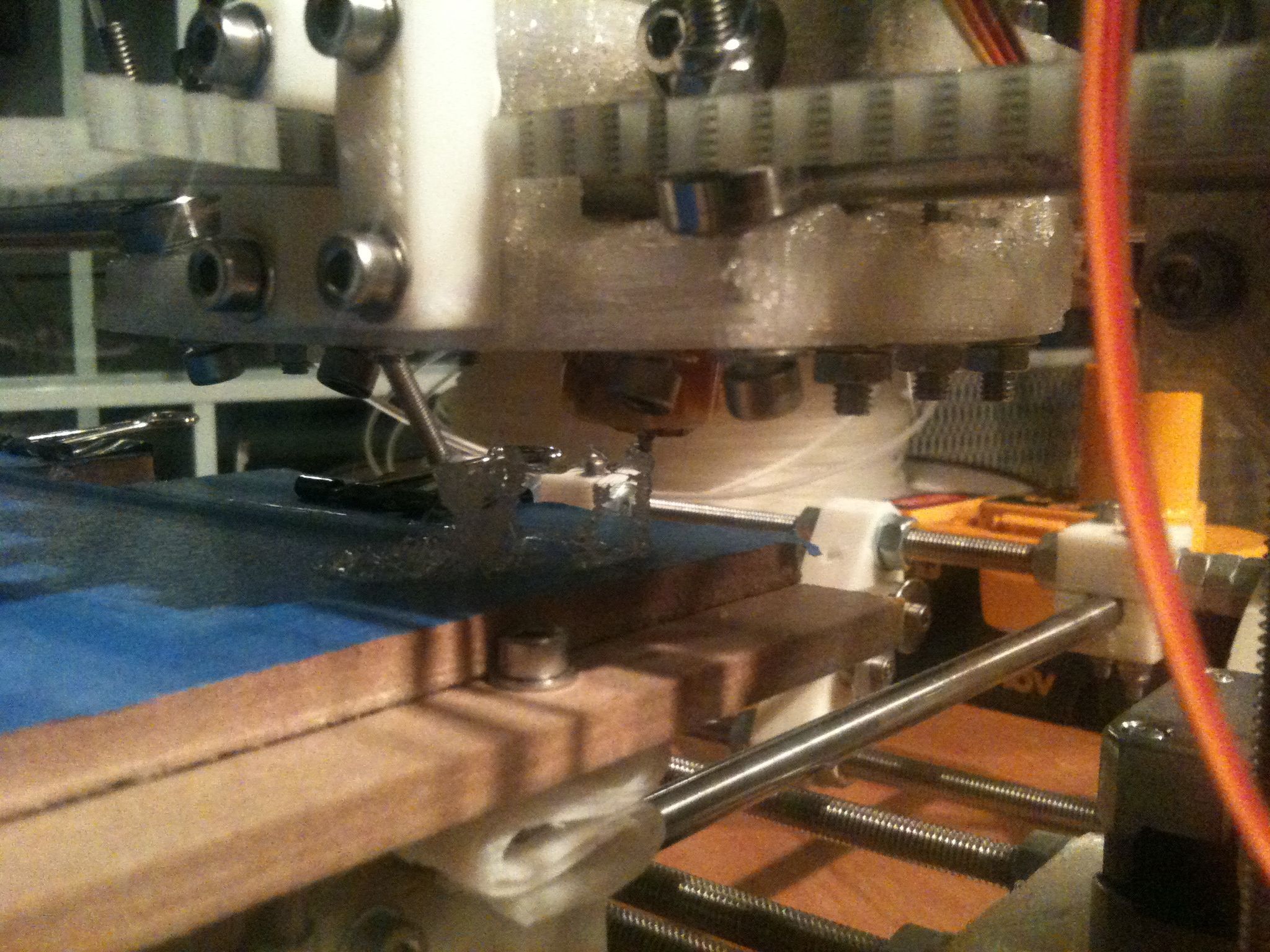
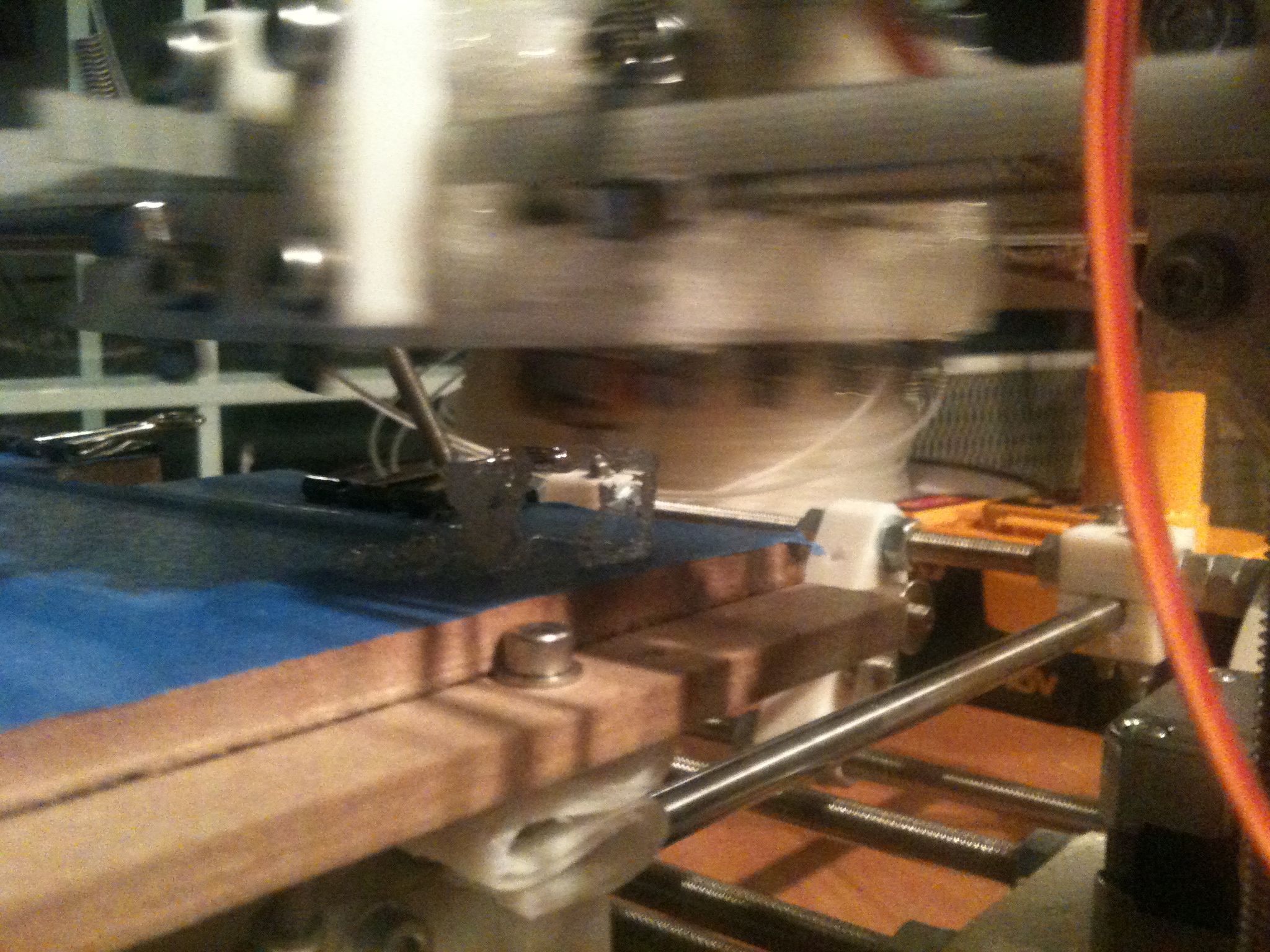
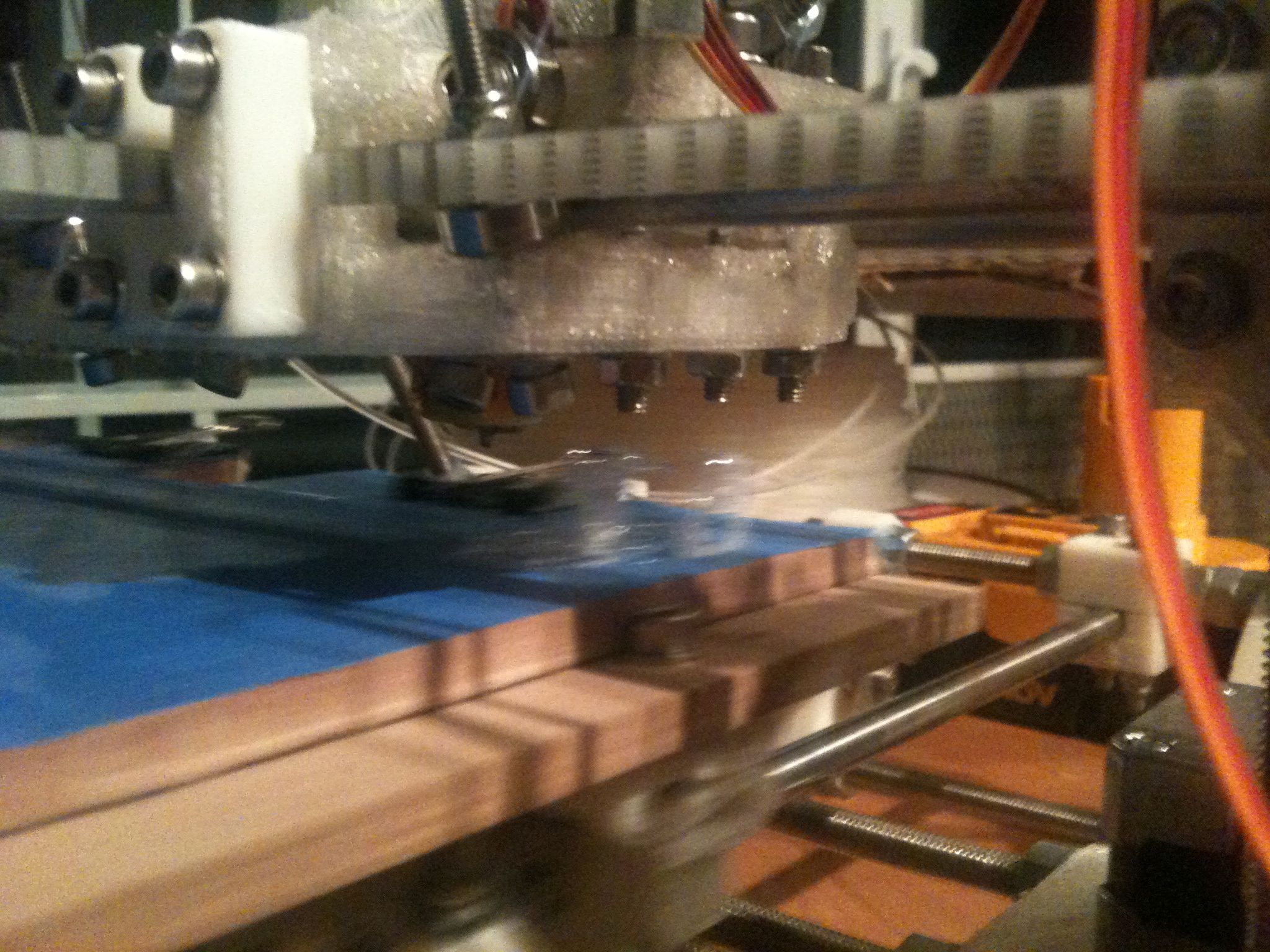
Here is my RepRap’s first printed attempt at making a minimug:
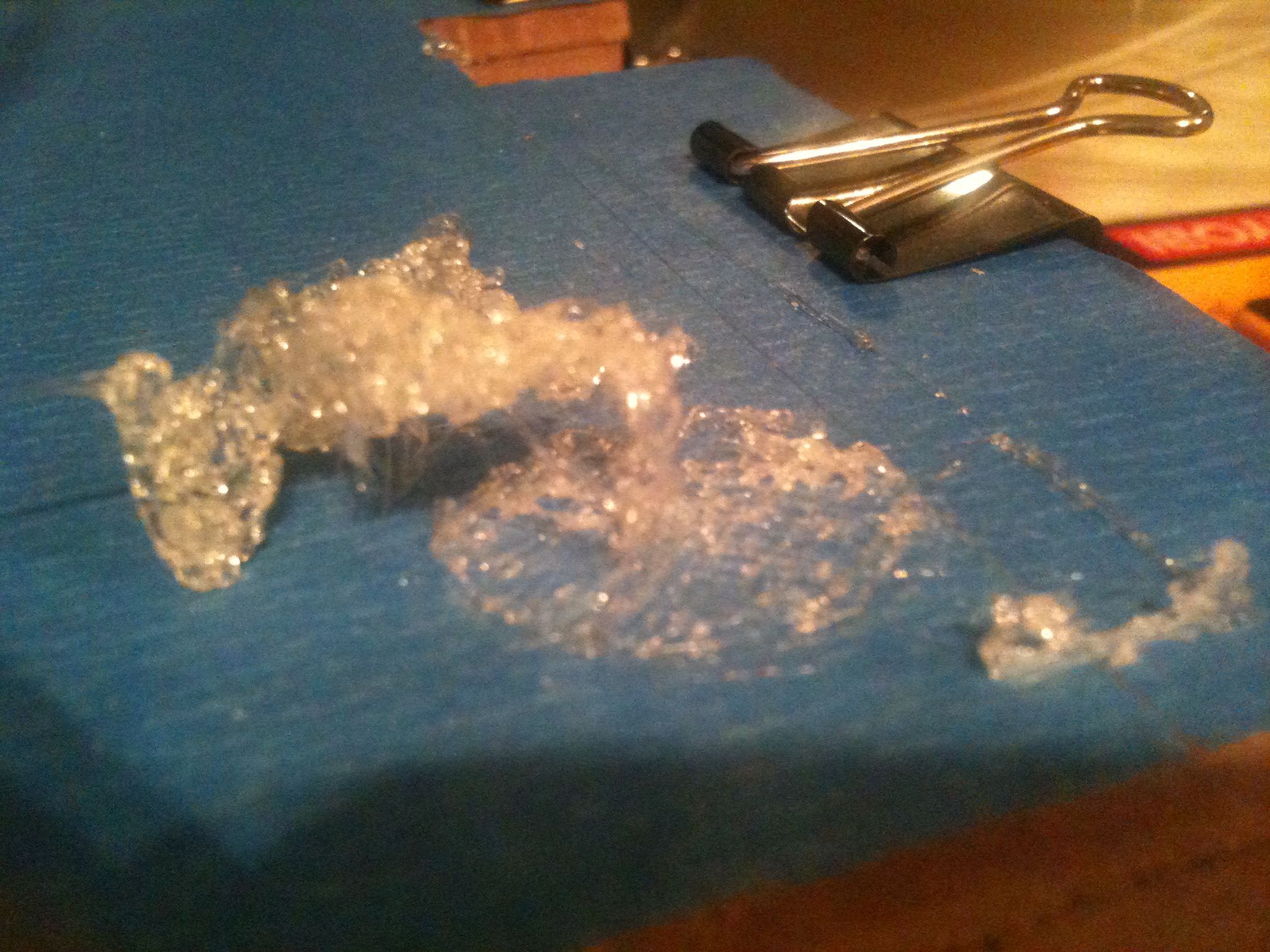
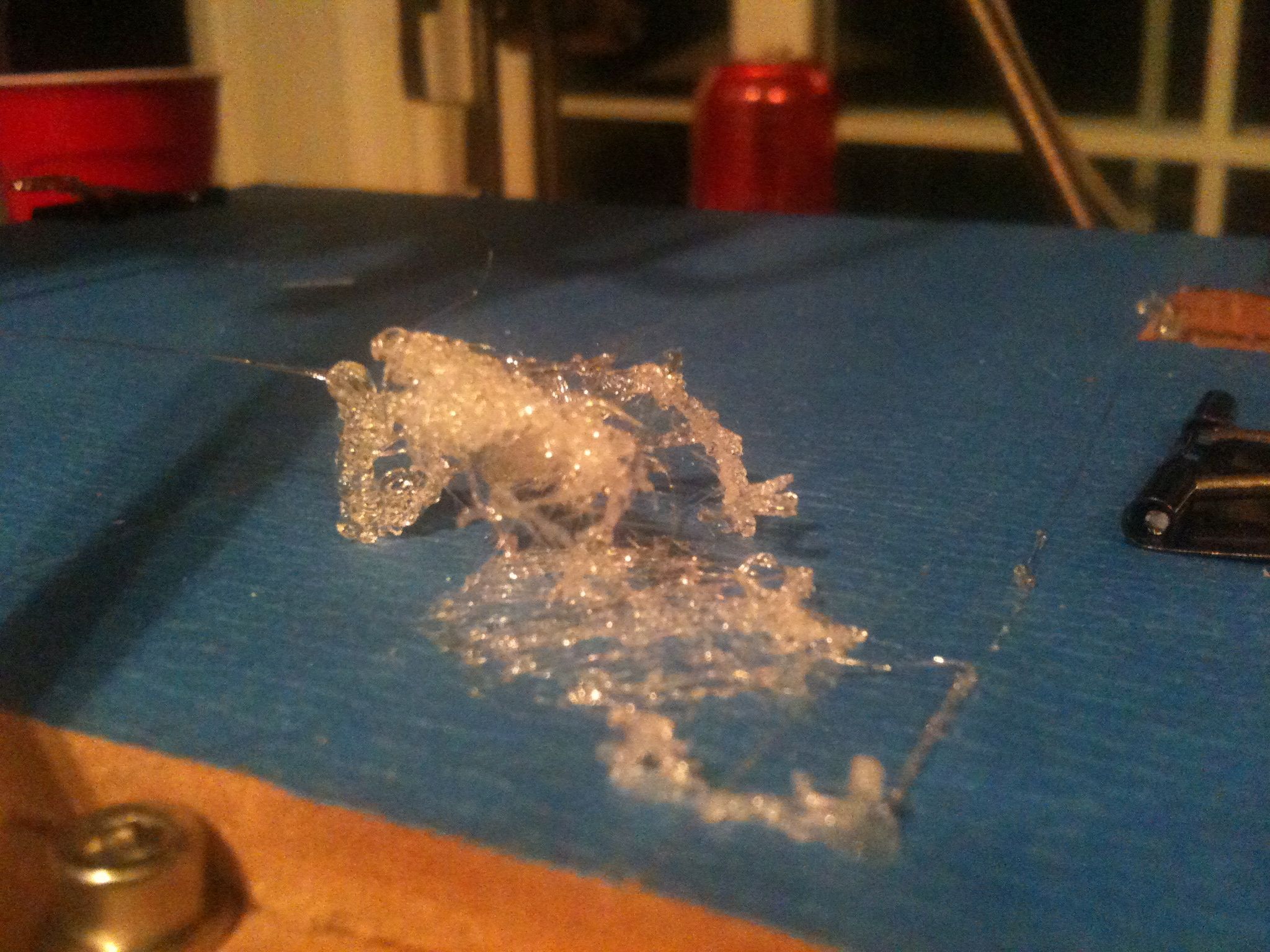
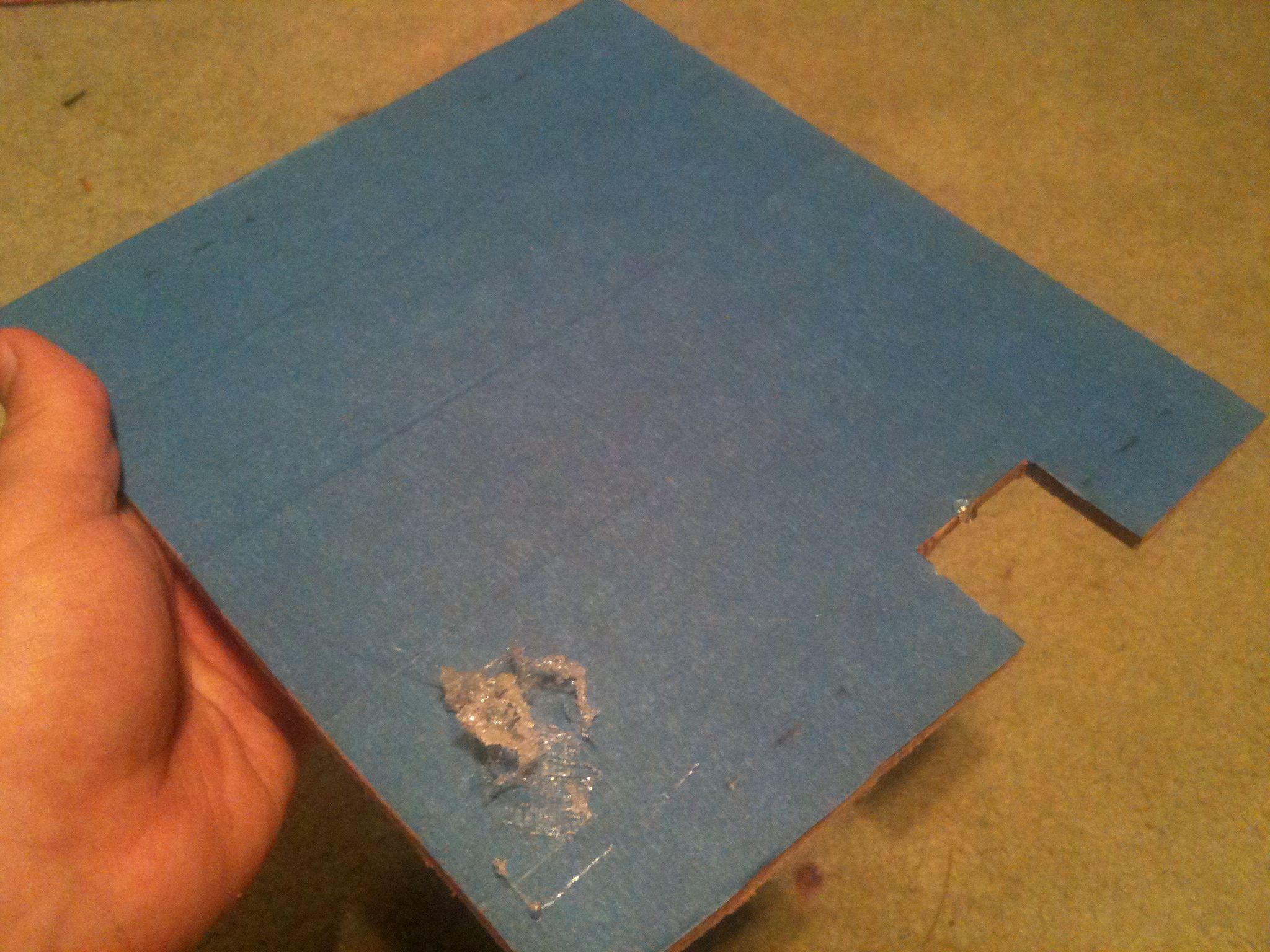
Here is the entire removed top bed with the failed print:
And here are two cross-eyed 3d pictures of that print (click for unscaled pictures which again work better):
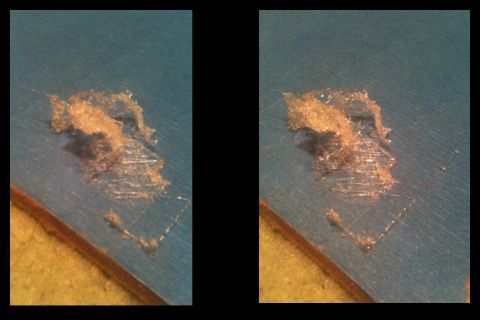
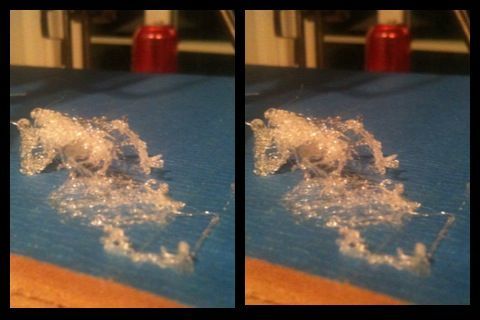
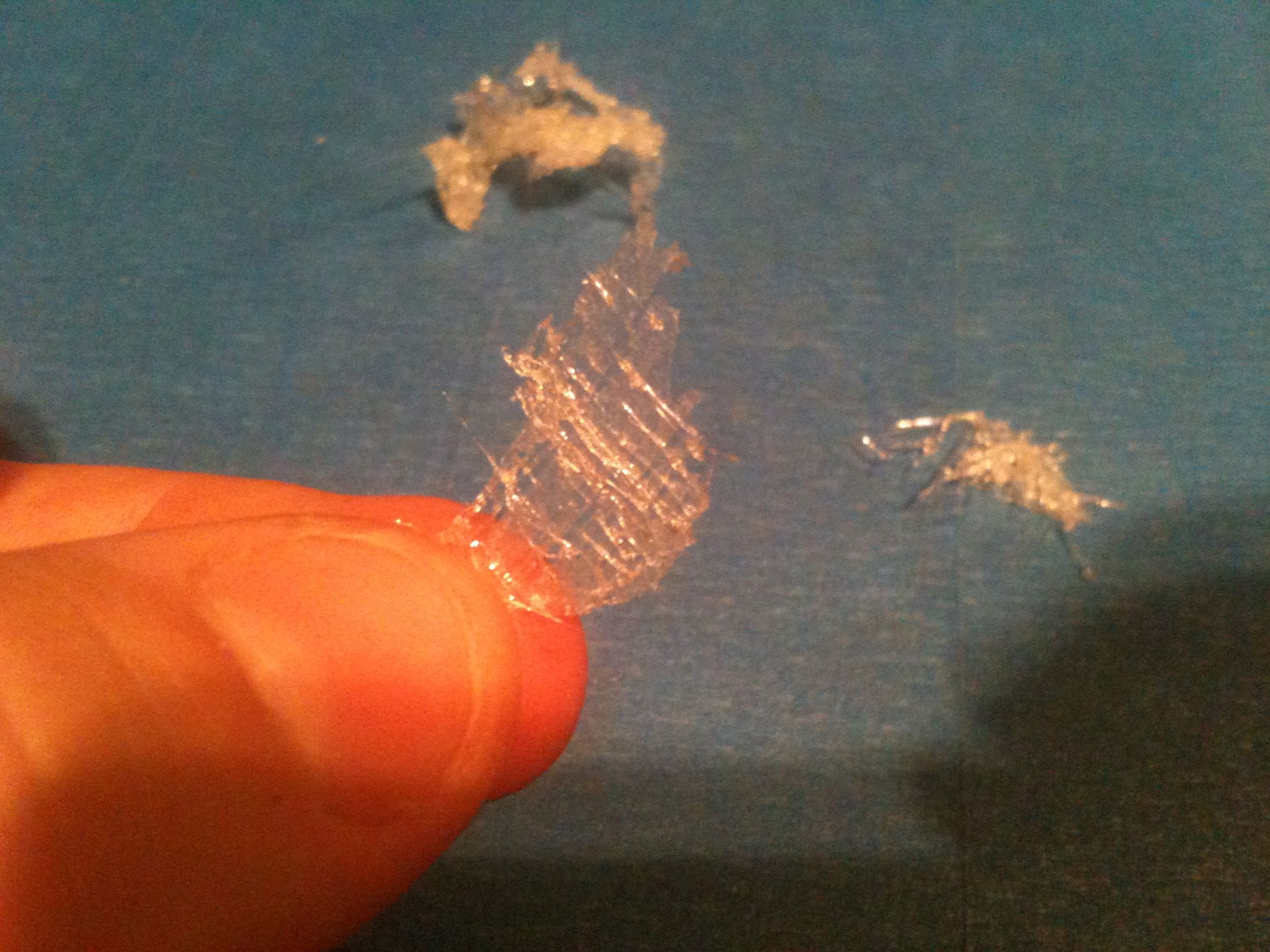
When peeling it off of the bed it was interesting to see that the bottom layer that was really flat (I think I trimmed my z opto flag about 0.5mm too short) actually stuck together, despite the thrashing that the failed build did to the rest:
So now I think I just have to find the right combination of: a) the correct spacing between the stepper and the bearing, b) the right PWM setting to use, and c) the extruder speed. Not sure on how exactly to change c yet.. Changing the gcode directly probably affects the rest of the build – when I was using skeinforge on the Makerbot I had to change something pre-rendering. Eh, we’ll see.
BUT NOW, I’M PRINTING!!! Woohoo!!!!!!!!!!!!!!! Now to just get something to print correctly… 🙂
Good news. Can’t wait to see further developments!
thanks for elaborate report
but it is nice to see
the three axes working at good speeds
are you satisfied with extruder output
if not for its direction of movement ?
The direction is fine, but the extrusion isn’t that reliable. I should be getting a steady stream of output but instead it seems intermittent. It’s gotten better since this post, but I still don’t have printing working yet.
Congrats to you too, looks like we’re both just about at the same point at the same time.
That is strange about the extruder power. Are you using the latest FiveD firmware release and the RepRap host software? If so, you should be able to set Extruder0_ExtrusionPWM=-1 which tells it to use the potentiometer to set the power. (that should be set by default) I know the pot sets the power for me as it doesn’t work unless I turn it to just the right spot, too low and it doesn’t move, too high and it gets jerky. Have you seen this page? http://reprap.org/wiki/Java_Software_Preferences_File
I actually hadn’t seen that page – thanks for the link (following it now). It seems that many of the features I need are marked as “legacy” but I hope they’re still used – like the number of steps per mm for X, Y, and Z (since I’m using different sized pulleys).
So initially I’d looked for Extruder0_ExtrusionPWM and couldn’t find it in the preferences page.. Then I realized the problem – at least as of the July 2nd build, if you start with an older preferences file (mine was from the November 6th build), it won’t show you any of the new preferences items – it will only show you what’s in your preferences file. I had to move/hide my existing preferences file, restart the RepRap host software, it displayed an empty alert dialog that I closed, I quit, then ran again, and it had created a new reprap.properties file (under ~/.reprap) that I could then diff against my old one to see what changes I’d made that I wanted to keep.
Now that I’ve set it to -1 I do see the trimpot having an effect, and I’ve determined where I want it. Last night I had the best attempt at a print yet, which was still pretty poor, but it revealed that somehow my bed has become out of whack, with the left side (looking from the back) lower than the right side, despite my leveling of the bed with that spacer part. (maybe it’s the 2nd bed piece). Next thing I’ll do is relevel that and try again.
Wahoo!!!!!
Great work! Not sure how you do it with all the interruptions and distractions…I mean, the pool is right there!!
(in heavy Eastern European accent) Are you proud of dis?
Congrats!
Congrats dude! now is just a matter of setting things up…
民視眼鏡 – 媒體認證台北市士林最便宜眼鏡配到好
http://www.people-eye.com.tw/
Pingback: First (failed) Print!!! LOL!
Pingback: First (failed) Print!!! LOL!
Pingback: First (failed) Print!!! LOL!
Pingback: wordpress plugin
Pingback: âm nhạc
Pingback: ezra miller
Pingback: sức khỏe
Pingback: máy tập cơ bụng
Pingback: mẫu áo ca đoàn
Pingback: thanh lý phòng gym
Pingback: may đông phục
Pingback: tử vi trọn đời
Pingback: download flatsome
Pingback: áo cờ việt nam giá bao nhiêu
Pingback: trung tâm tập gym
Pingback: áo đoàn cộc tay
Pingback: napoleon
Pingback: co tuong zingplay
Pingback: công ty may mặc
Pingback: hotmail
Pingback: hỏi đáp
Pingback: mua laptop
Pingback: đổ mực máy photocopy
Pingback: First (failed) Print!!! LOL!
Pingback: First (failed) Print!!! LOL!
Pingback: máy tập đa năng
Pingback: xem tử vi năm 2016
Pingback: xem lá số tử vi
Pingback: mua buôn áo cờ đỏ sao vàng
Pingback: tài chính
Pingback: themes wordpress
Pingback: First (failed) Print!!! LOL!
Pingback: mở phòng gym
Pingback: First (failed) Print!!! LOL!
Pingback: dấu hiệu nhiễm trùng sau khi nâng mũi
Pingback: mua áo hội sinh viên ở đâu
Pingback: cecily strong
Pingback: xem tu vi 2016
Pingback: công ty may
Pingback: First (failed) Print!!! LOL!
Pingback: First (failed) Print!!! LOL!
Pingback: áo tôi yêu việt nam ở tphcm
Pingback: tư vi