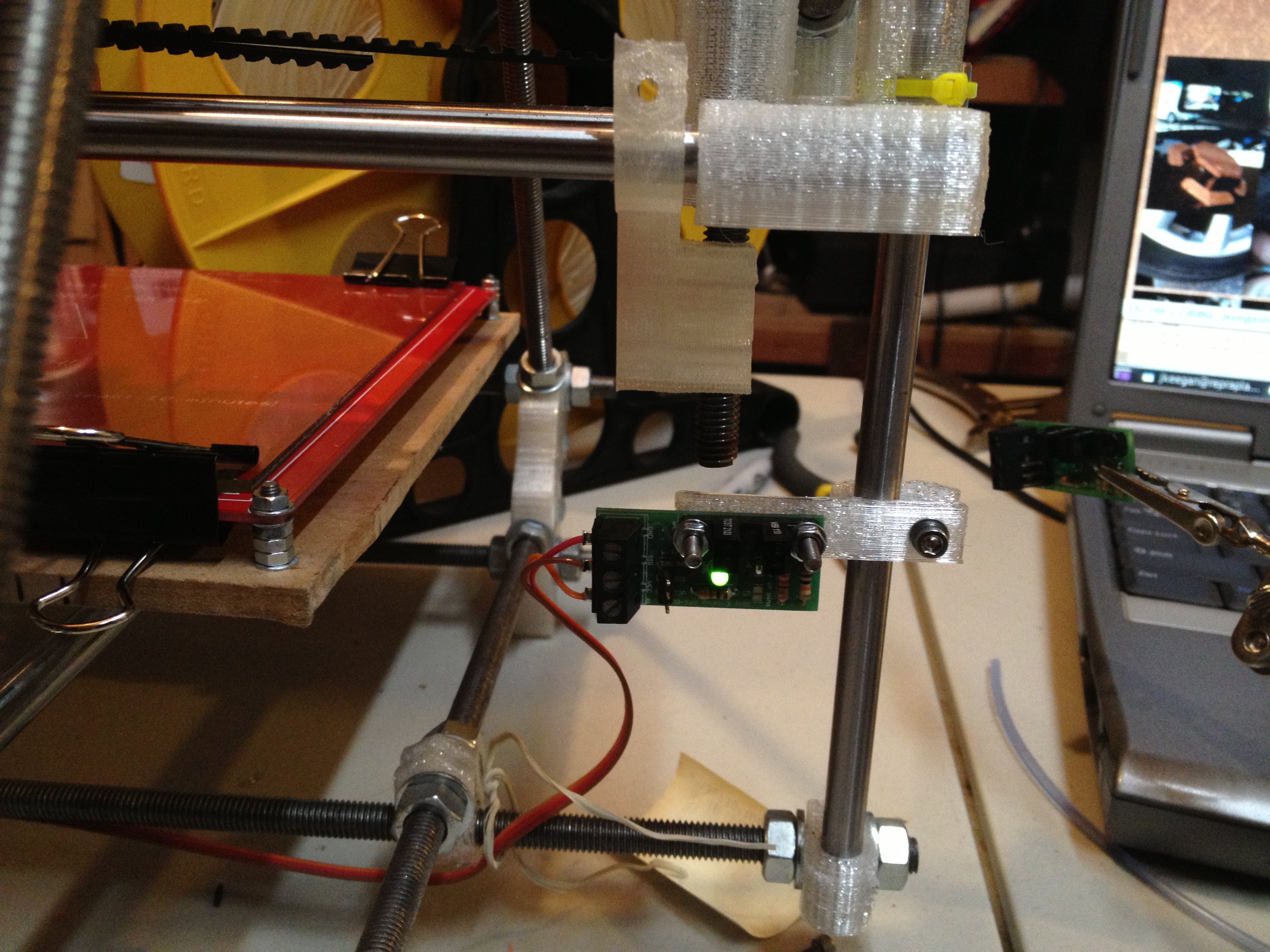
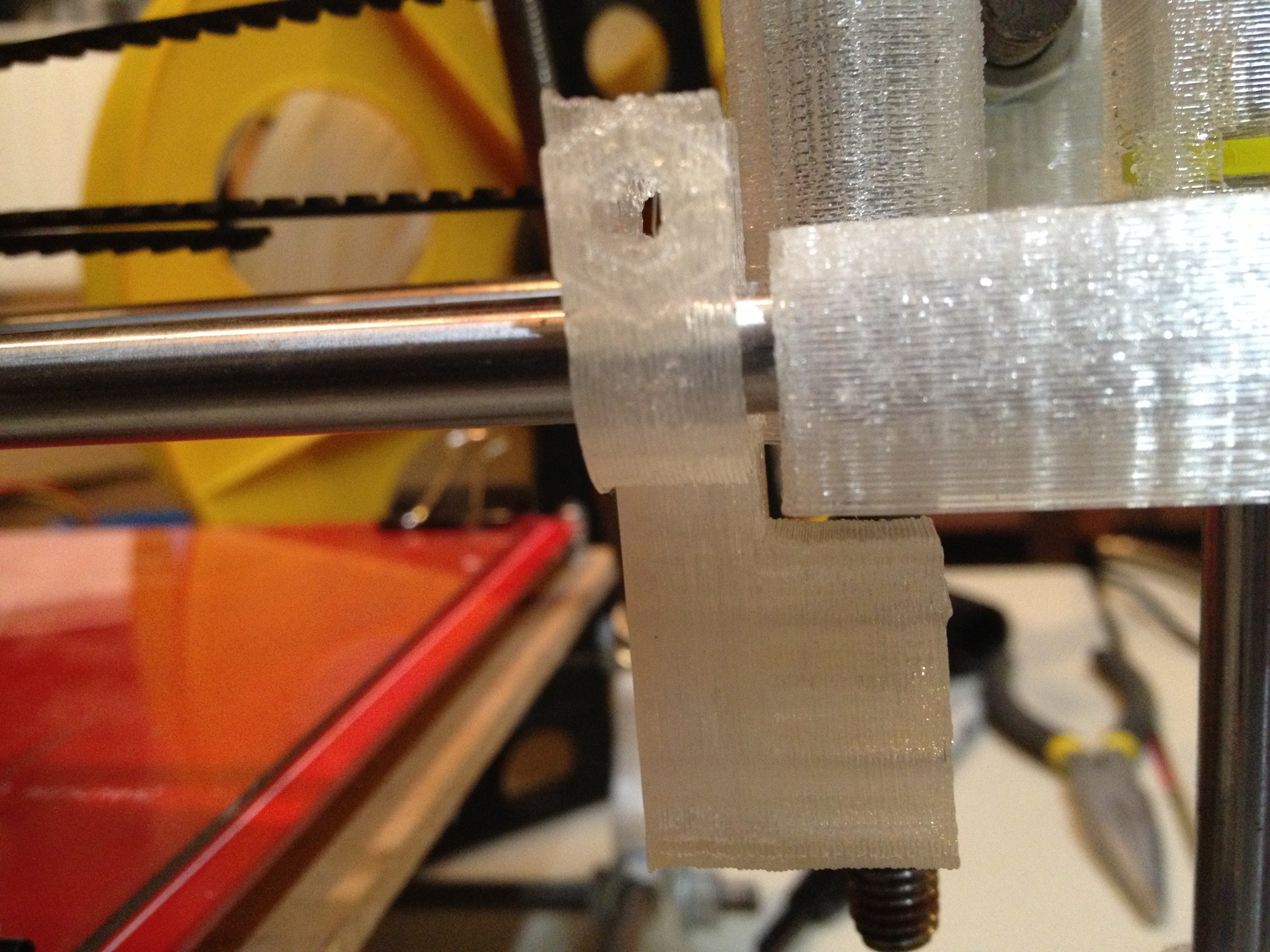
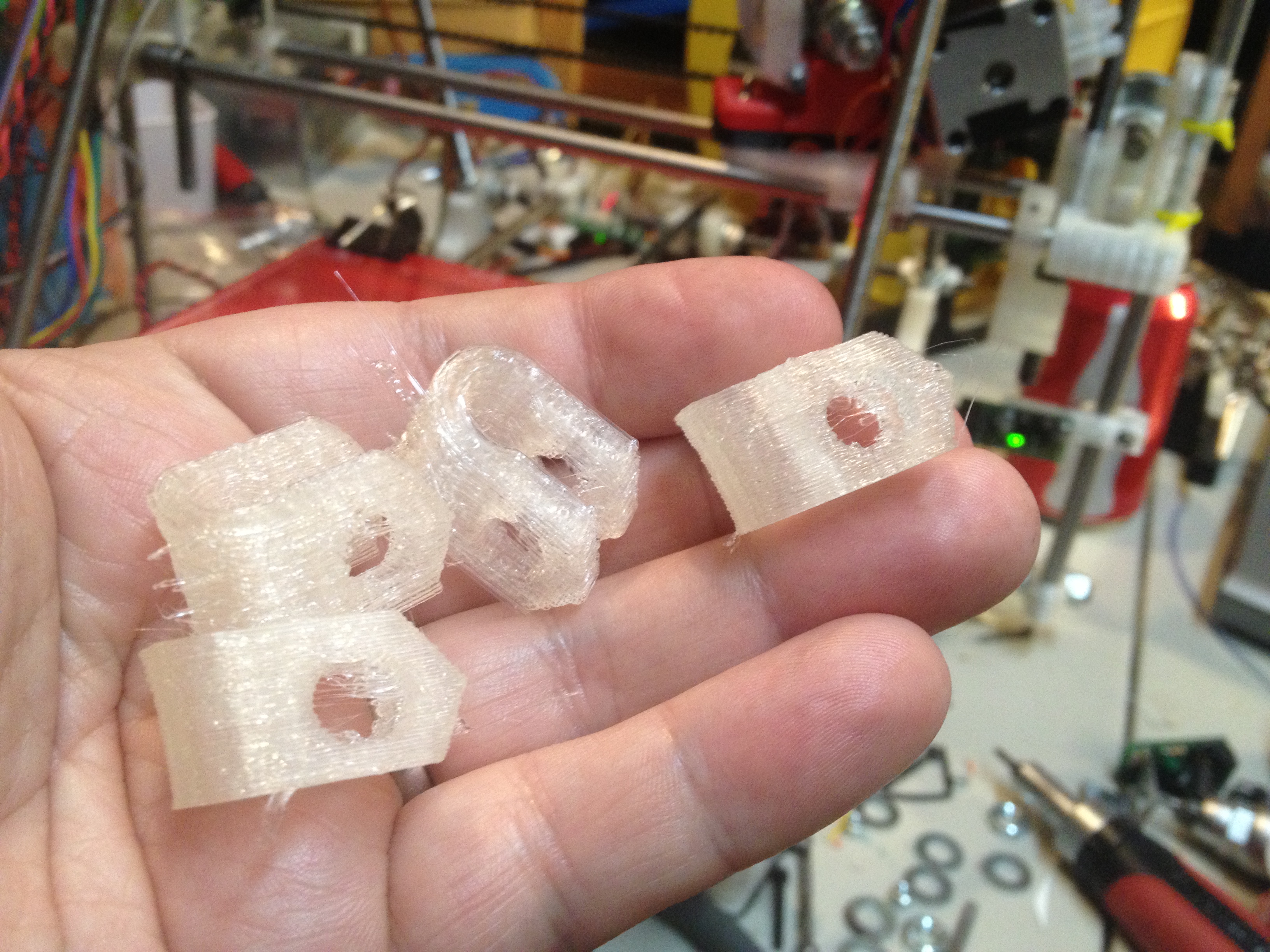
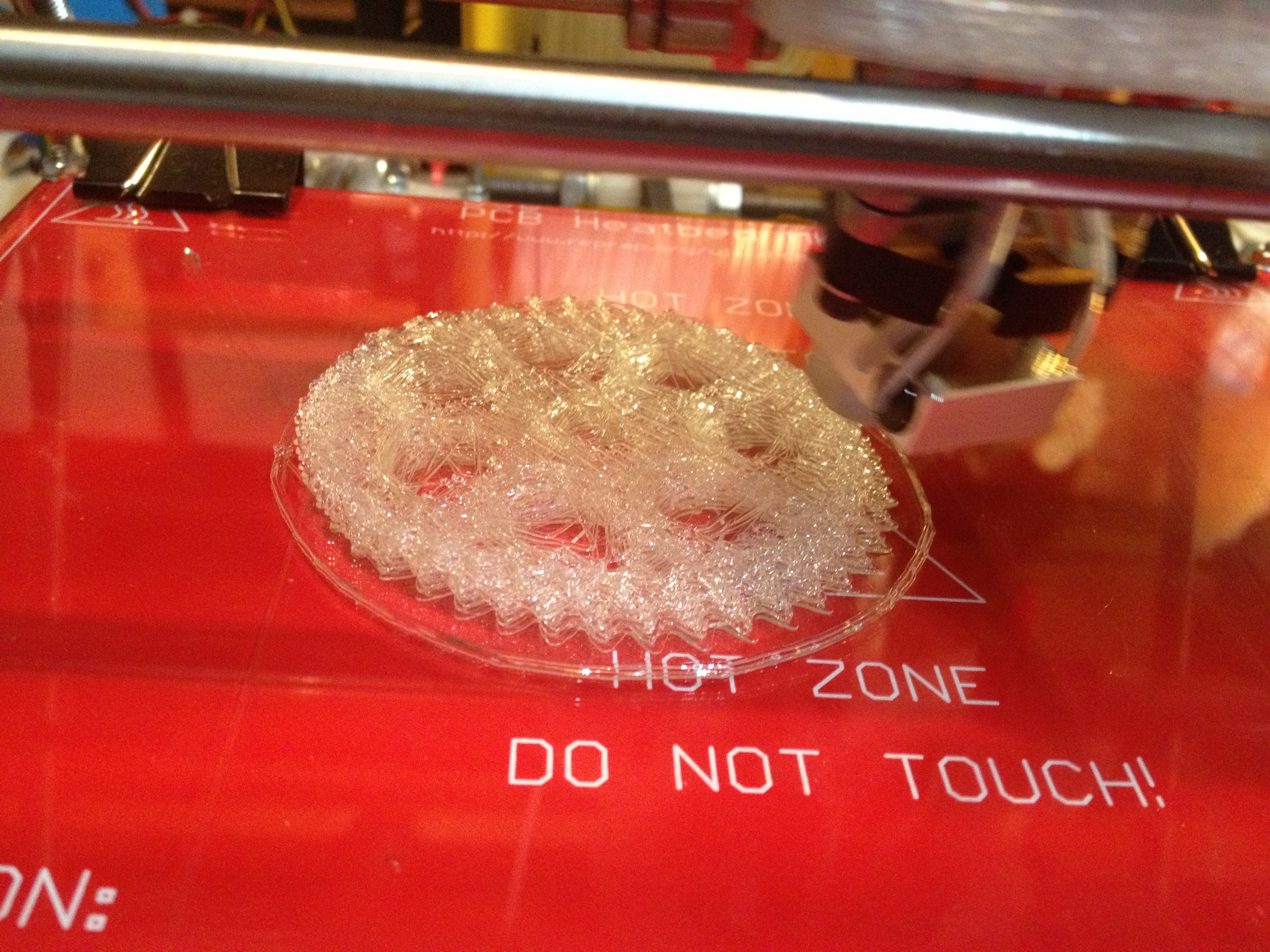
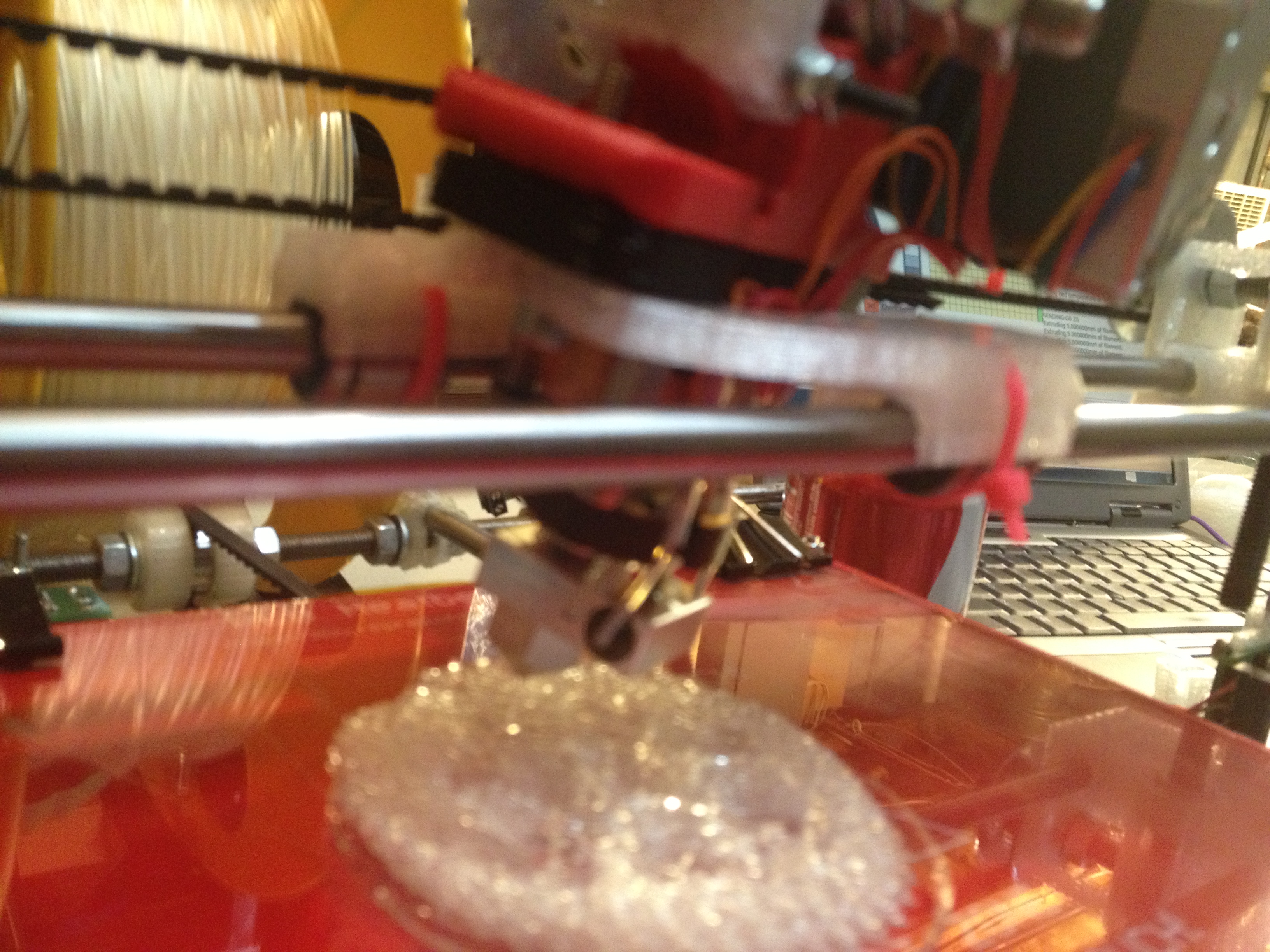
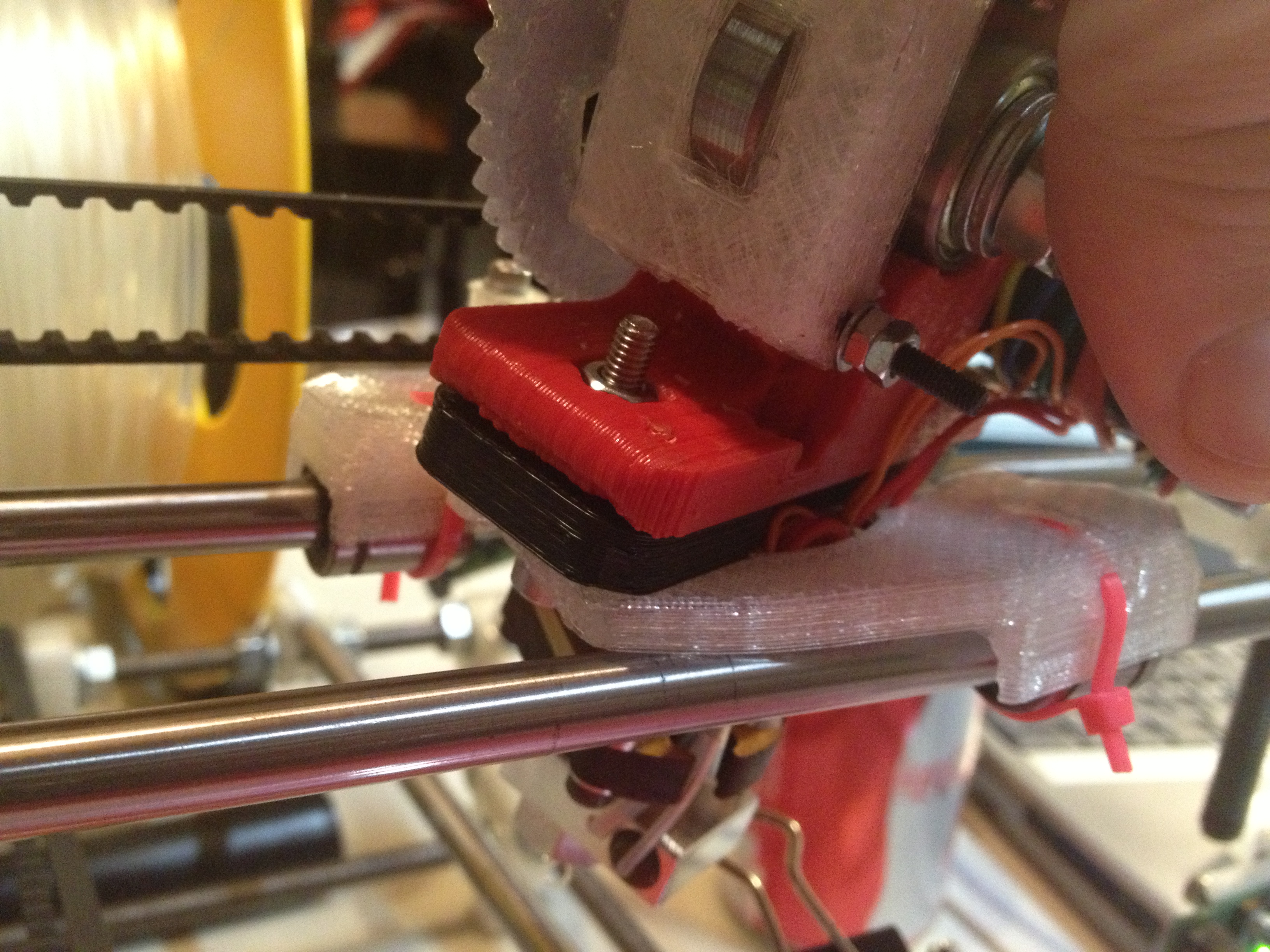
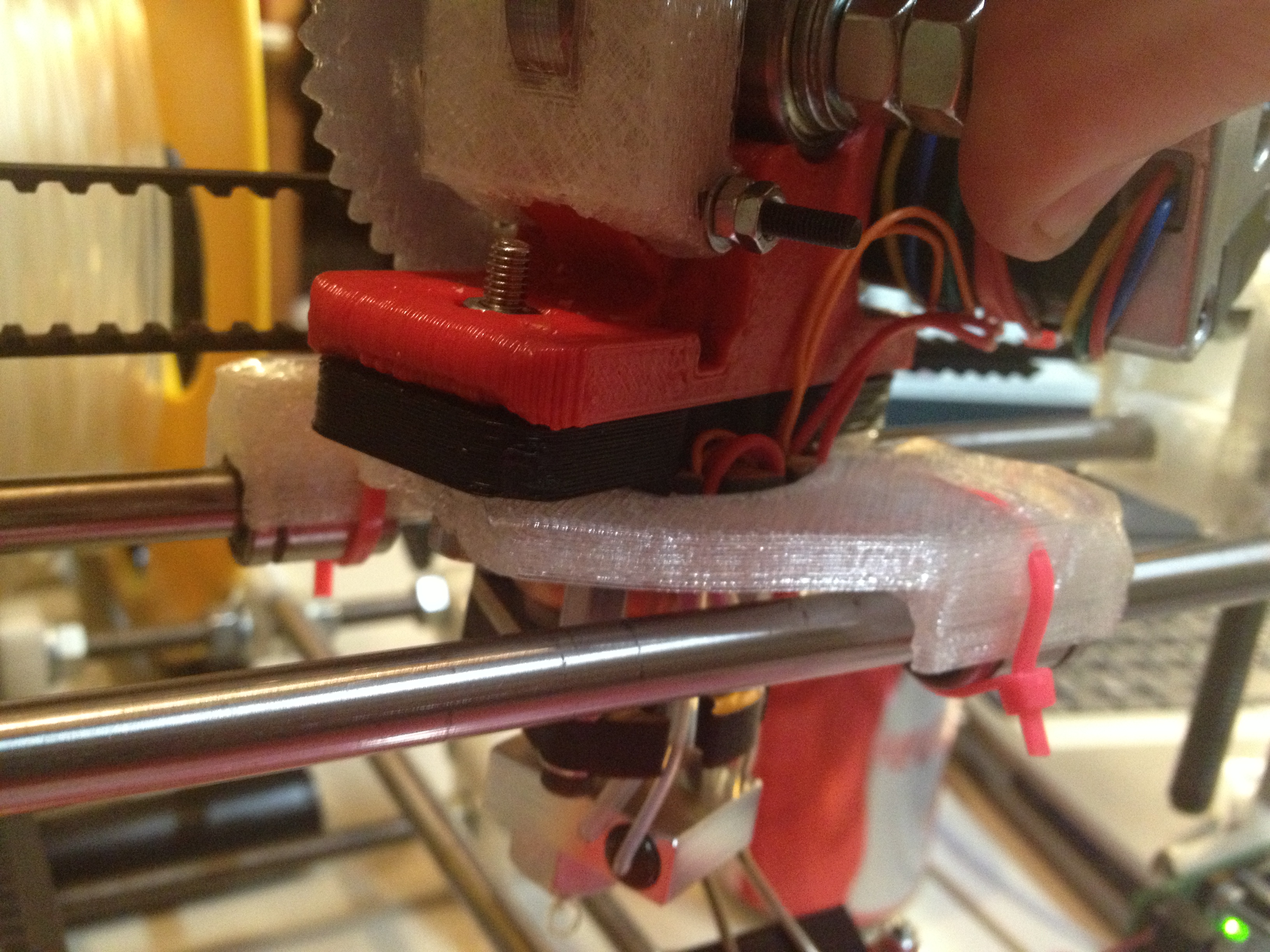
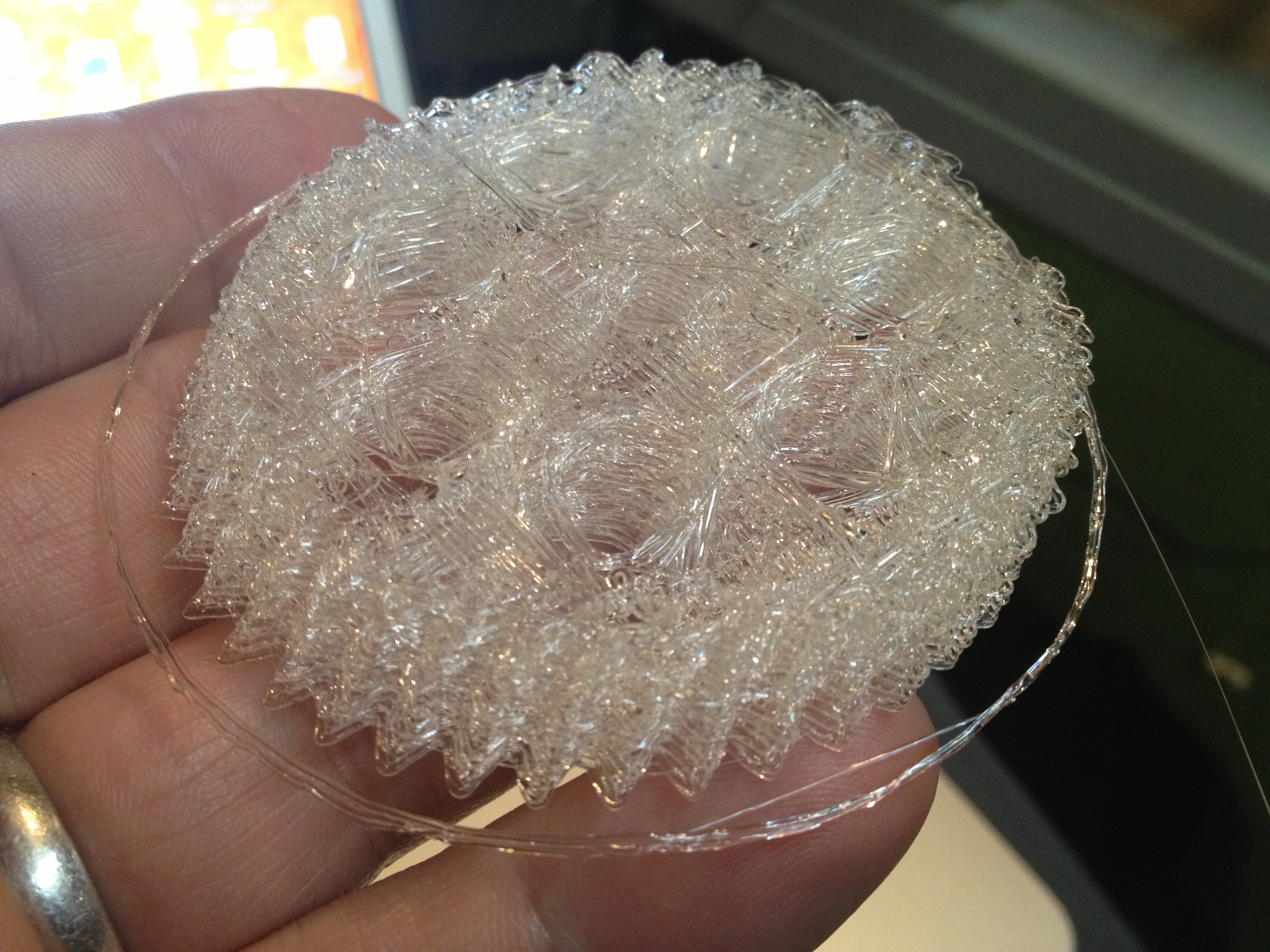
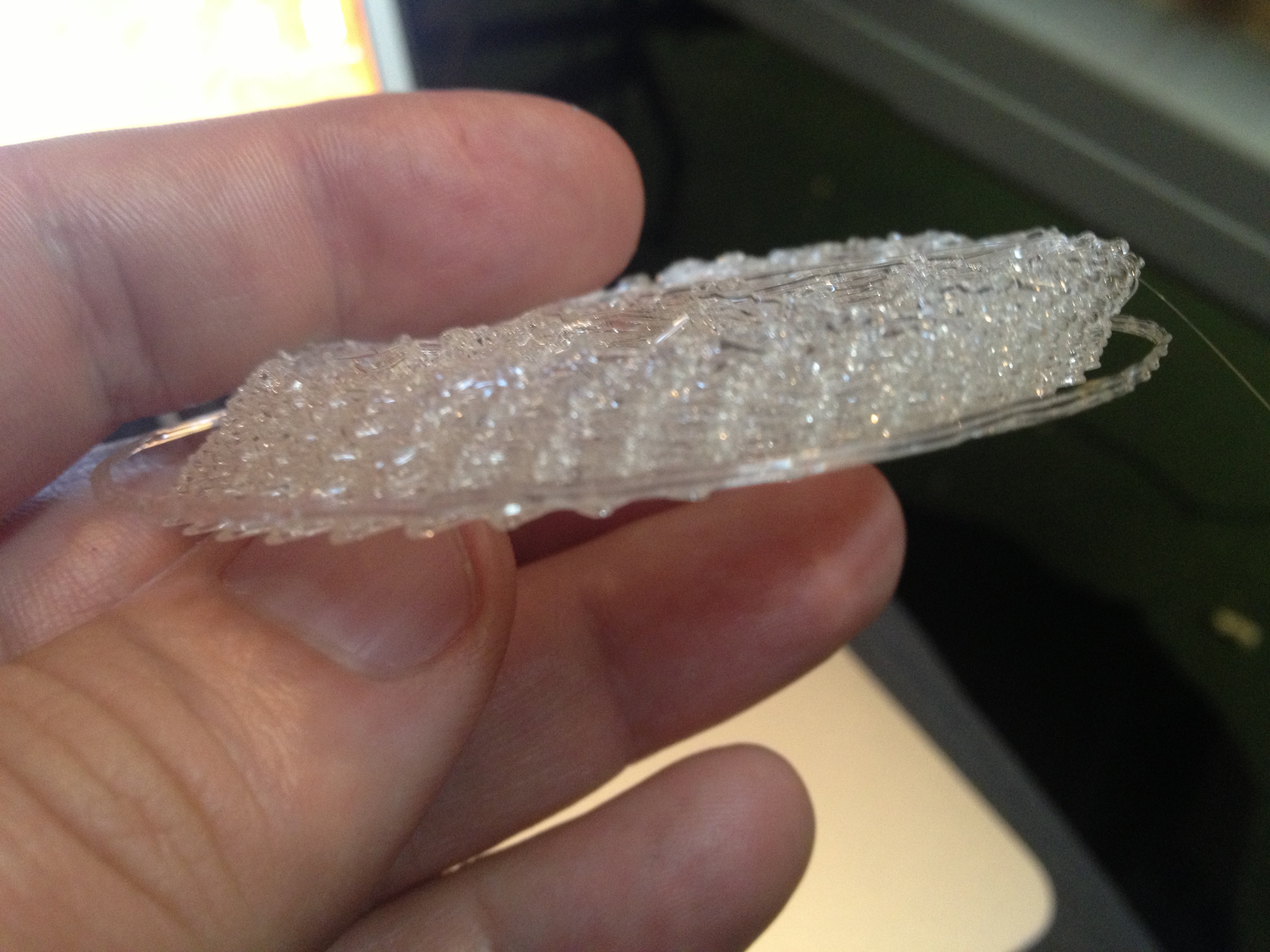
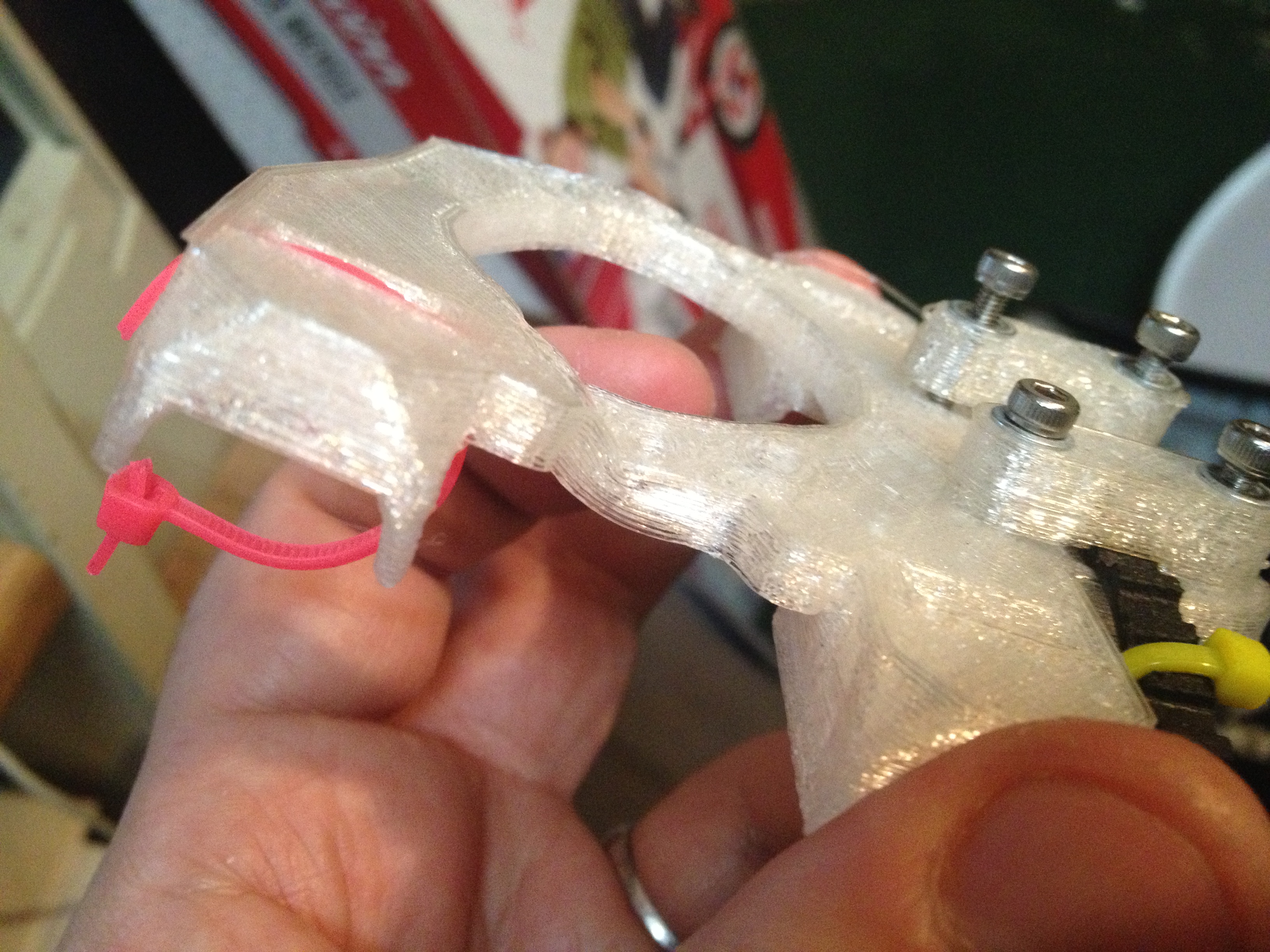
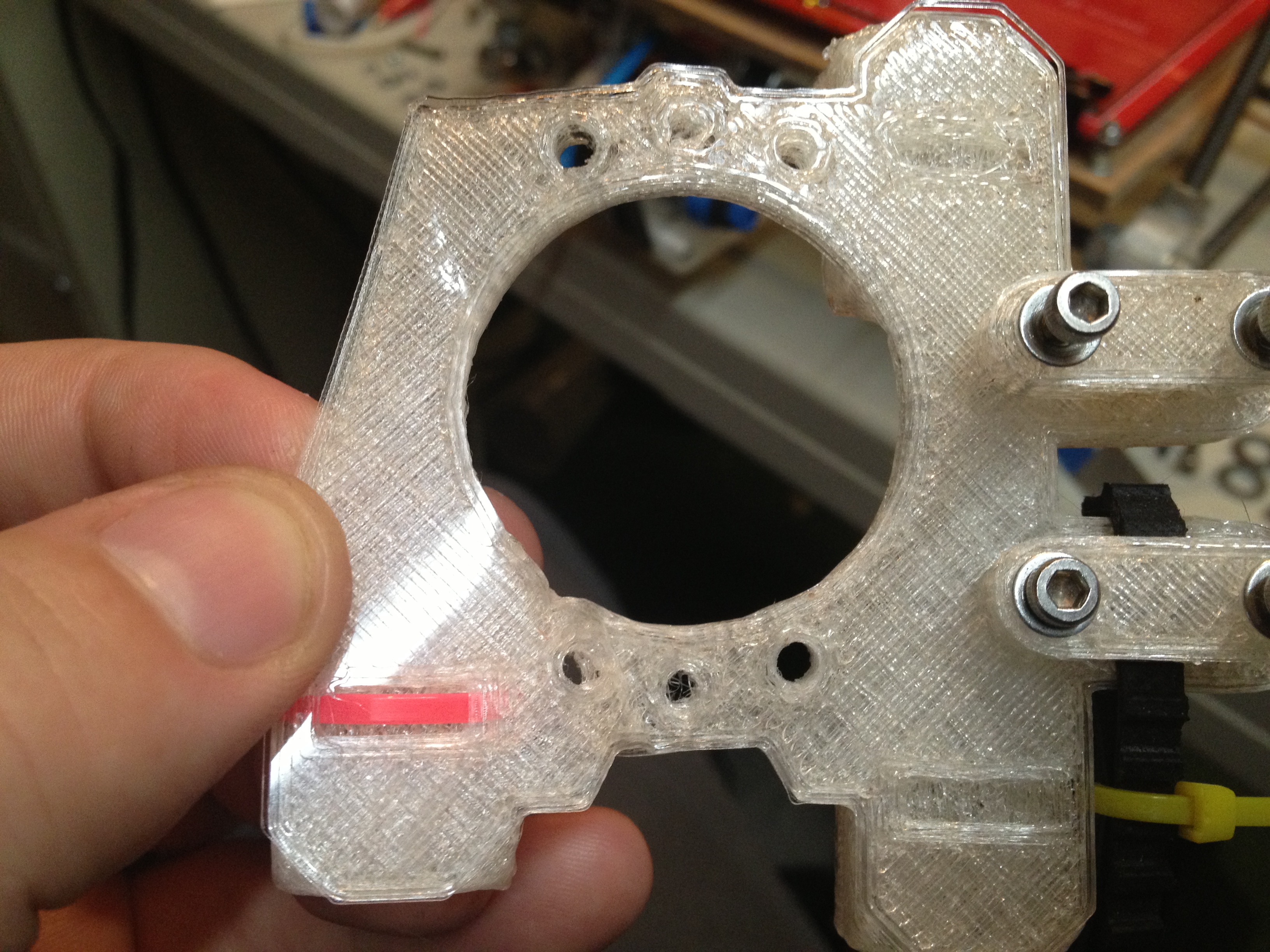
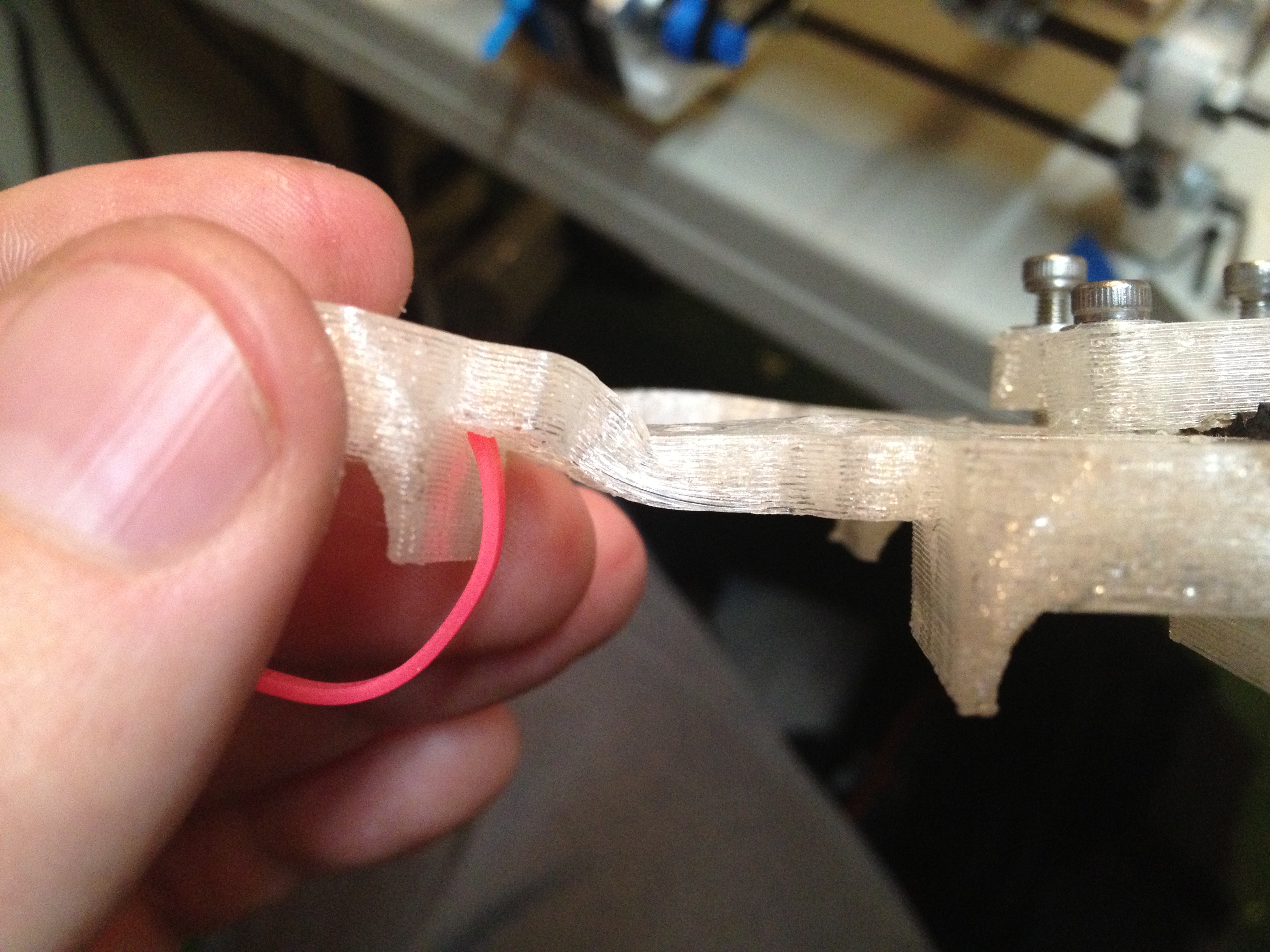
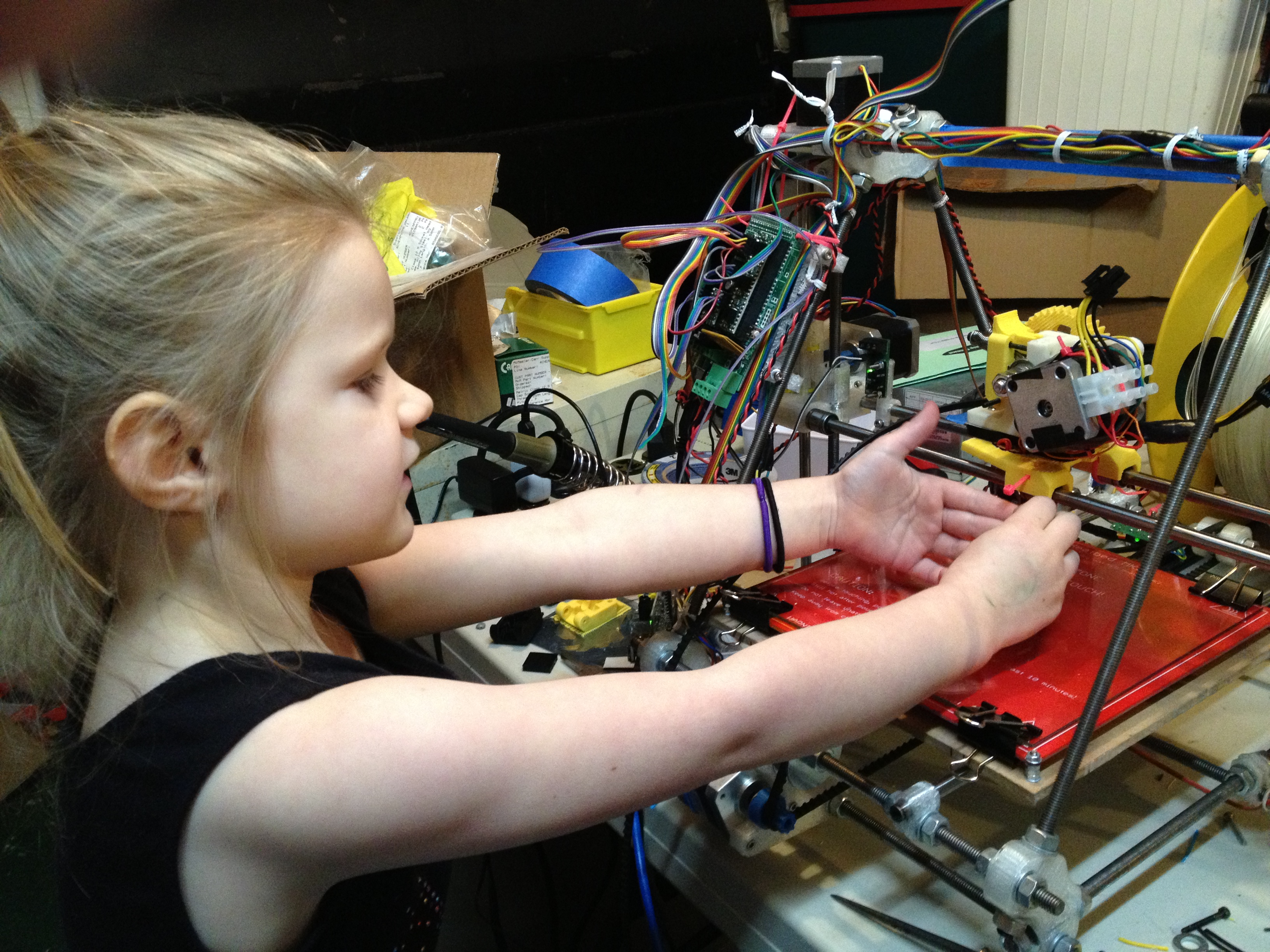
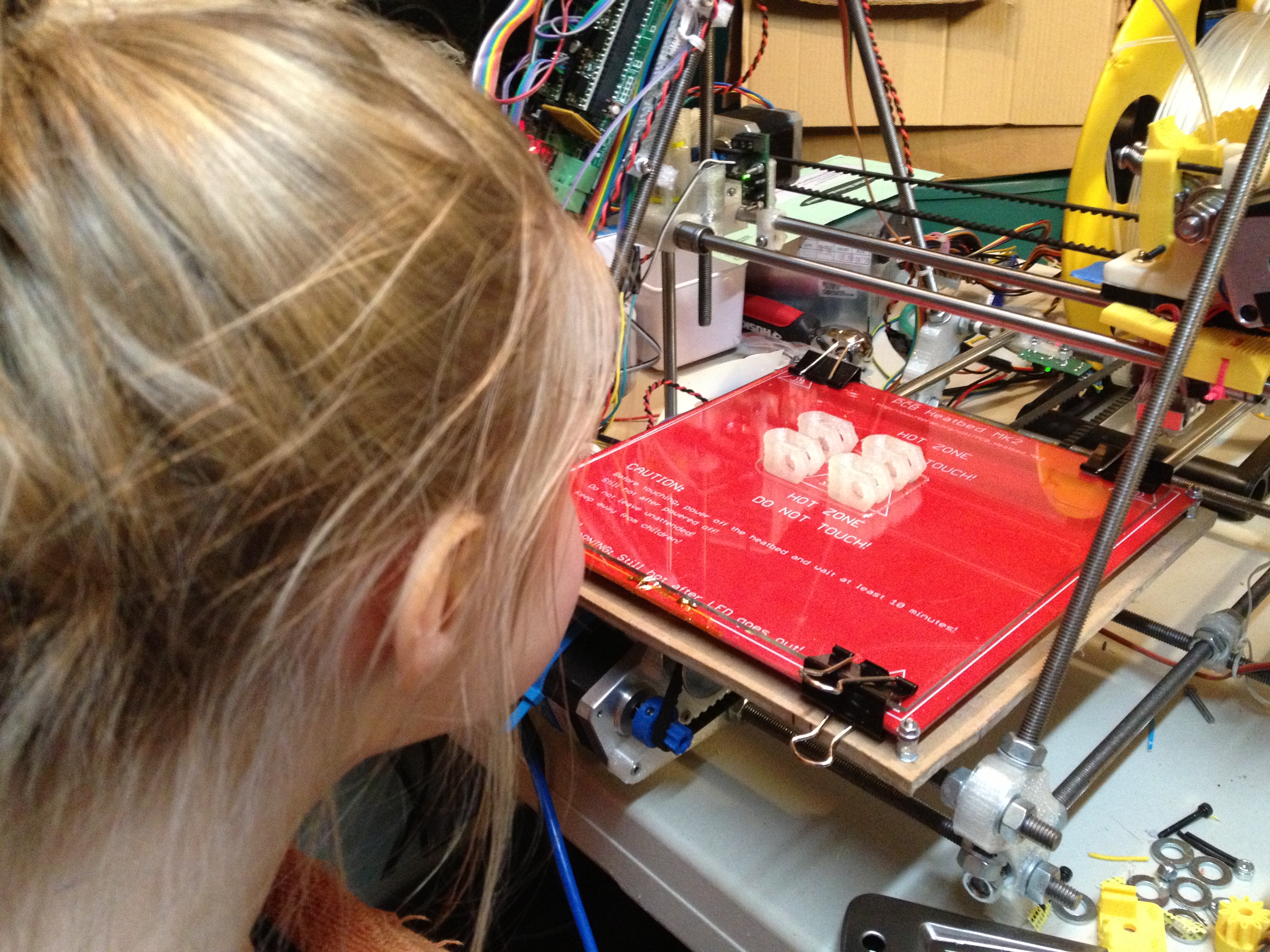
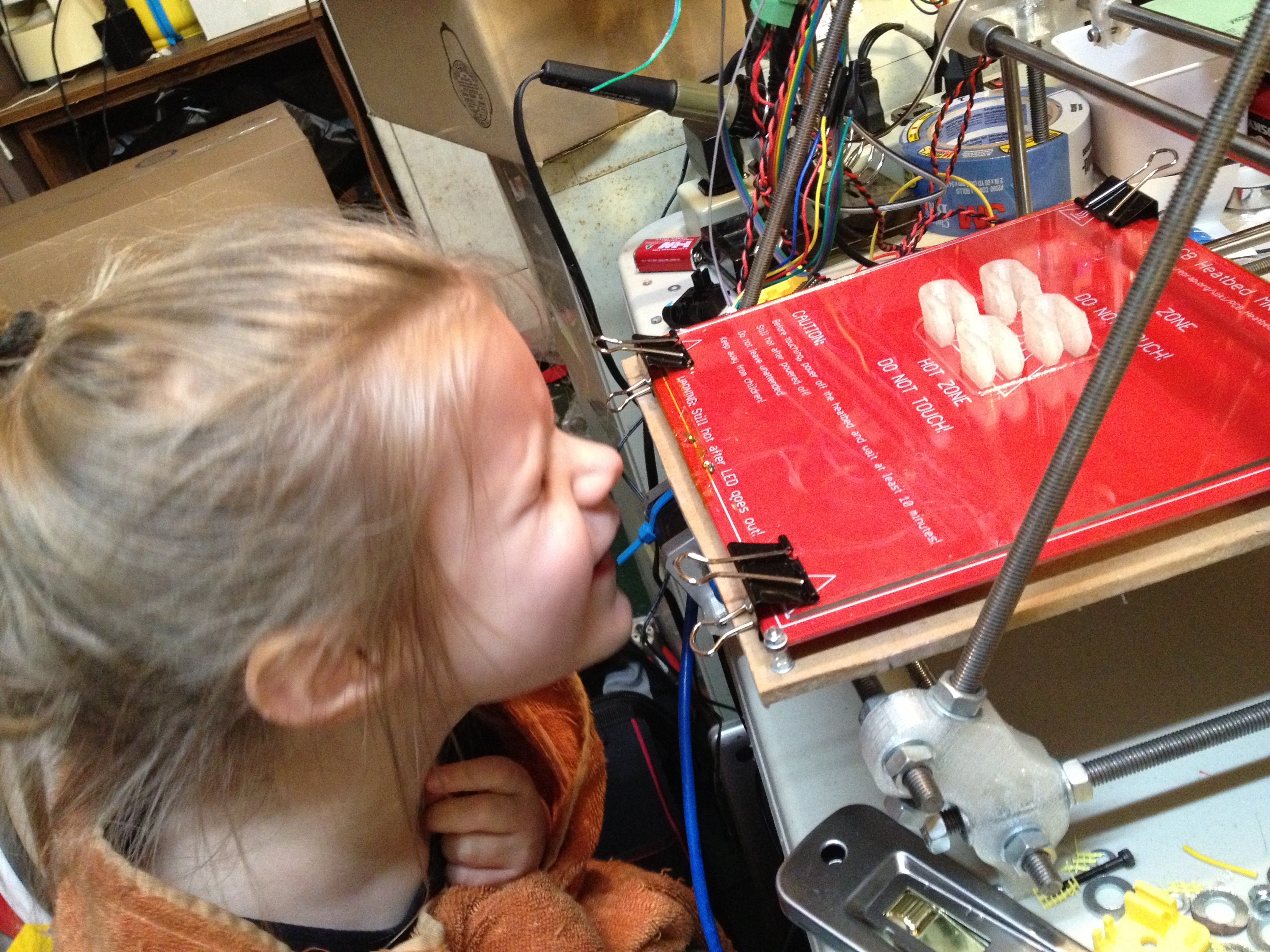
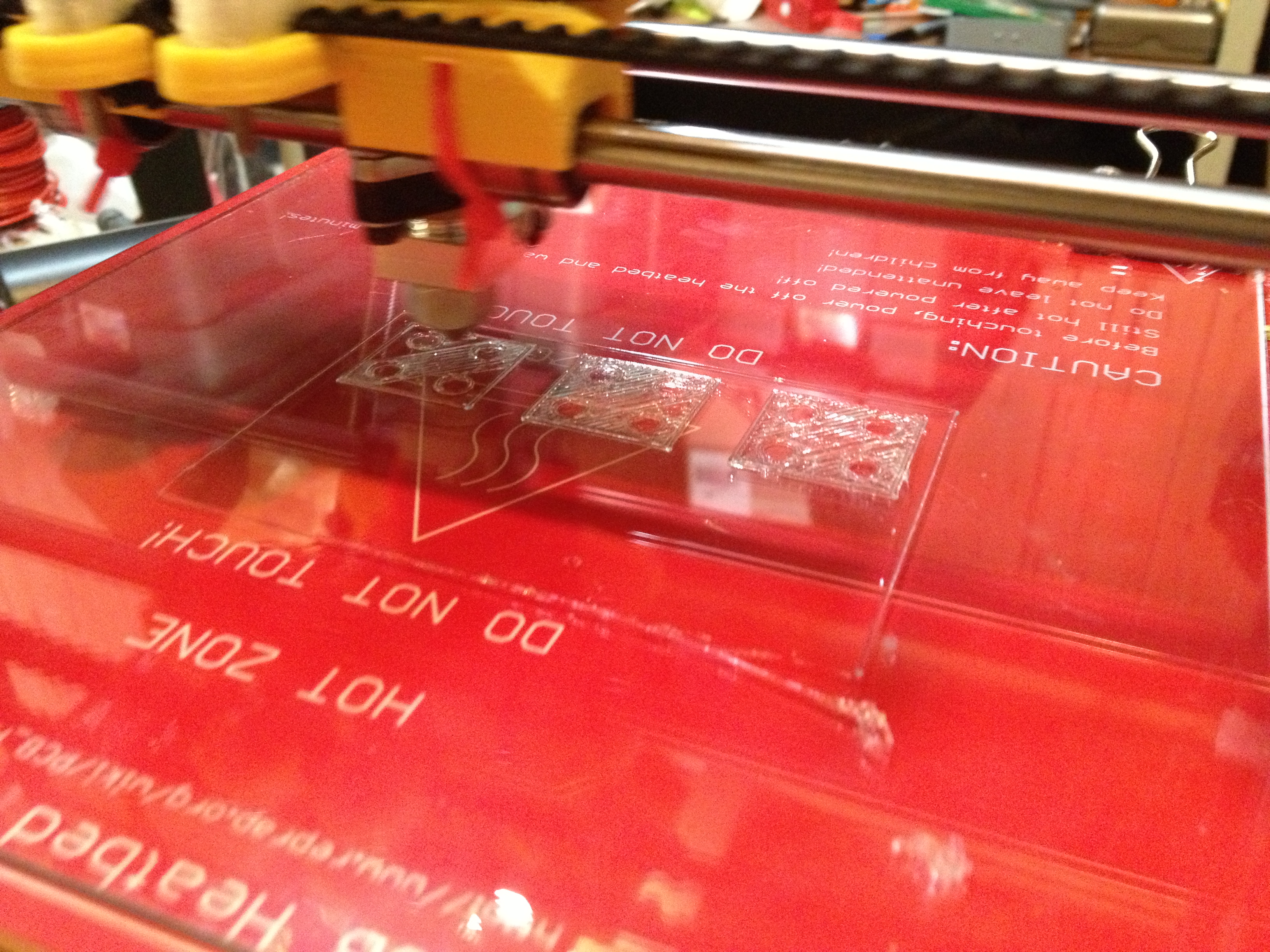
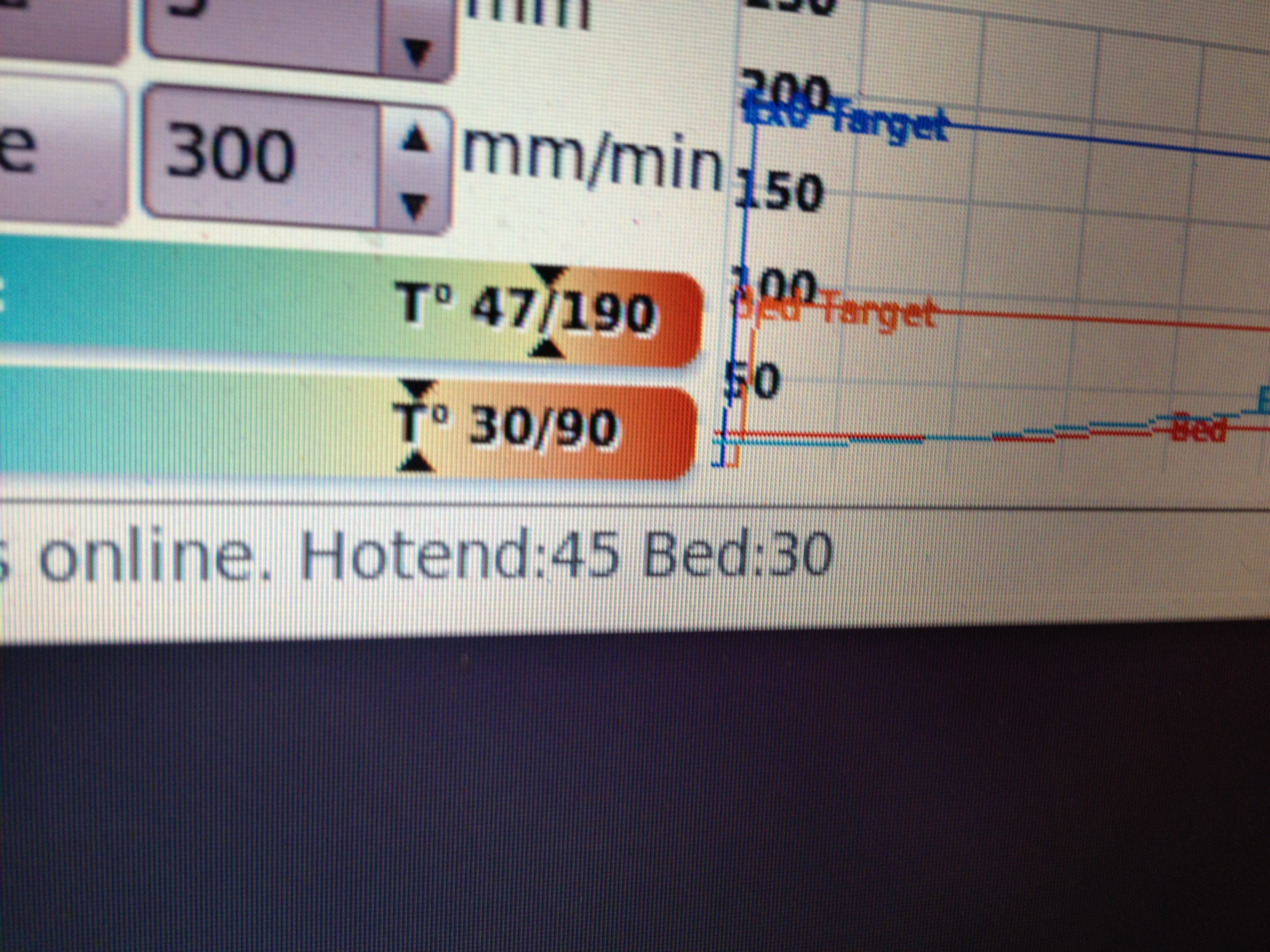
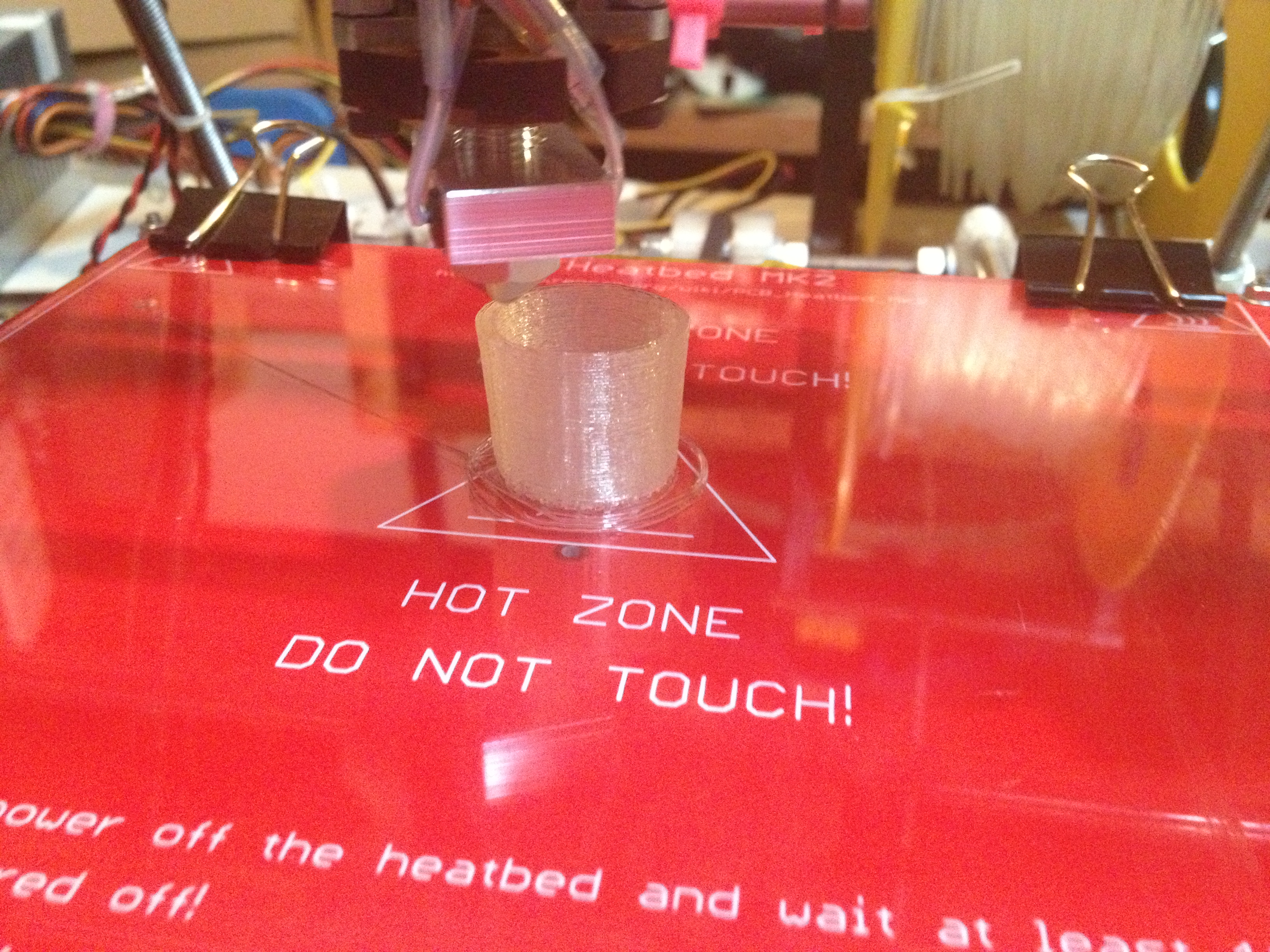
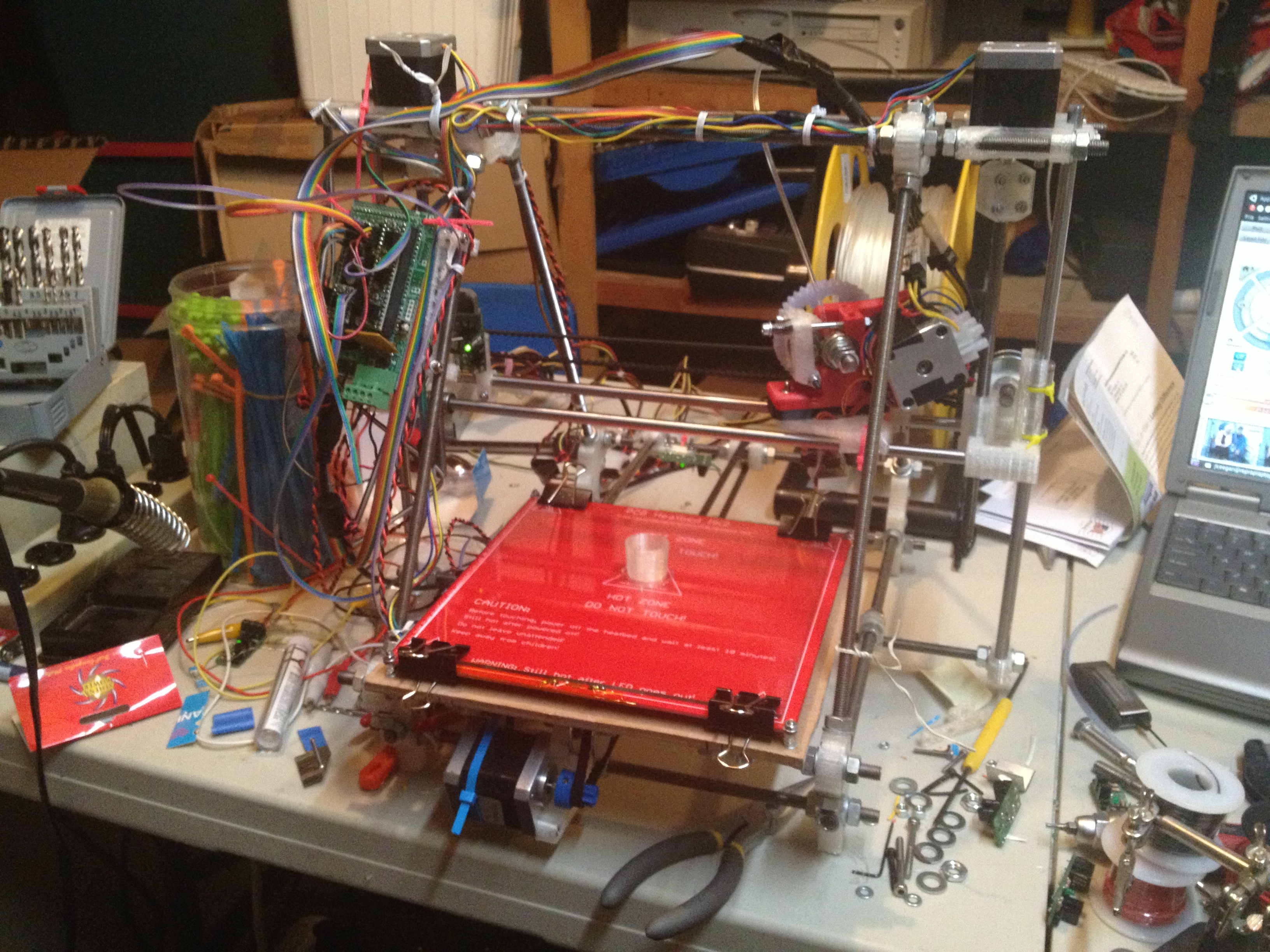
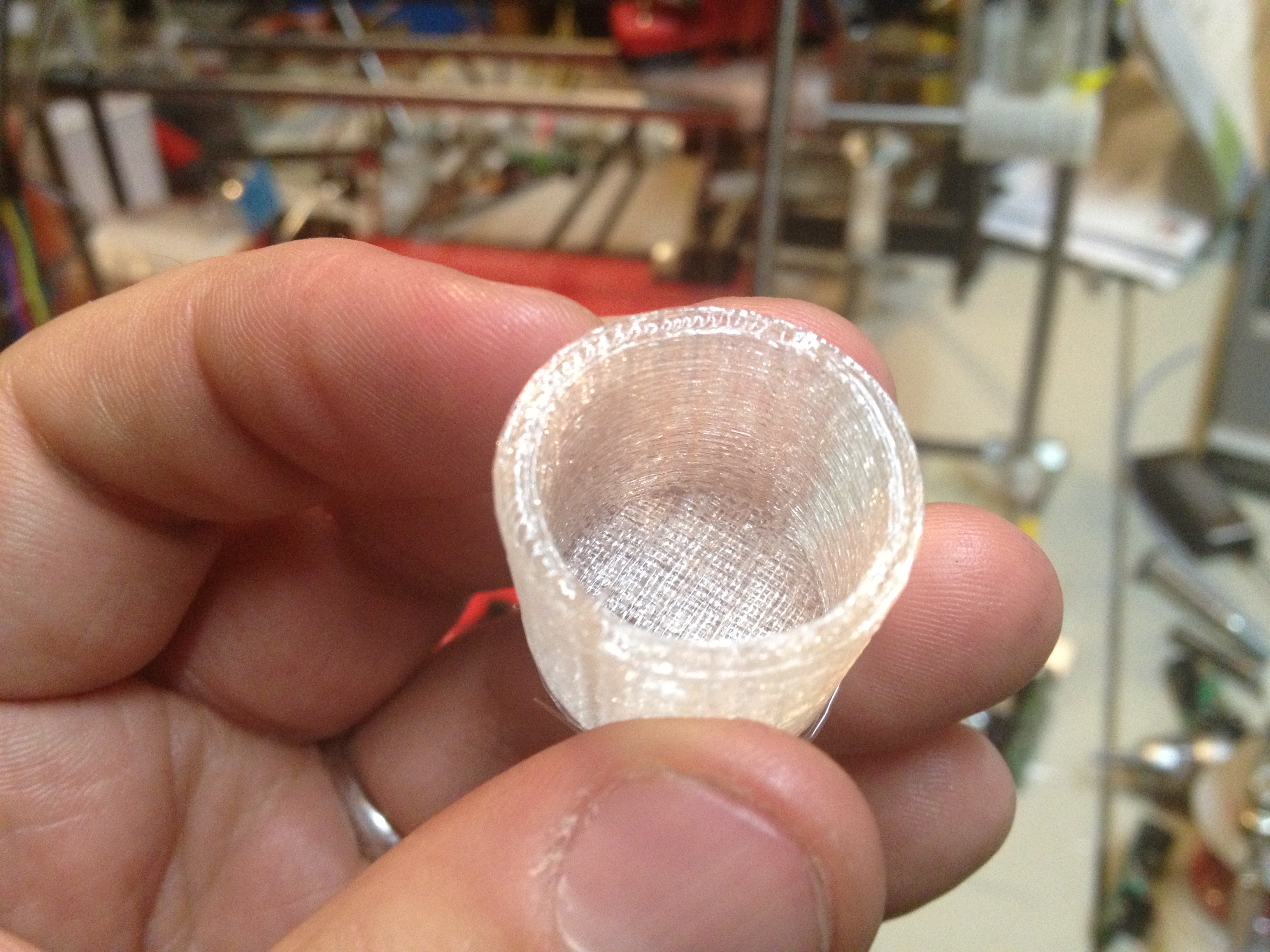
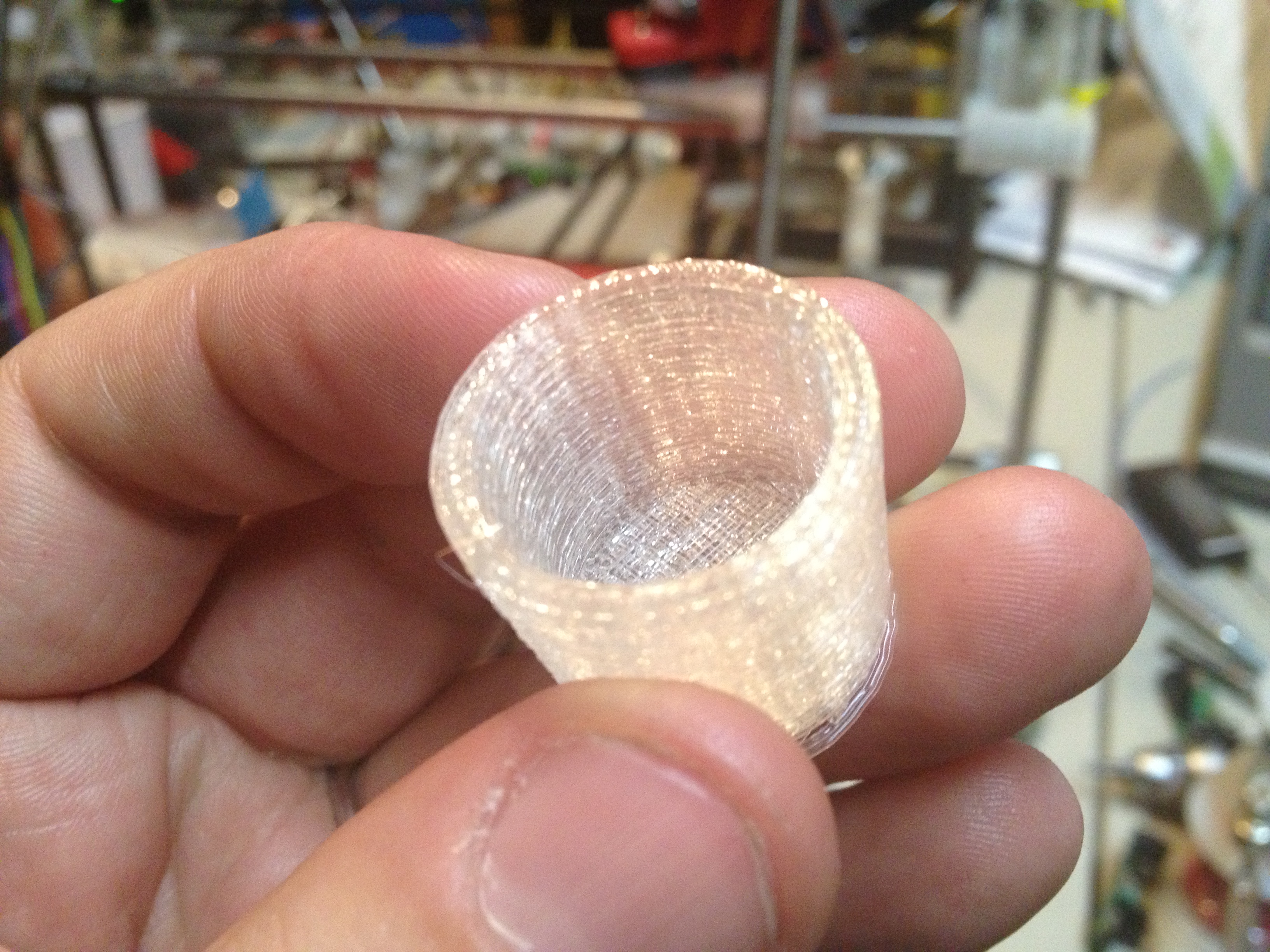
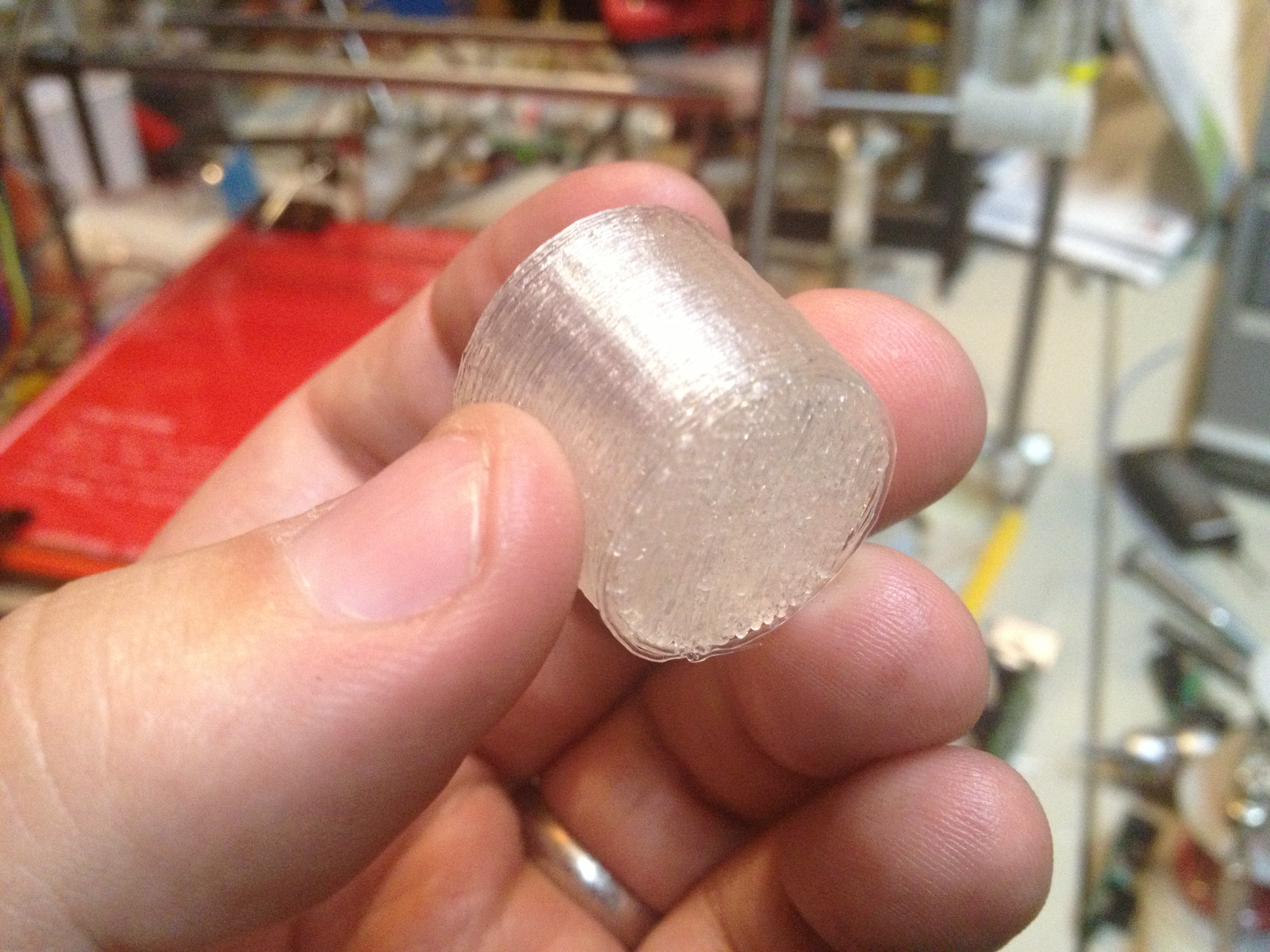
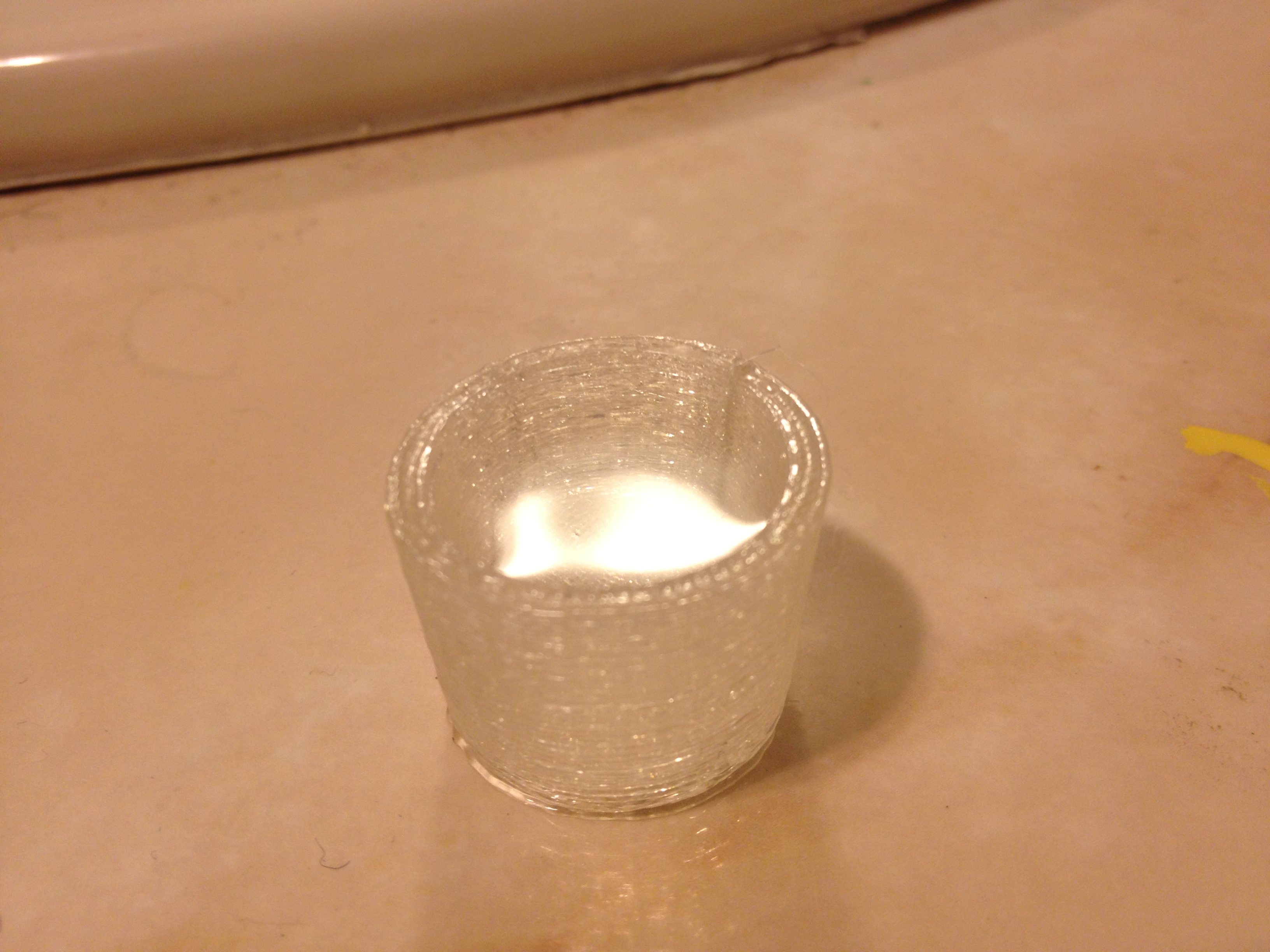
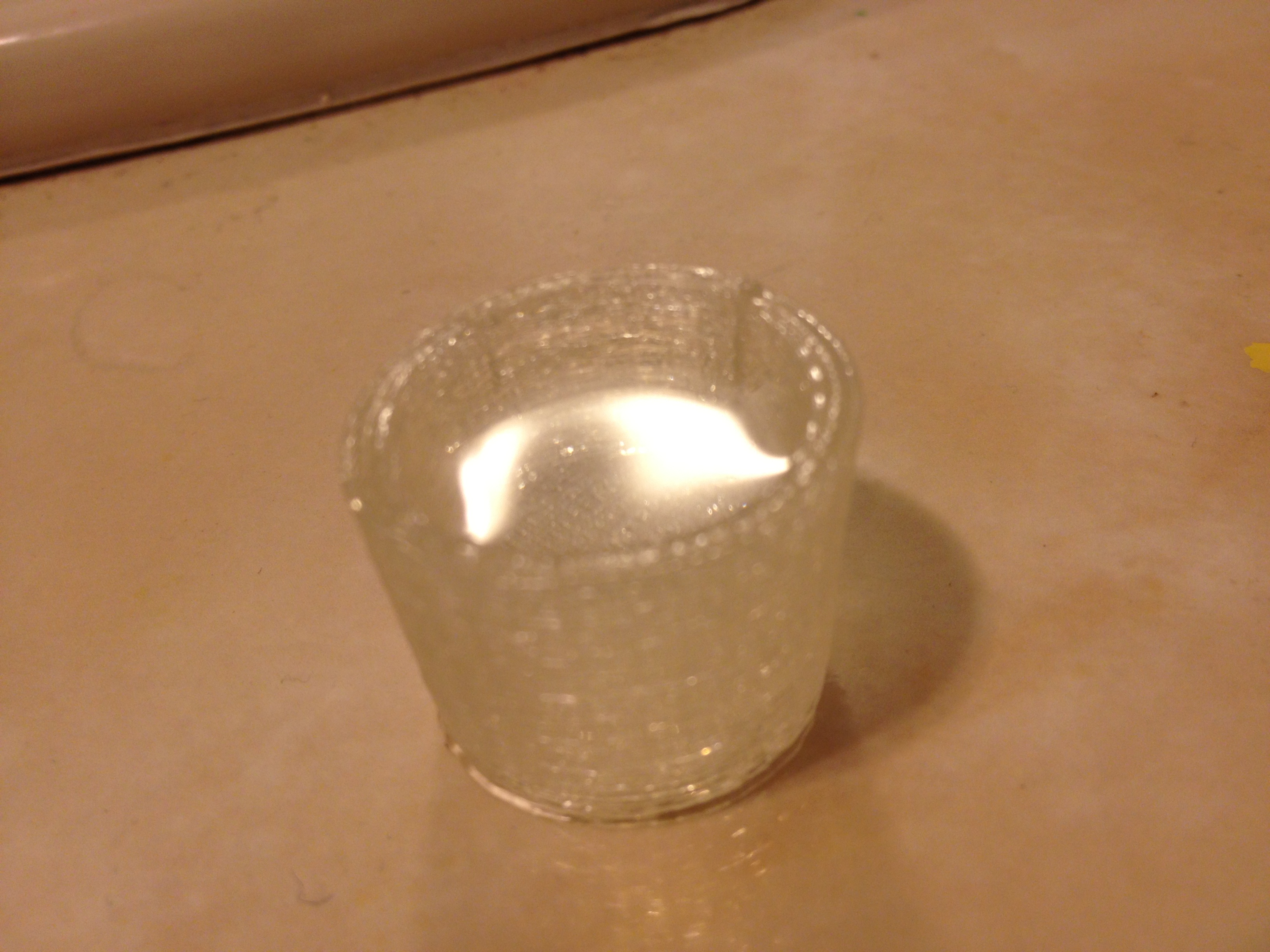
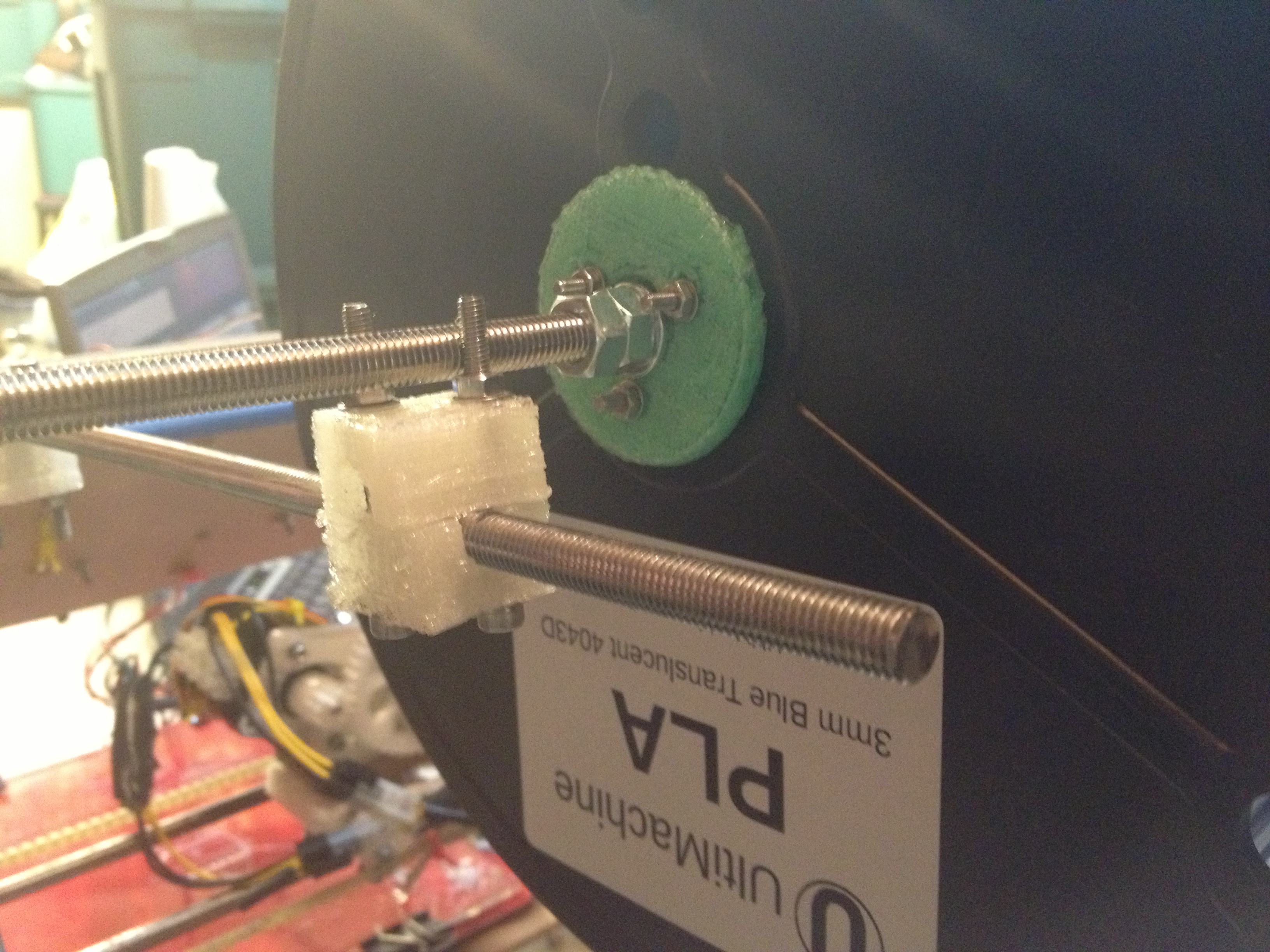
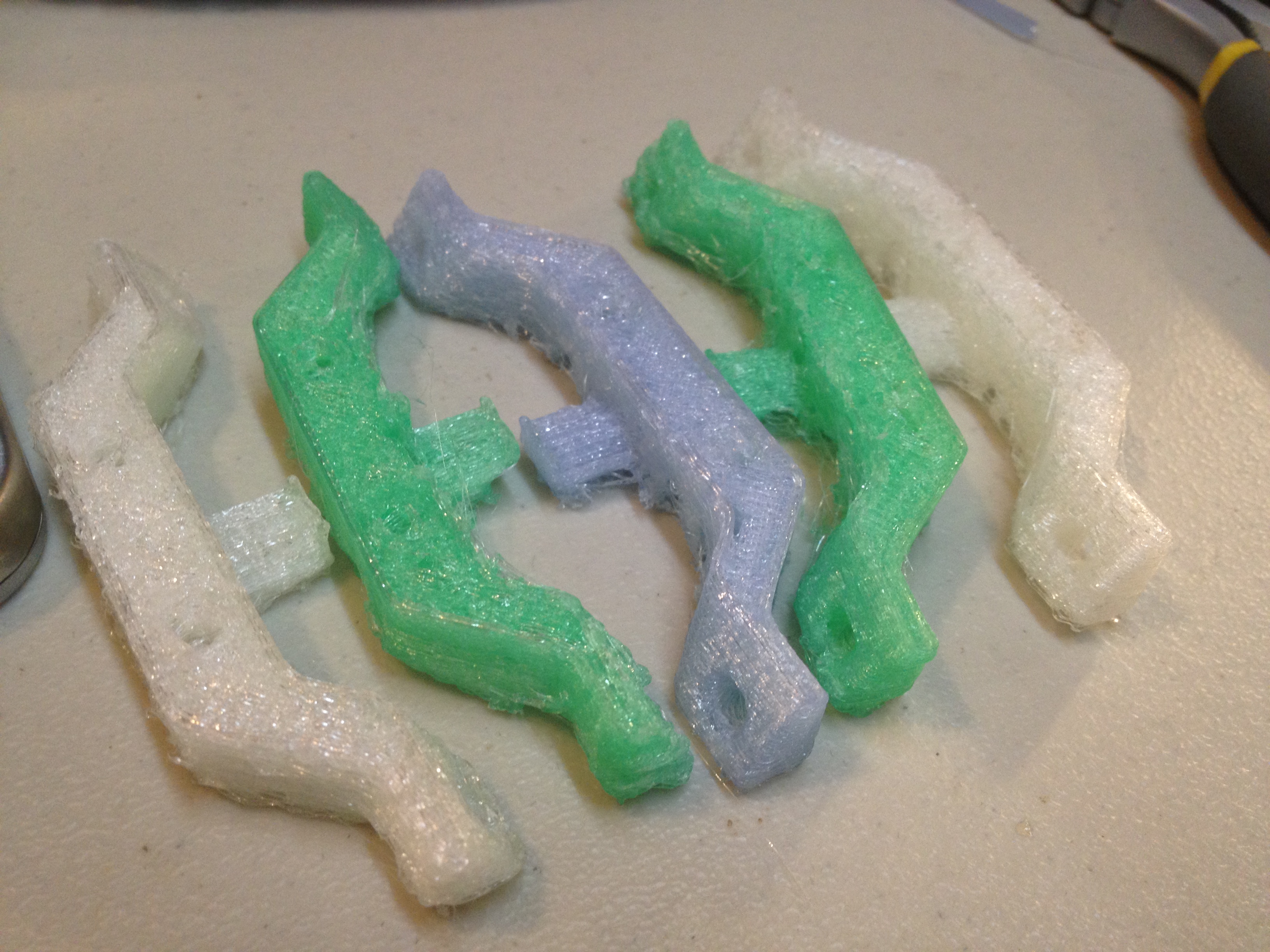
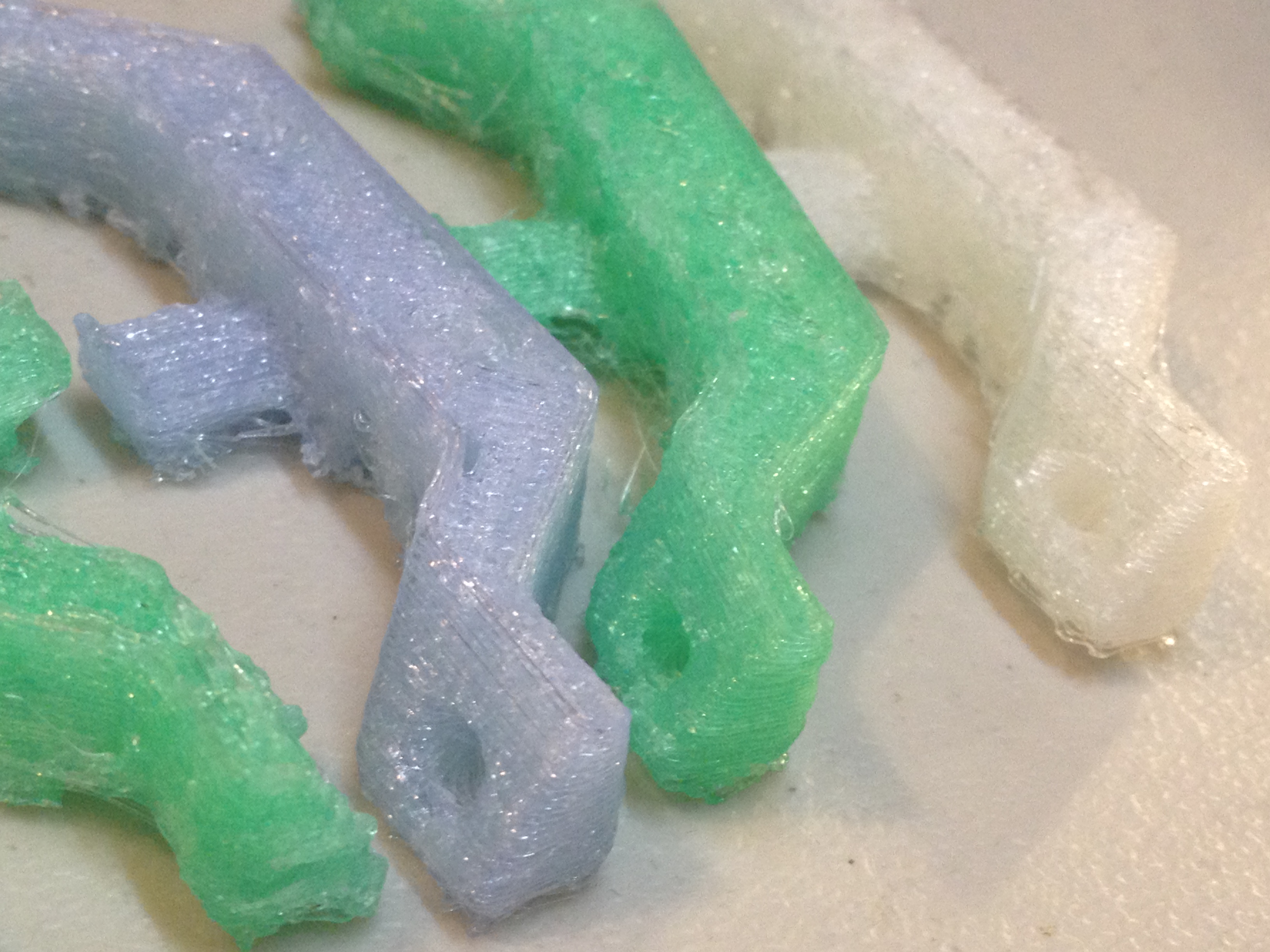
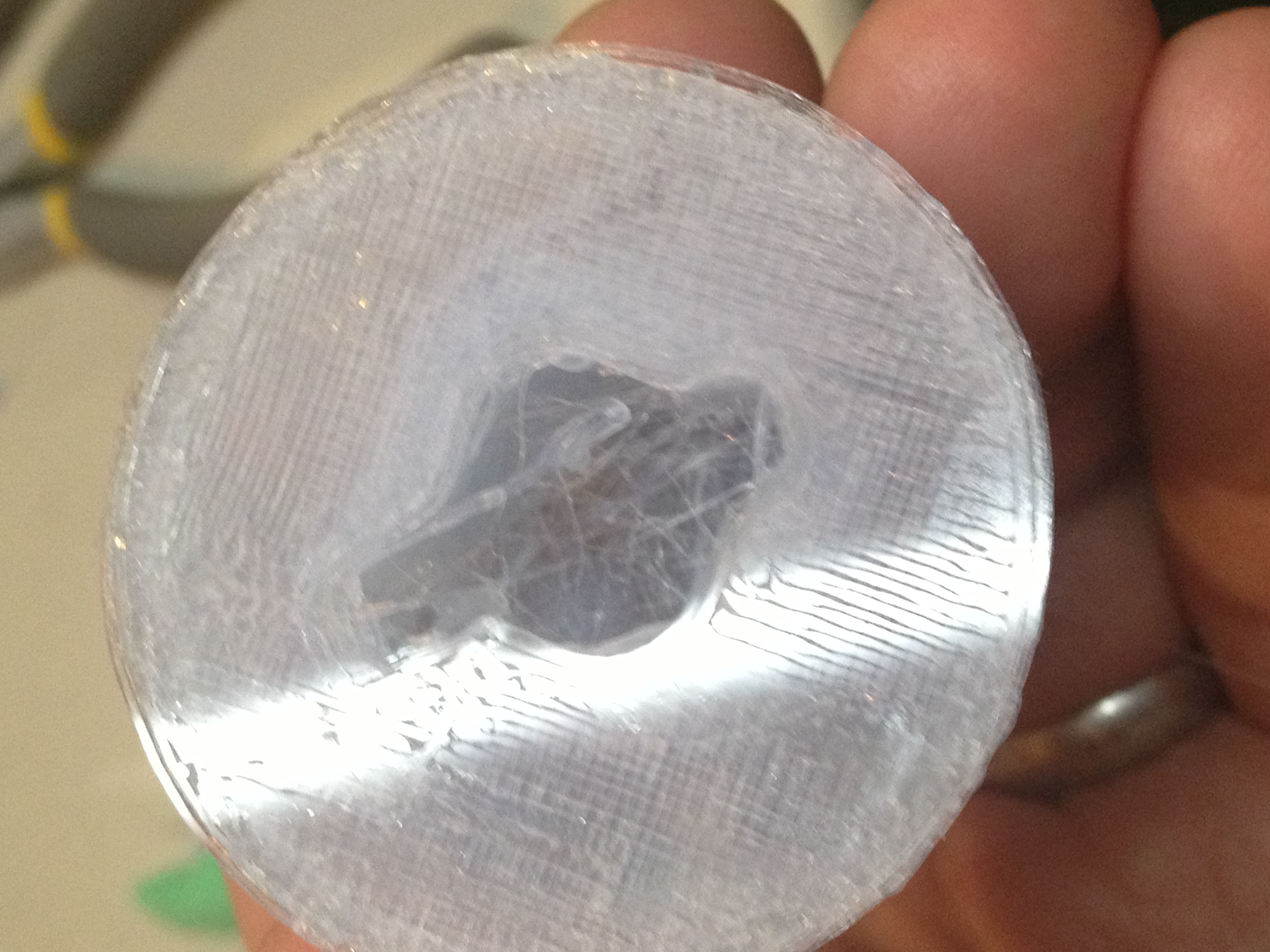
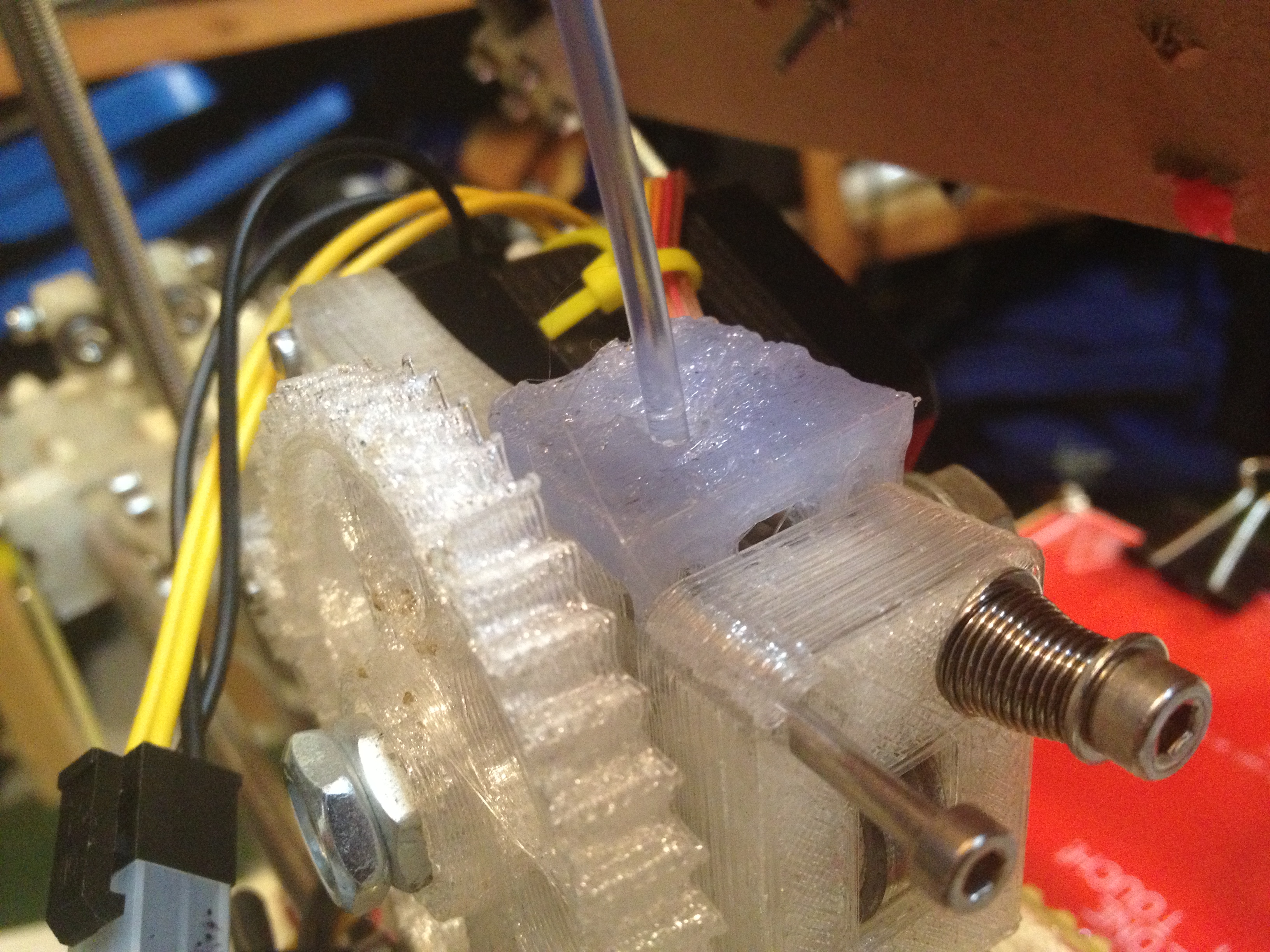
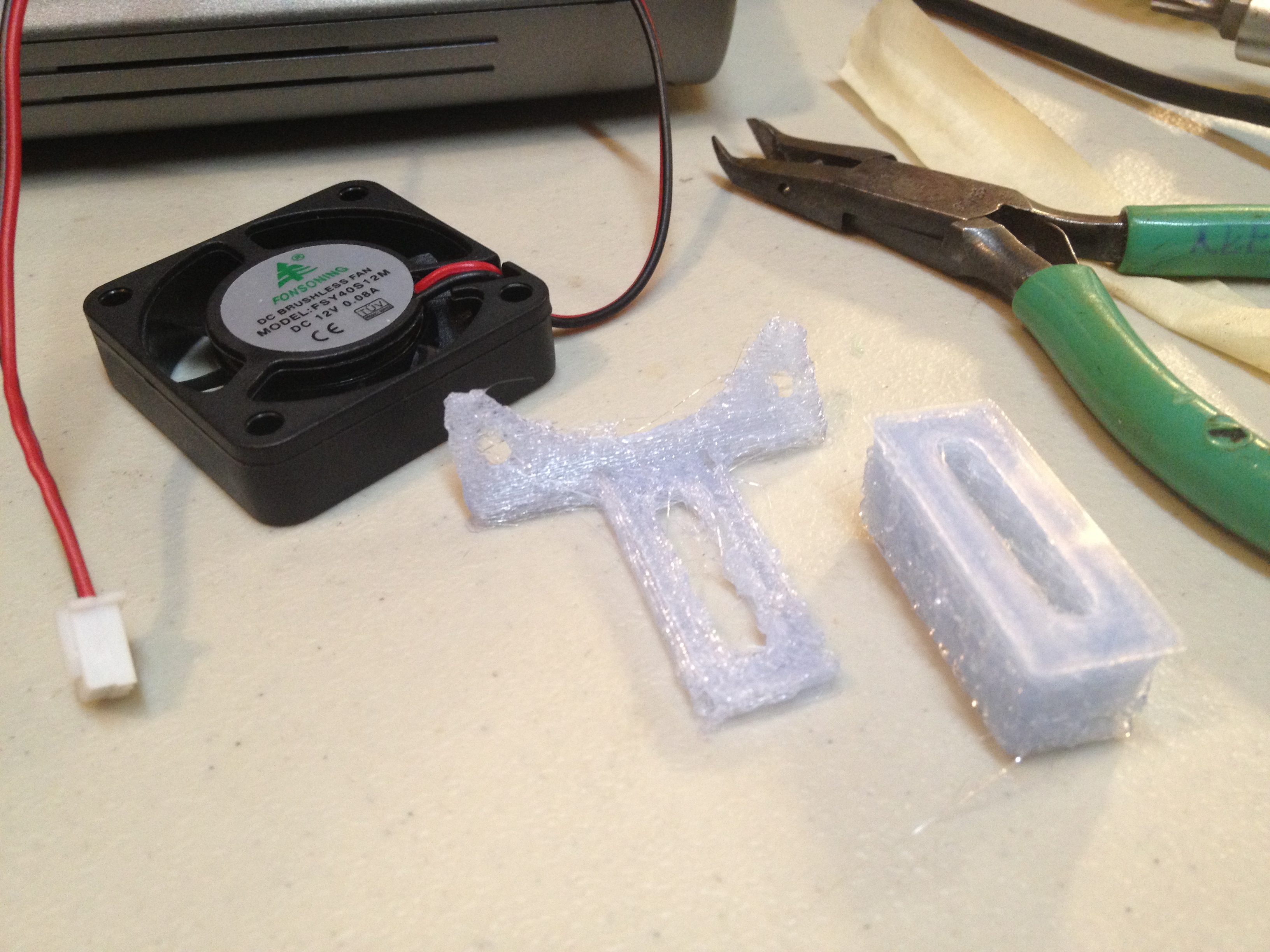
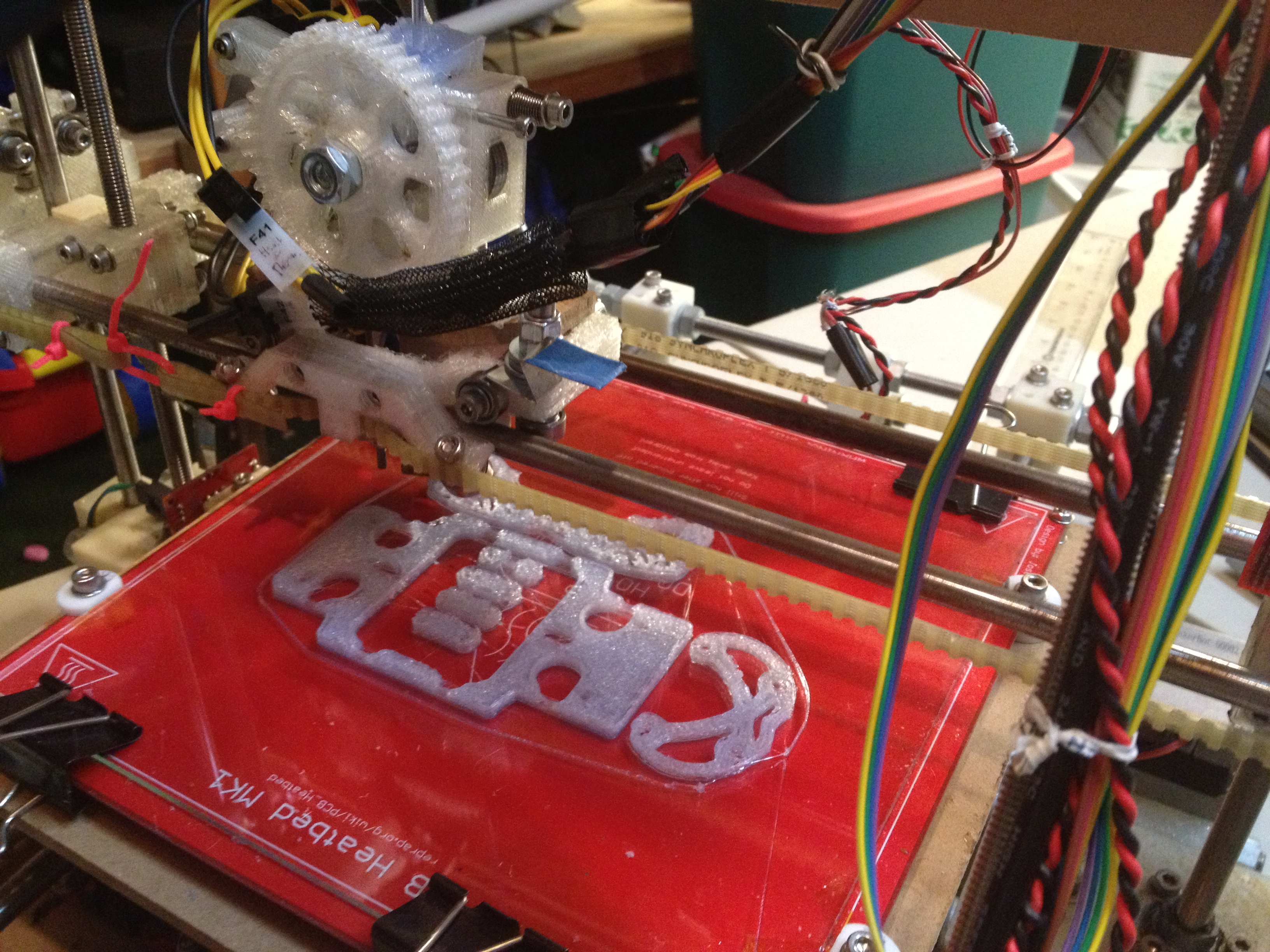
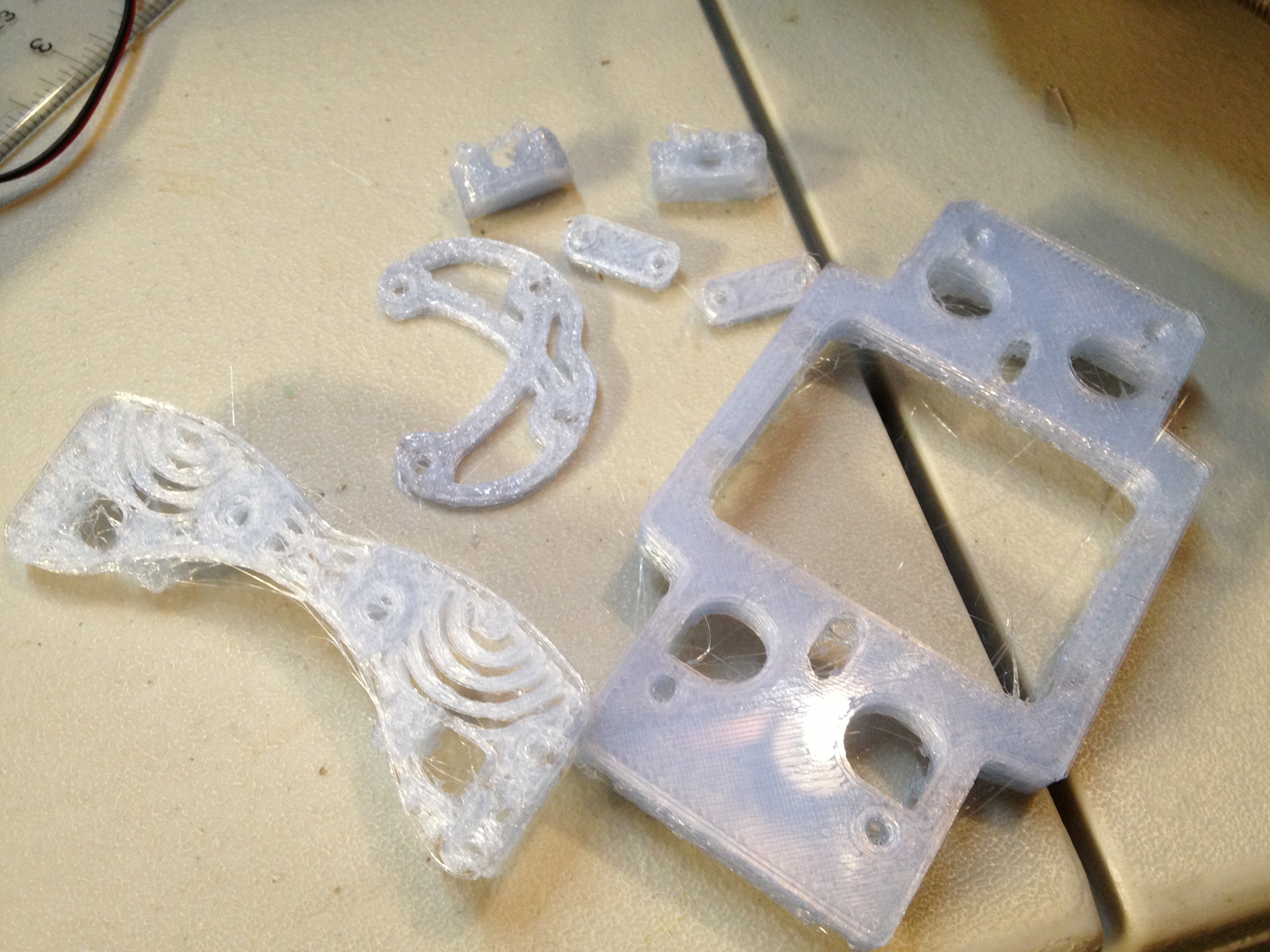
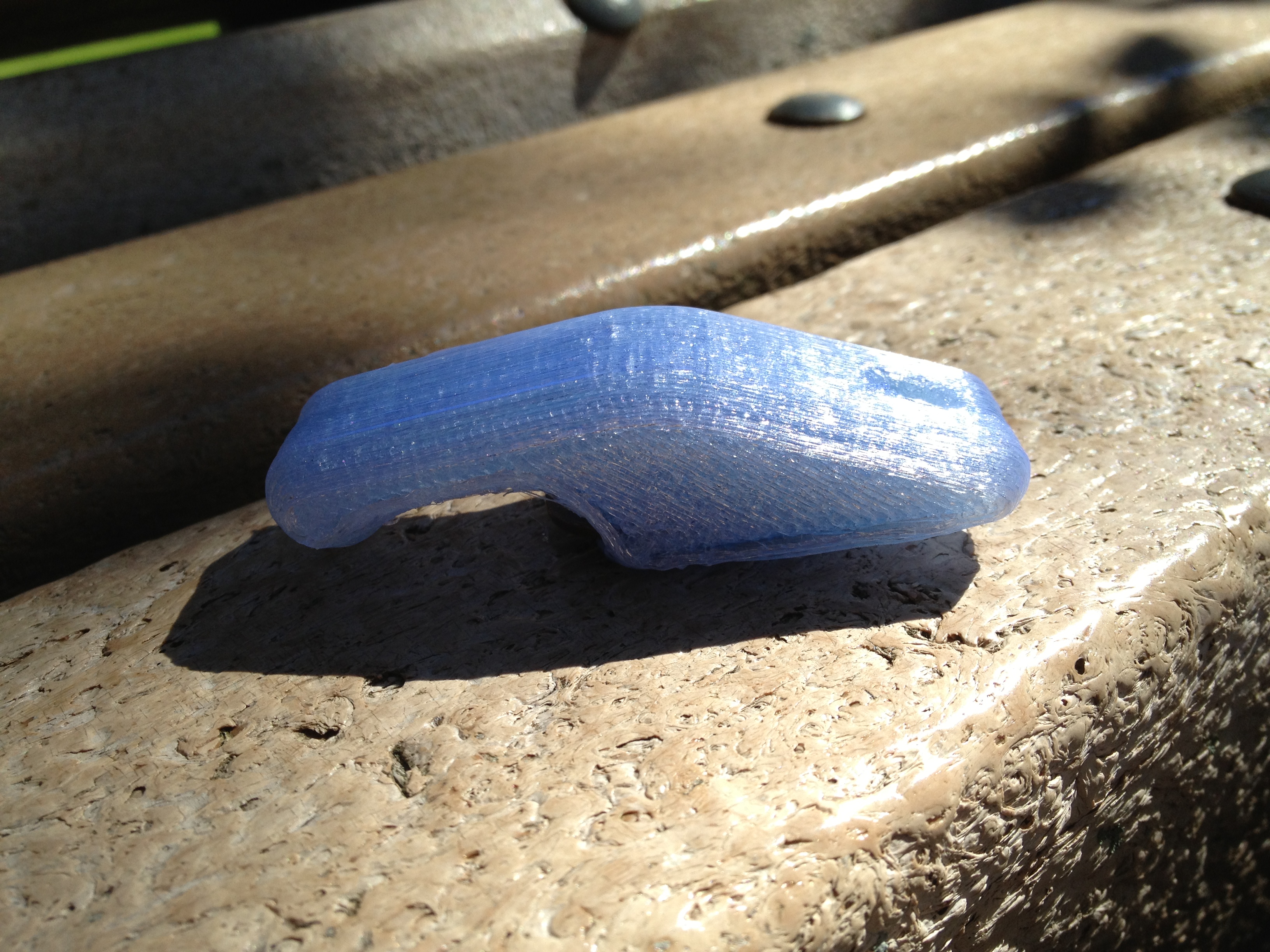
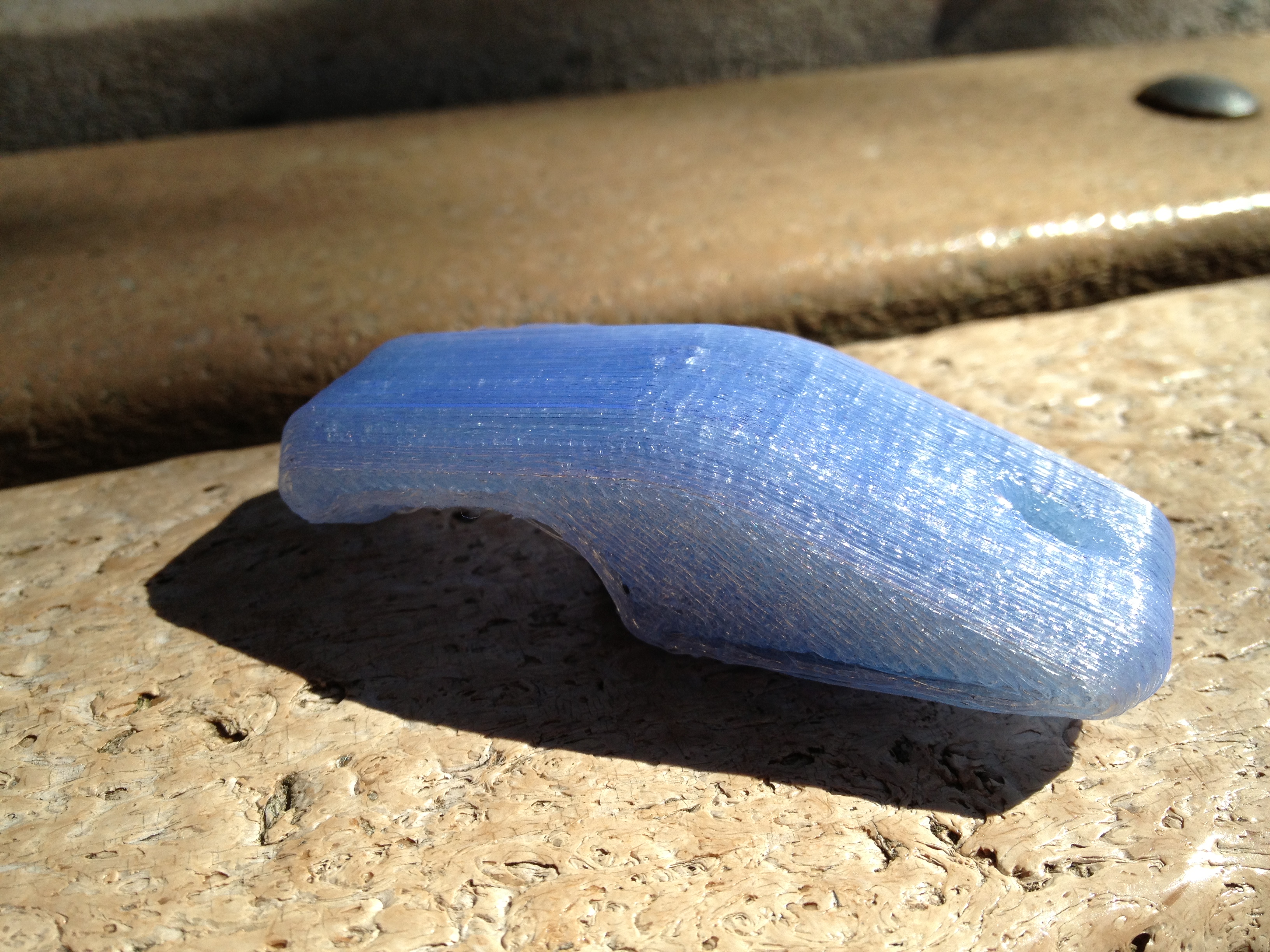
It helps to actually have infill!

August 16th, 2010

So in the comments for my last post, whosawhatsis said he had similar problems to mine, and gave a link to a page showing his lineup of print attempts. A comment on that page by Tony Buser struck me as the answer to my problems… and in fact, it was (at least to most of them.. I still don’t have a water-tight minimug).

I filed a bug about the problem in the RepRap Host software which was leading to hollow prints. Basically the mistake I was making was assuming that the “Extruder0″, “Extruder1″, “Extruder2″, and “Extruder3″ tabs in the RepRap Host preferences window corresponded to multiple physical extruders. They don’t. They correspond to extruder PROFILES, each of which maps to a physical extruder (they can all map to the same one).

I’d changed the NumberOfExtruders preference field from 3 down to 1, because I only have one physical extruder on my Mendel. Bzzzz.. Wrong. (I think the UI could be more clear on the distinction, but that’s not the only problem).

Here’s how it actually works.. Each “Extruder” tab (with all of its’ corresponding values, such as temperature, speed, etc) represents an extruder profile. So you could have one for PLA, and one for ABS, both of which have different values. By default the NumberOfExtruders value is 3, and the first three extruder profiles are:

Extruder0 (“PLA”)
Extruder1 (“PLA-support”)
Extruder2 (“PLA-infill”)

When you print (usually to a gcode file), you get a choice of which profile to use. Here you’d choose PLA.

But if you look at the preferences within an Extruder tab, you see there are three fields that refer to extruder profiles by name:

  • ExtruderX_MaterialType(name) – this is the name of this profile.. Extruder0_MaterialType(name) is “PLA”.
  • ExtruderX_SupportMaterialType(name) – this is the name of the profile to use to print support material
  • ExtruderX_InFillMaterialType(name) – this is the name of the profile to use to print infill (the inside of an object)

…but when it looks for those named profiles, it only looks up as high as the NumberOfExtruders preference field specifies.

So, I had set NumberOfExtruders to 1, I went to print, I printed with the only extruder profile available extruder 0, “PLA”, because Extruder0_MaterialType(name)=”PLA”. But during that print, when it made it to the point where it would print infill (where there was a solid, which in the case of a minimug is the bottom of the mug), it would see that Extruder0_InFillMaterialType(name) was “PLA-infill”, so it looked for which extruder profile had the MaterialType(name) of “PLA-infill”. That should have been extruder profile 2, but it didn’t get that high, because NumberOfExtruders was 1, so it didn’t find it. At this point, the RepRap Host software didn’t have an extruder profile to print the infill with, so it didn’t – it left the infill space completely empty.

So the inside of the bottom of my minimugs (and the solid part of any of the gears or other pieces I was trying to print) were coming out hollow.

When I realized this, I couldn’t wait to try it out, but I couldn’t actually print until Friday evening.

My first approach was to change Extruder0_InFillMaterialType(name) from “PLA-infill” to “PLA”, and leave NumberOfExtruders at 1.

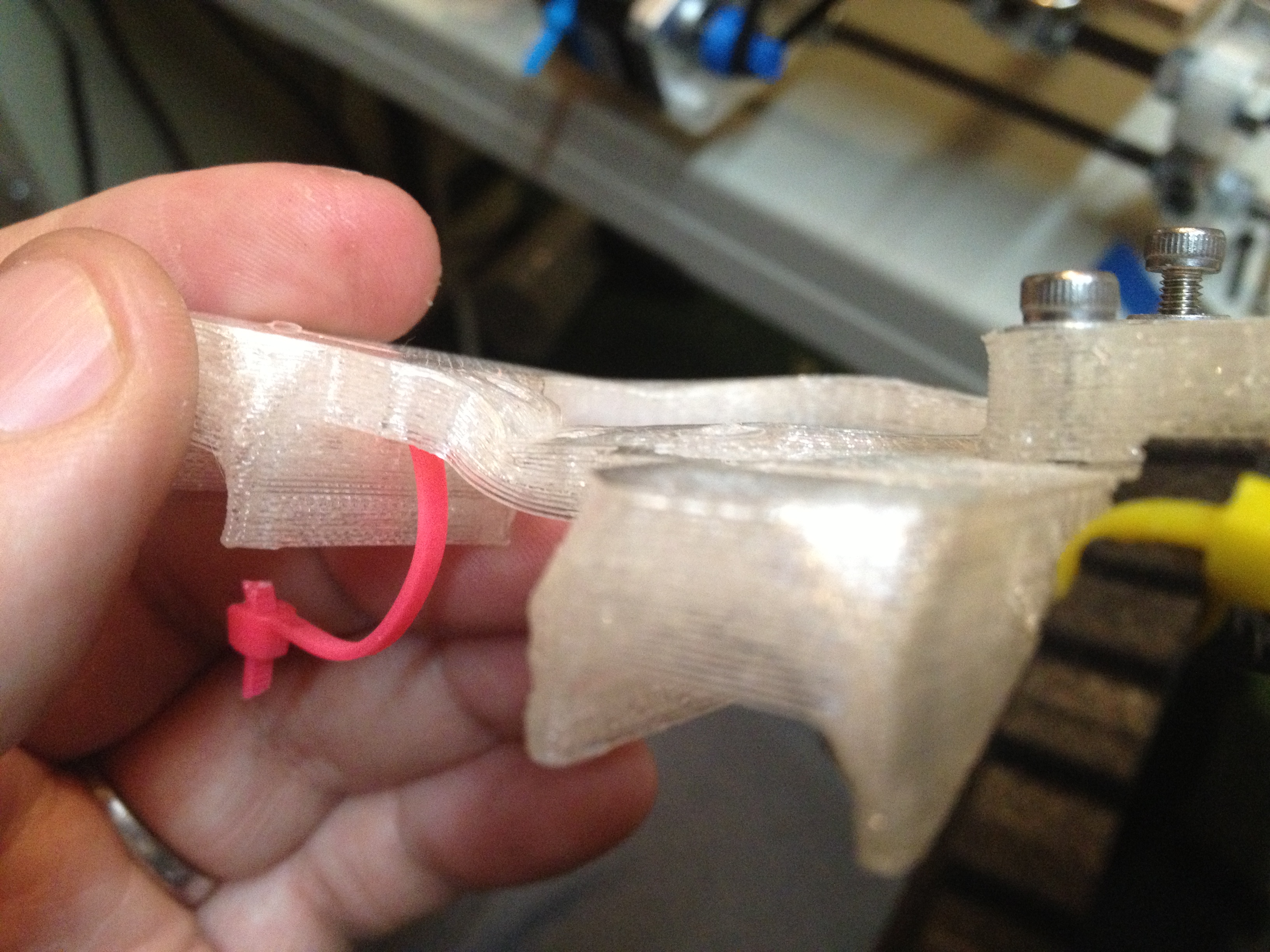
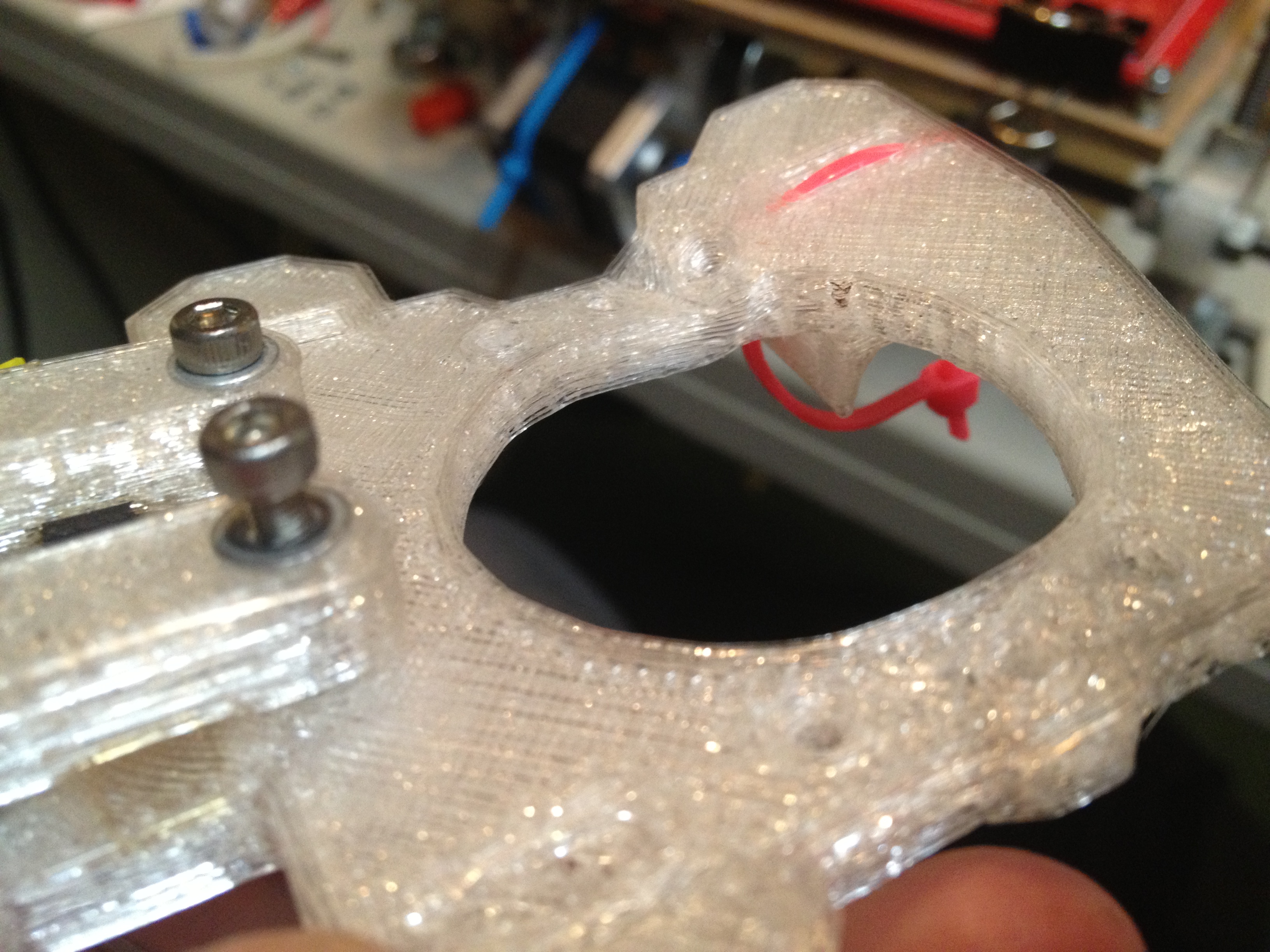
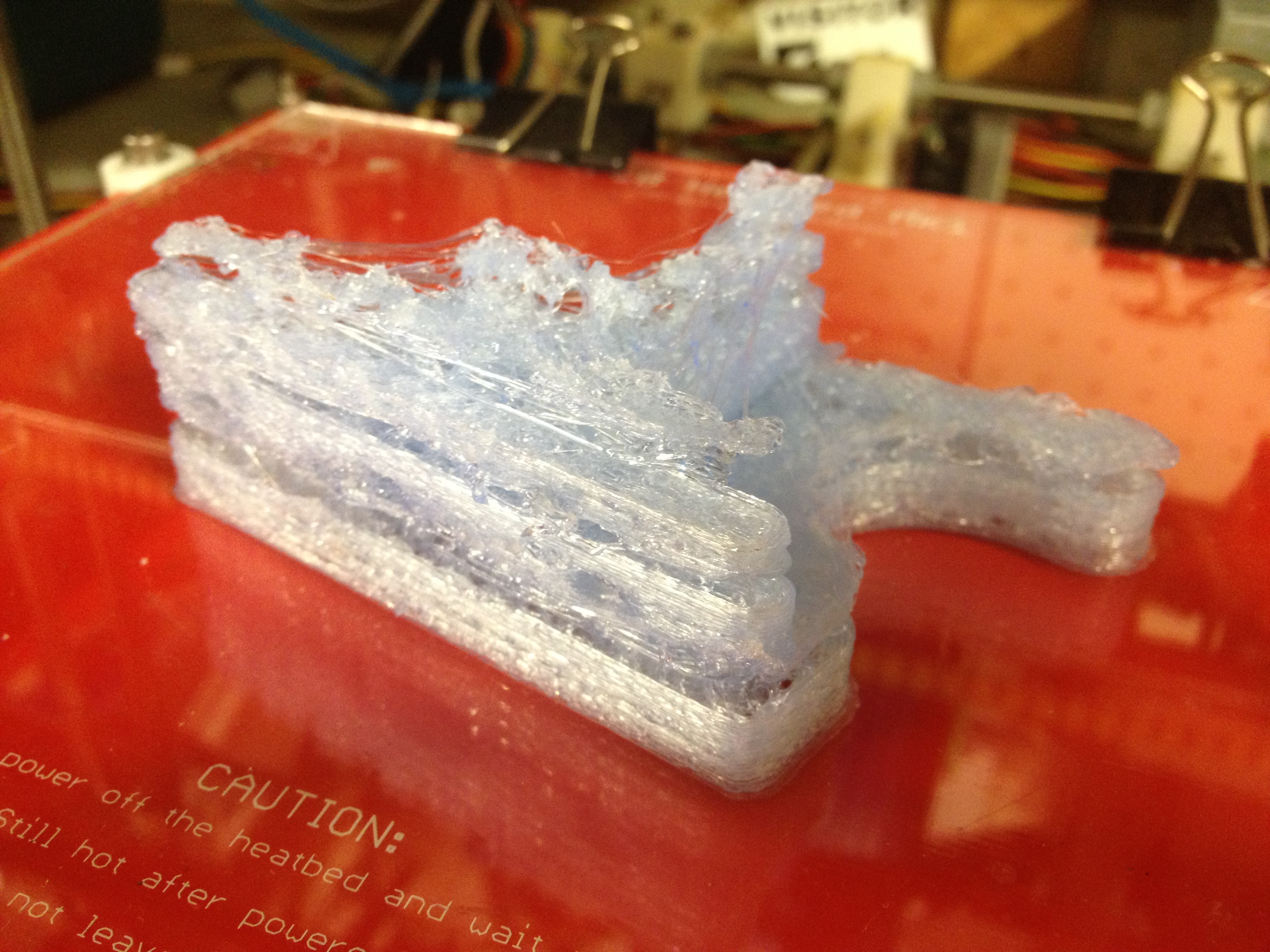
This yielded an absolutely beautiful print. Sadly, it still wasn’t water tight, but it was beautiful. Pics and video say it all:

(click image for unscaled image – scaling ruins the 3D effect)

Ok.. So one point worth mentioning about the above before going on – I said you could see both rings that make up the minimug.. That’s actually because I had Extruder0_NumberOfShells(0..N) set to 2.

I tried testing JeffTry22, but sadly it wasn’t watertight.

Encouraged though by the infill discovery and the knowledge that all of my prints should be much better now, I decided to try printing the large 39-tooth gear for Wade’s extruder. That print started showing serious problems almost immediately, but I let it go so I could study the results. It would start trying to print the outer teeth of the gear, going very slowly on each gear tooth, and by the time it completed the circle near the first tooth the print head didn’t line up – it was more like an inward spiral than a circle. After that point (on the same layer), the infill would start to print, offset by a huge amount (it was way to the right of where it should be). Once the layer finished, it’d home, and lay down the next layer fine, but with the same consistent problems as before.

(Sorry that this next video is truncated..)

I figured it was clearly an X-axis problem of some sort, where the X-axis was accumulating error during a layer (which is later corrected while homing). I thought perhaps I was missing steps. I tried increasing the current on the X-axis stepper controller board, but didn’t rerun this particular gear print yet so I don’t know that it fixed it.

I thought that the same x-skipping (if that’s what it was) might explain why the two circles that make up my minimug walls weren’t exactly concentric, but rather they kissed on the left side. That would explain the “gap” between layers that I was finally able to see in JeffTry22 above. I DID try printing other minimugs, and looked to see if the circles were any more concentric than they were – they weren’t (that I could see), so that’s the most verification I’ve currently done as to whether turning up the potentiometer actually did anything meaningful.

It could also be the tension on the X-axis belt (too loose? too tight?), or maybe the bearings aren’t turning well after the rust-like issue I’d had before (although the rods are clean and silicone-greased, maybe the bearings aren’t smooth anymore?).

Or, it could be the filament being tight (which it was during the end of that gear print – I hadn’t fed enough spare line out by hand), and rubbing up against the threaded rod.. (I have some tape on it now to make it smoother..)

So realizing that the effect of any X-skipping seemed to matter most with big complicated prints, I figured I’d try printing out the small gear (which hopefully wouldn’t be affected much if at all), and later I’d try to artificially increase x-skipping on minimugs by trying to print four at once.. But I’m getting ahead of myself.

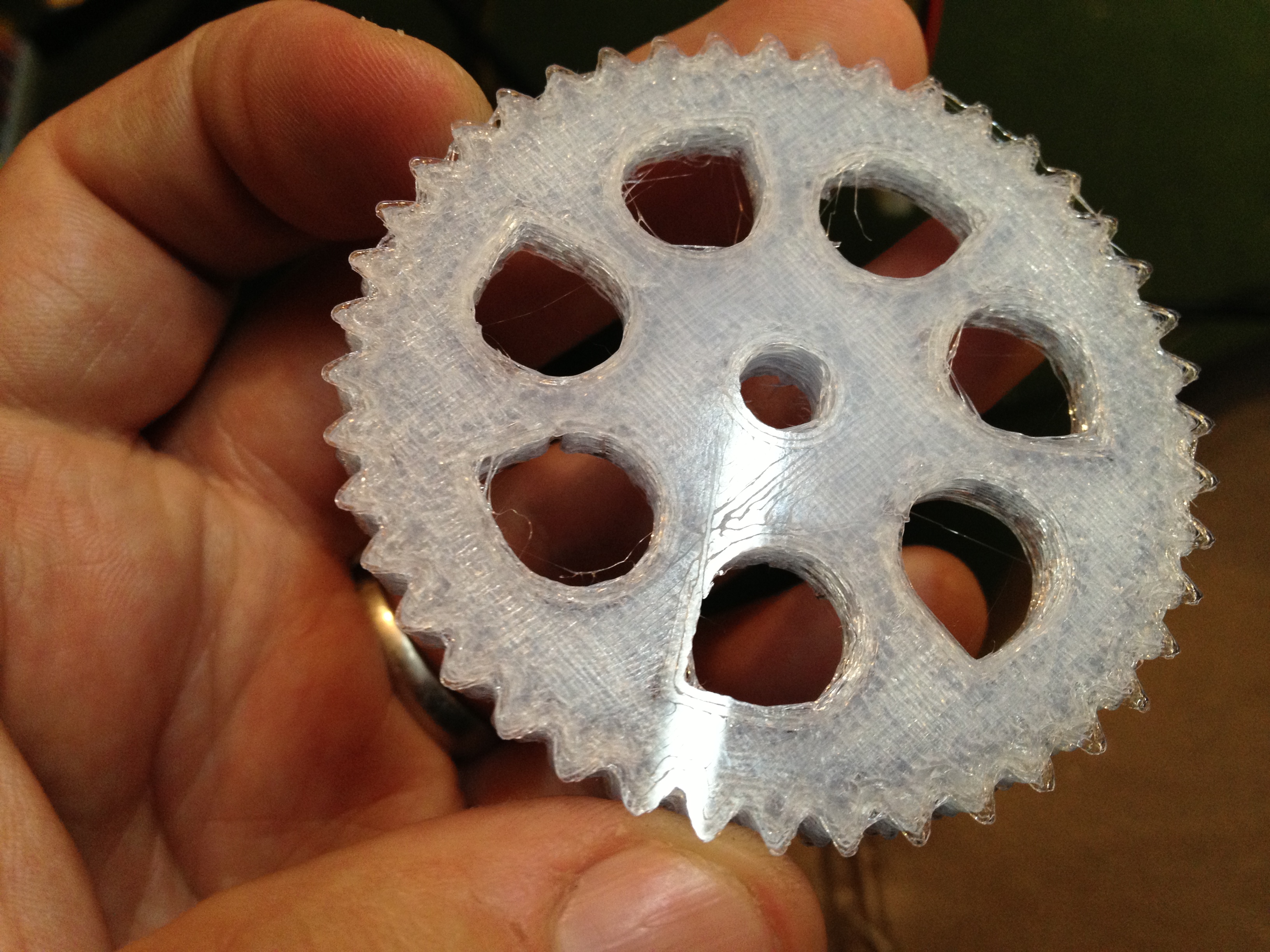
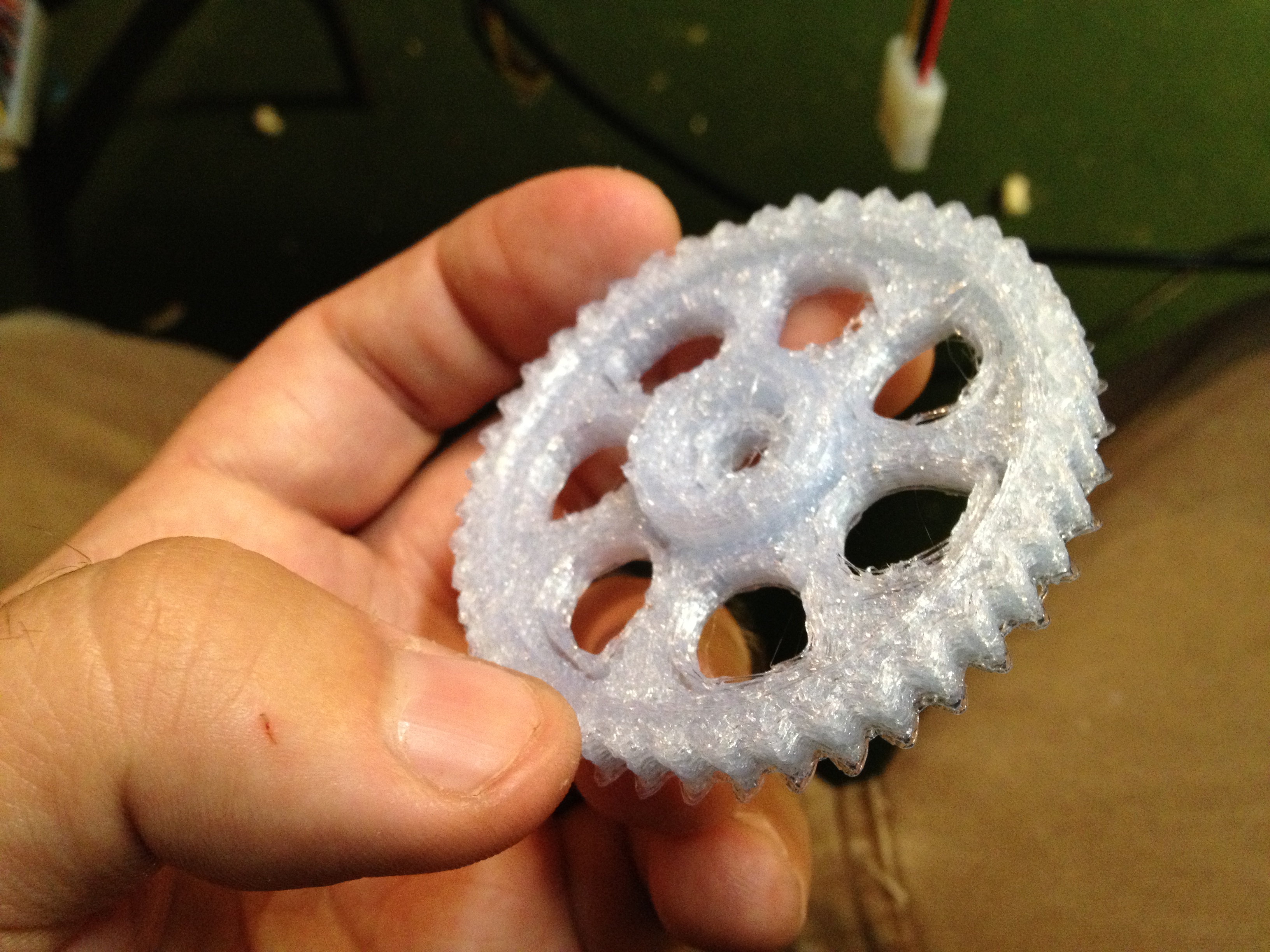
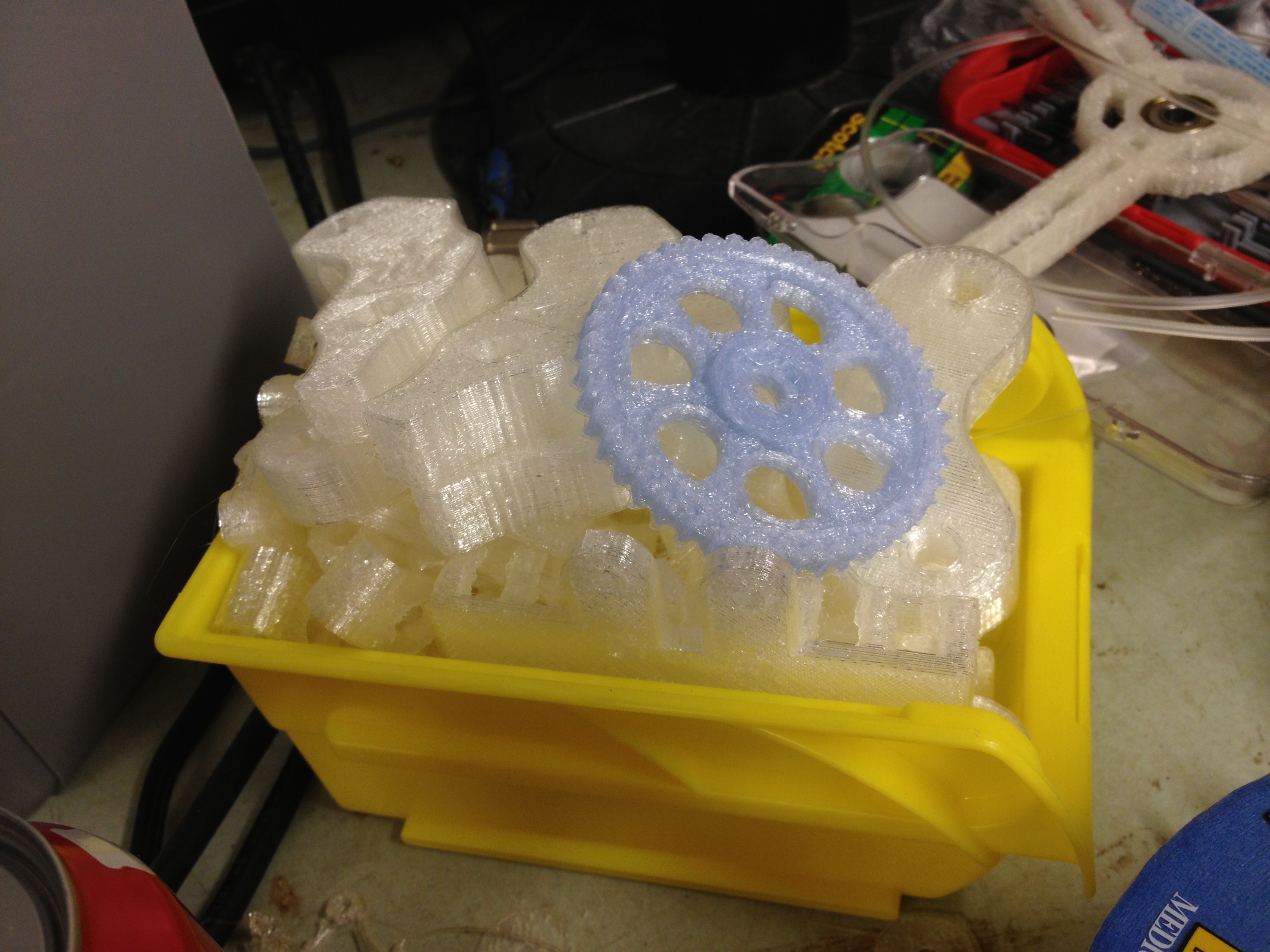
Here was the result of re-printing the small gear. Much better with infill, but still not great:

After that, I decided I’d save my preferences file (I saved away JeffTry22’s, that’s for sure), and try starting from scratch, using multiple extruder profiles (instead of just the one, pointing at itself for infill), and see how that goes.

The minimug came out horrible. It printed MUCH faster – I guess I’d forgotten that I had the speed set lower than before (which is funny because a student at work who had built a Darwin a while back saw a previous video of my Mendel printing and remarked that it was much faster than the Darwin used to print). I haven’t tried going back to 2 shells at the same “slower” speed (1000) but keeping the 3-profiles, to see if I can get a JeffTry22-equivalent with three profiles. What I did notice though was that the infill was far more sparse with the 3 profiles (as you’d want for anything other than a water-tight object.. infill is supposed to be just a support lattice inside a structure), so again maybe I should go back to just one, and try to tighten that up.. (I’d tried a gap of like 0.1 instead of 0.7 and it caused an array index out of bounds exception, so I reverted.. maybe I went smaller than the default extrusion size or something).

Here was that minimug attempt with the faster speed:

The messy print on the left in this next picture is the result of reverting preferences.. The print on the right is old.

After changing some settings back to what should have been correct, I tried printing 4 minimugs at a time, for the hell of it. Yeah, it didn’t go so well. An error in one of the three can carry onto the others, if it grabs a glob of molten plastic and drags it across, etc.

(I also left this completely unattended, so bad prints look worse because they build on top of failed bases, etc).

And finally, here’s a quick video that shows the extruder actually working correctly, digging notches into the filament to get a grip on it. The youtube compressed version doesn’t show it quite as well as the original, but I’ll include it here anyway:

That’s it for now! Go back and look at those JeffTry22 success pictures above – that’s what I’m remembering. (I actually lost count of how many successful ones of that I printed).

Stumbling, learning to walk, but not walking yet..

August 9th, 2010

I’m thirsty. I want a water-tight minimug from my RepRap so I can toast it’s success. But alas, I cannot. Yet.

I’ve been printing a lot, trying to get better. Progress comes and goes. There’s joy and disappointment. But the march continues.

Lots of pictures and video – as much as the huge post a few posts ago. Let’s start with how I got to even be printing in the first place.

Before the first minimug of the last post, I was waiting on a new higher-torque stepper motor to arrive. It arrived:

According to the reprap.org Stepper Motor page that model stepper motor should have a 3/16″ diameter shaft (4.7625mm, which is smaller than 5mm), which was disappointing because I thought it might complicate cutting splines onto the shaft, but I went with it anyway. I was pleasantly surprised to find out that the shaft was in fact 5mm:

Great.. So I went about cutting splines into the shaft, just as I’d done on the previous stepper motor, using the same rig.

Here is the old motor and the new motor side by side. Guess which has more torque?

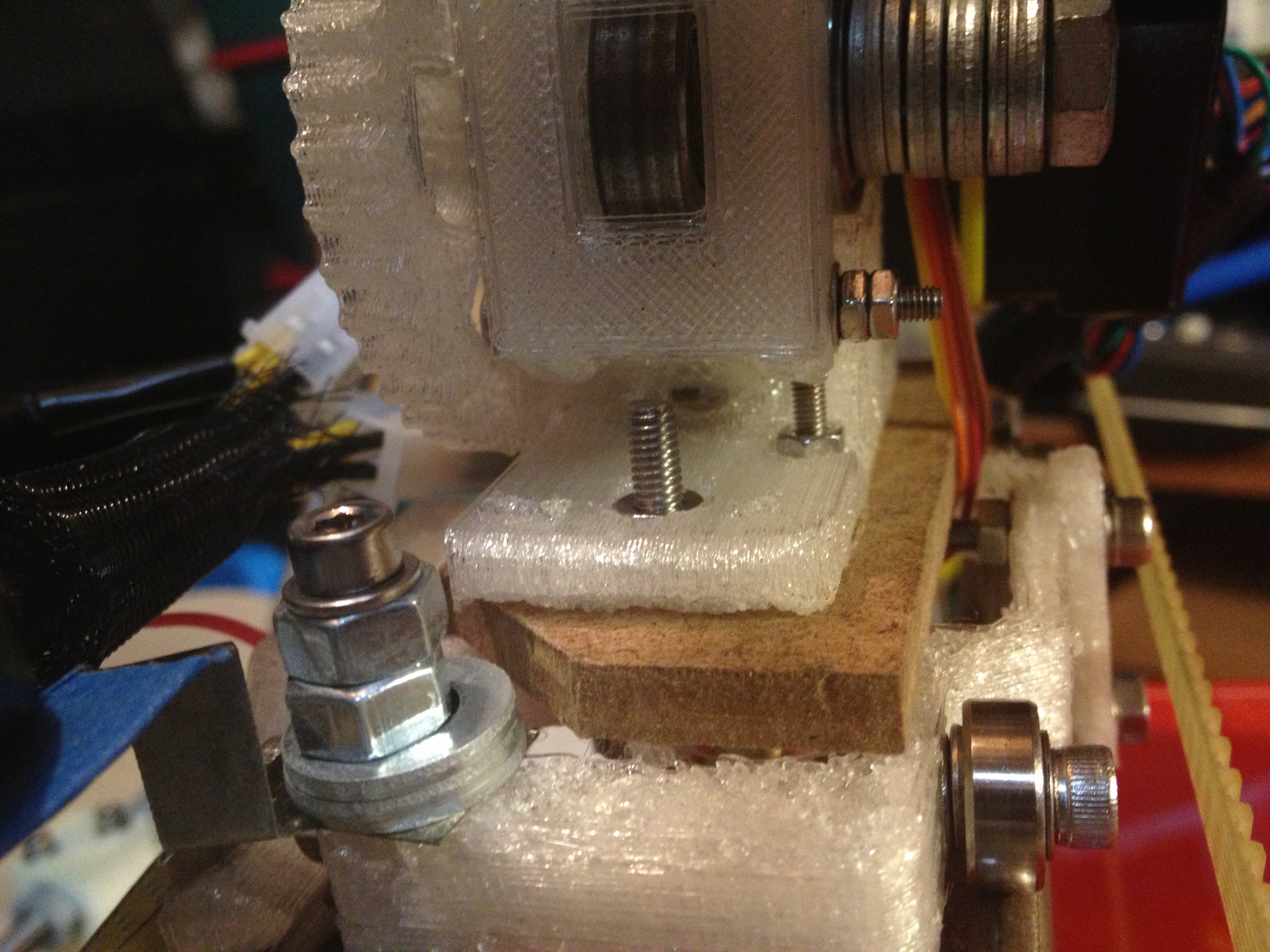
Unfortunately, when I went to install the stepper motor, if I pushed it right up against the plastic for mounting, the part of the shaft that was splined was actually not quite in the center.. So plastic coming down through the hole in the top of the piece wouldn’t be lined up with the splines. In fact, this may have even been the case with the original stepper motor ( :o ), where perhaps only part of the splines were reaching the plastic. I still think the higher torque was required though, after seeing the rest of what I’ve gone through.

So I went about spacing the stepper motor away from the plastic with washers, which was not terribly fun. It would have been easier if I’d just removed the extruder piece from the carriage and held the whole thing sideways, but I didn’t want to have to worry about the trapped hex nuts falling out of their plastic spacings, so instead I spent way more energy worrying about dropping washers everywhere.

Anyway, I finally mounted it, and after a brief panic when it didn’t initially work, I soon got to this:

Successful powered extrusion! I can’t remember if it was the first try after that, or maybe one or two more, but then came JeffTry15 (my first minimug, from the last post).

Here was a video taken during that momentous print:

The quest for the water-tight minimug started there. Part of the quest is for tradition – I want to toast my successful printer with a thimble-sized shotglass that it itself made. Another part is functional – if I can’t print a minimug with enough precision to hold water, how can I print a functioning geared extruder to replace this one? That last sentence would have me wondering, but I’m getting ahead of myself.

Here was minimug #2 (on the left), next to minimug #1 (on the right):

Here they are on another surface, swapped (#1 on left):

…and on another surface:

On minimug #2, you can see the bottom layer here because it was off, but not off enough to be outside the print.. The bottom layer is very thin, compared with the rest of the layers (and in PLA, it looks like the only layer that has any chance of being water tight).

There was promising set of preference fields in the RepRap host software that I thought would help in making a water-tight base, but they didn’t pan out (I’m all ears if someone has suggestions):

FoundationLayers – (The number of layers of material to put down under the object being built before building proper starts.)
Extruder0_ExtrusionFoundationWidth(mm) – The gap between the infill zig-zag pattern used to fill the interior of the foundations (if any).
Extruder0_ExtrusionLastFoundationWidth(mm) – same as above for last foundation layer only

When I tried setting FoundationLayers to 6, the RepRap repeatedly homed 6 times, each time moving up a bit, with basically empty layers (no “foundation” was printed). Then plastic extruded wouldn’t stick to the base, so I had to cancel that print (and the idea of using those fields).

At one point (probably later than this, I can’t remember) I tried using skeinforge again with tonokip’s mendel skeinforge settings, but without the “shield” behavior that the RepRap host software usually does, it didn’t manage to extrude the first layer well and I went back to the RepRap host software.

So anyway, after the 2nd print I was able to make my third minimug, which was probably the best one yet.. To make this I took the JeffTry15 file that made the first minimug, copied it, and by hand added four lines before the Layer1 comment:

G28 X0 ;set x 0 - added by JLK by hand
G28 Y0 ;set y 0 - added by JLK by hand
G28 X0 ;set x 0 - added by JLK by hand
G28 Y0 ;set y 0 - added by JLK by hand

This was necessary because after going to the dump location and purging, my Mendel was having some strange problem where it wouldn’t go to the correct X location. I can’t describe it – X travel usually works fine, but after this particular move, it would often (almost always, if not always) be wrong. So adding the above explicit home command (even twice for meaningless good measure!) fixed that problem.

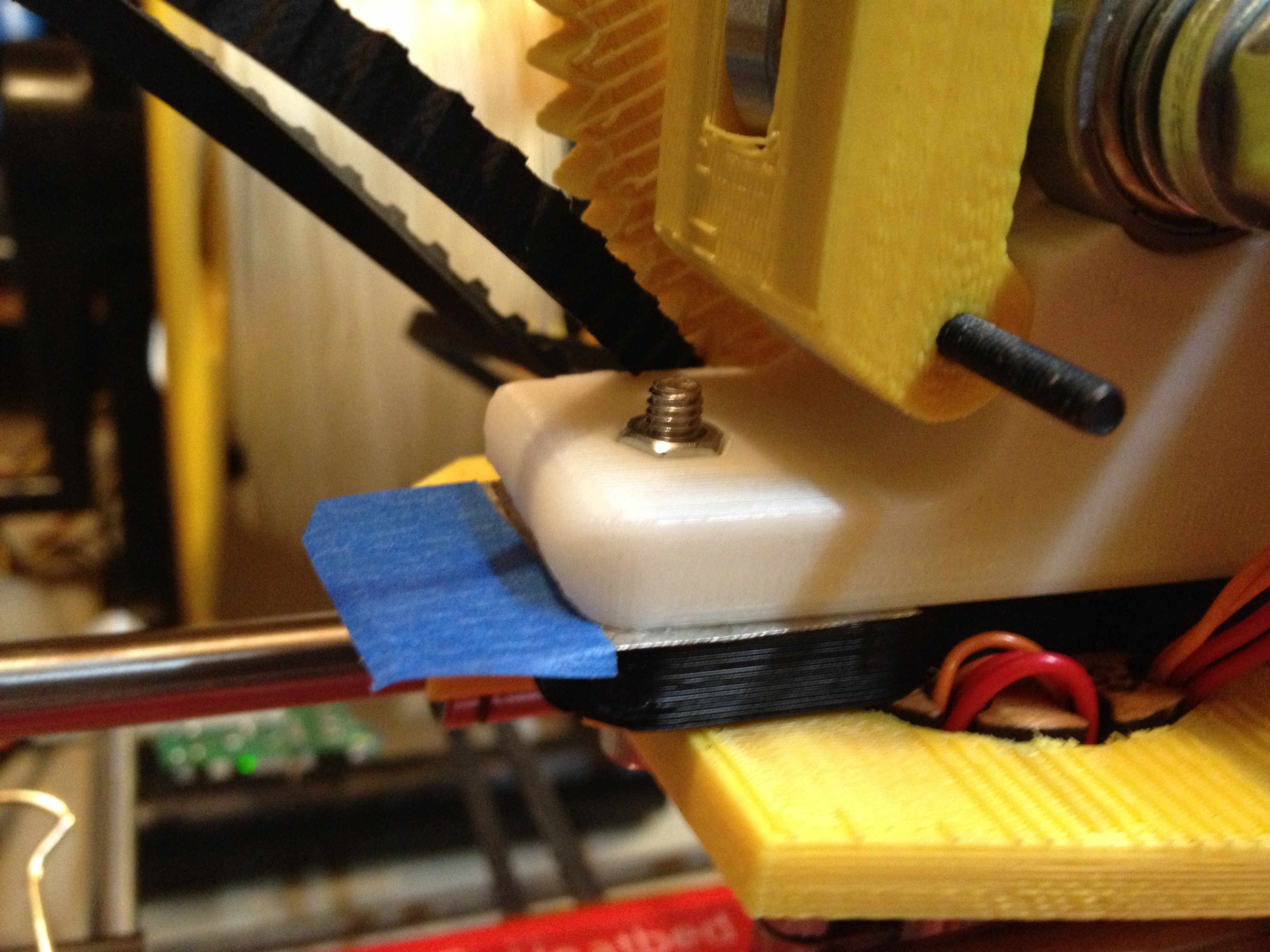
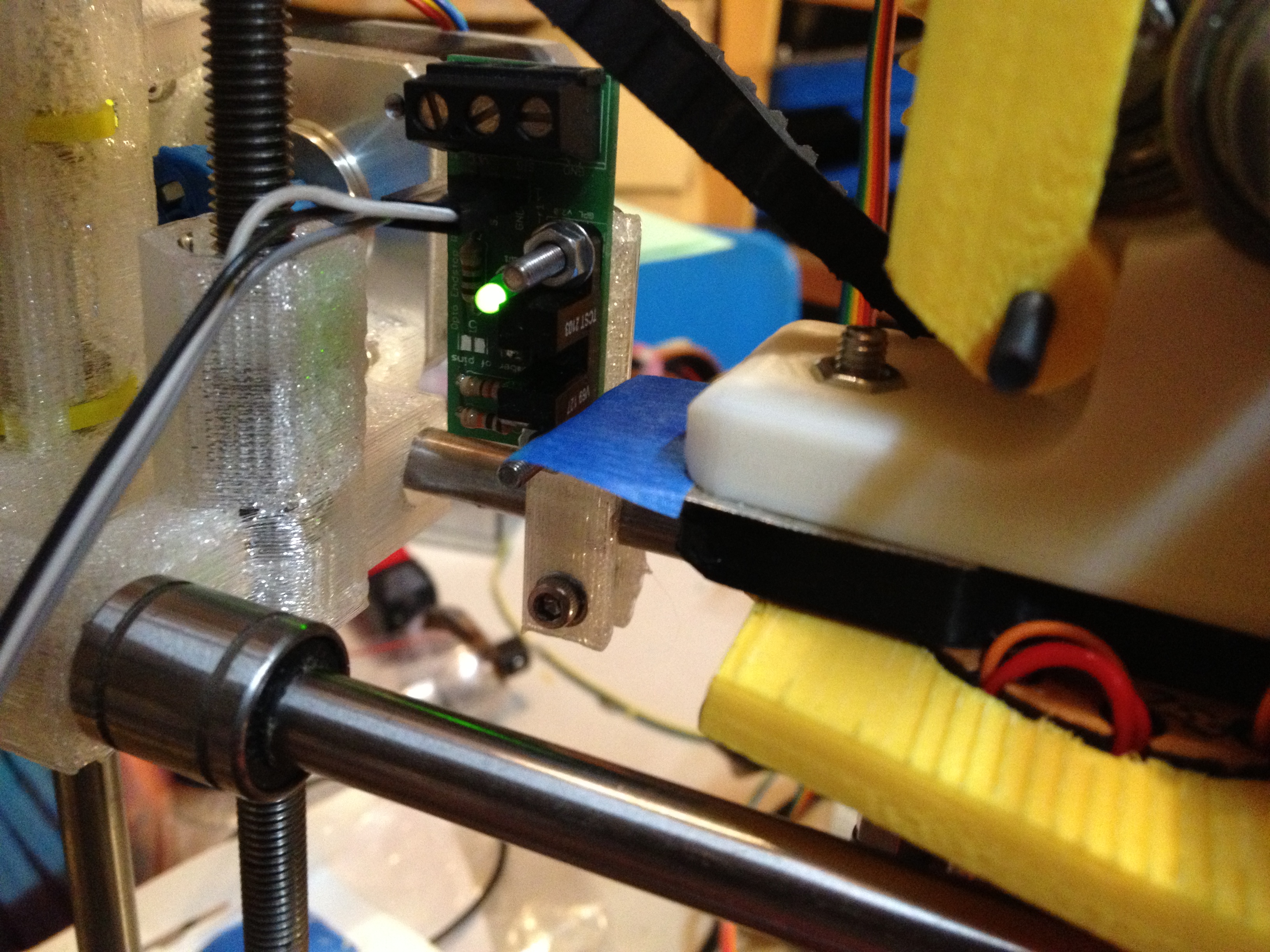
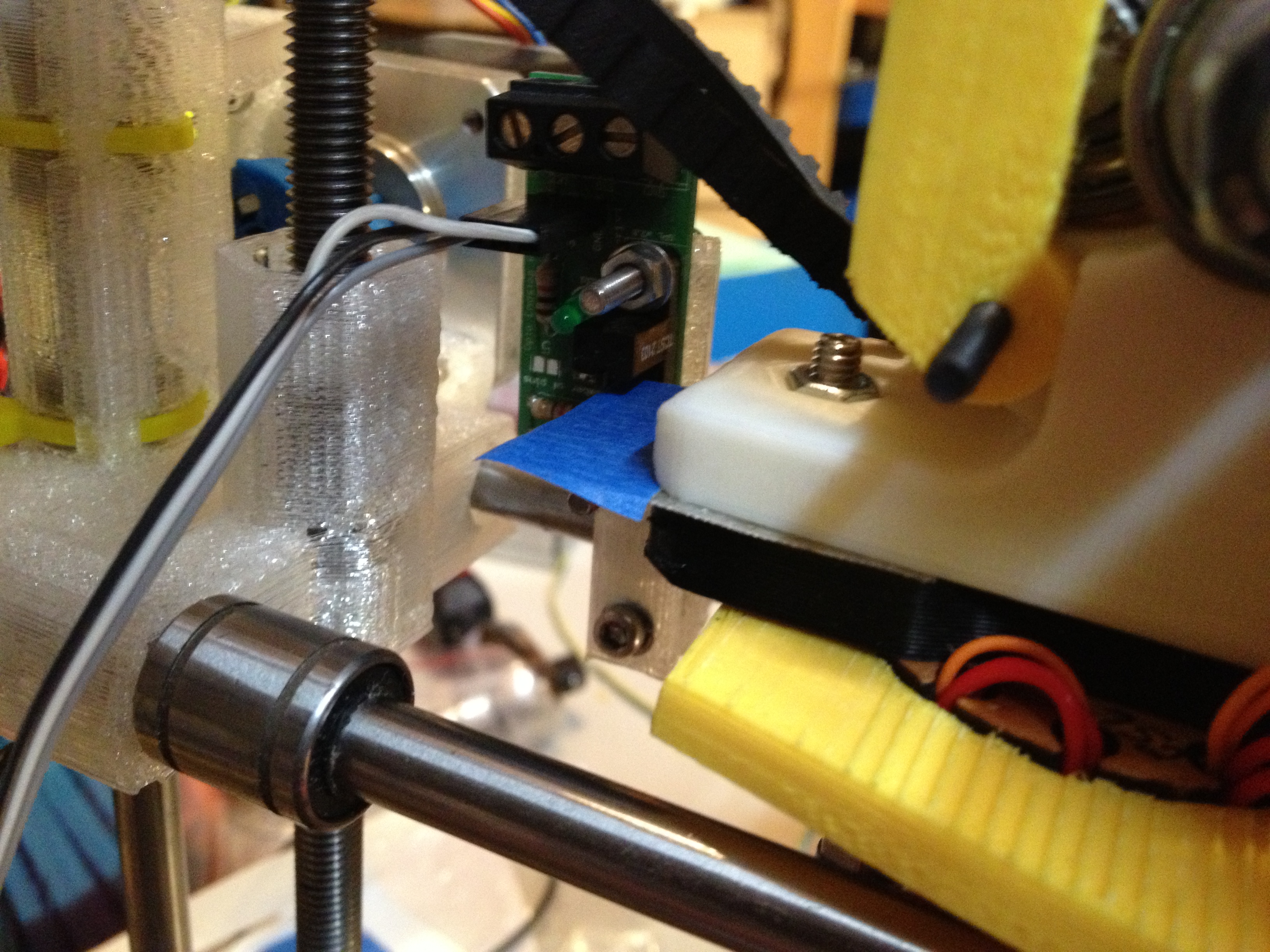
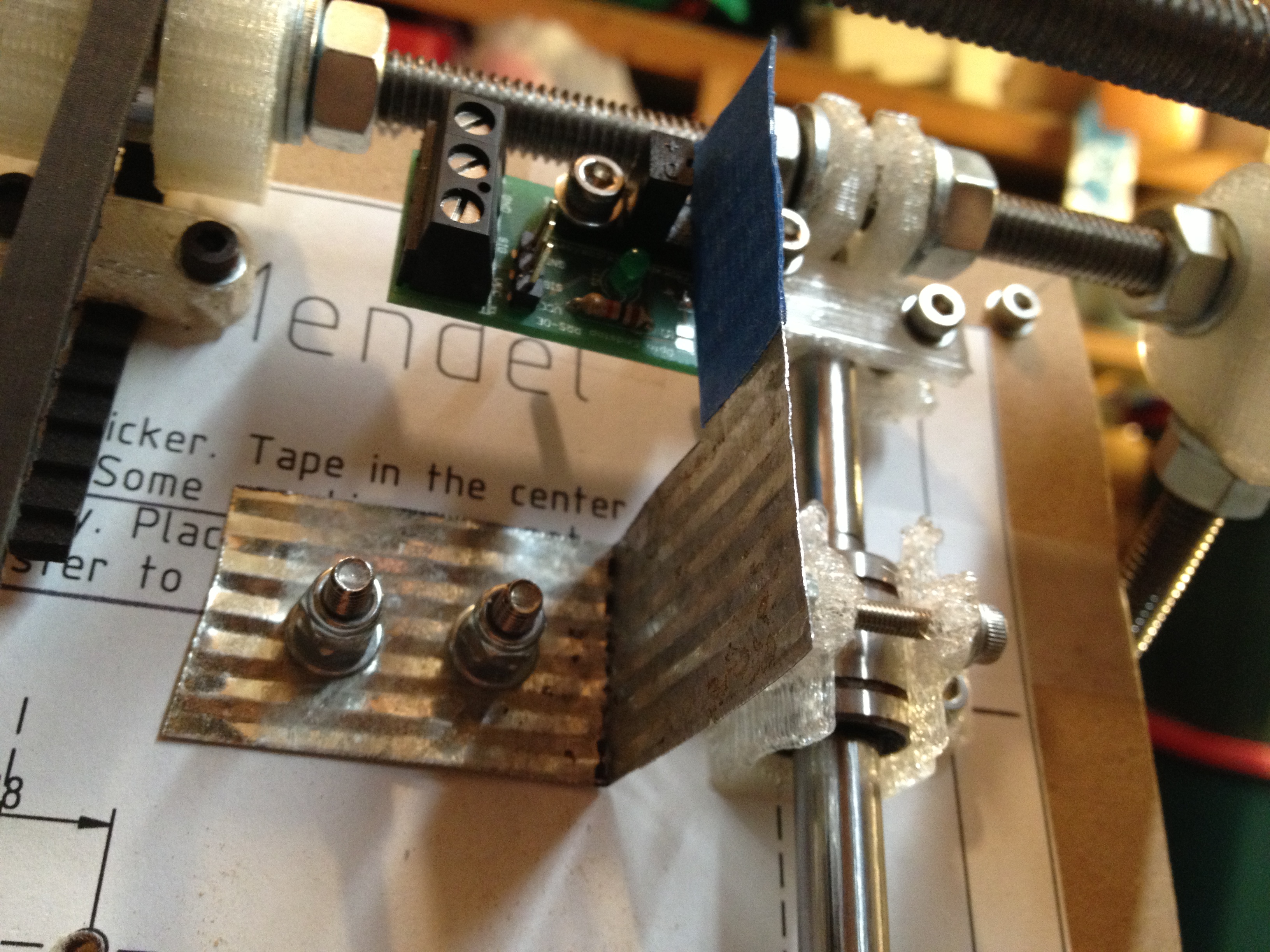
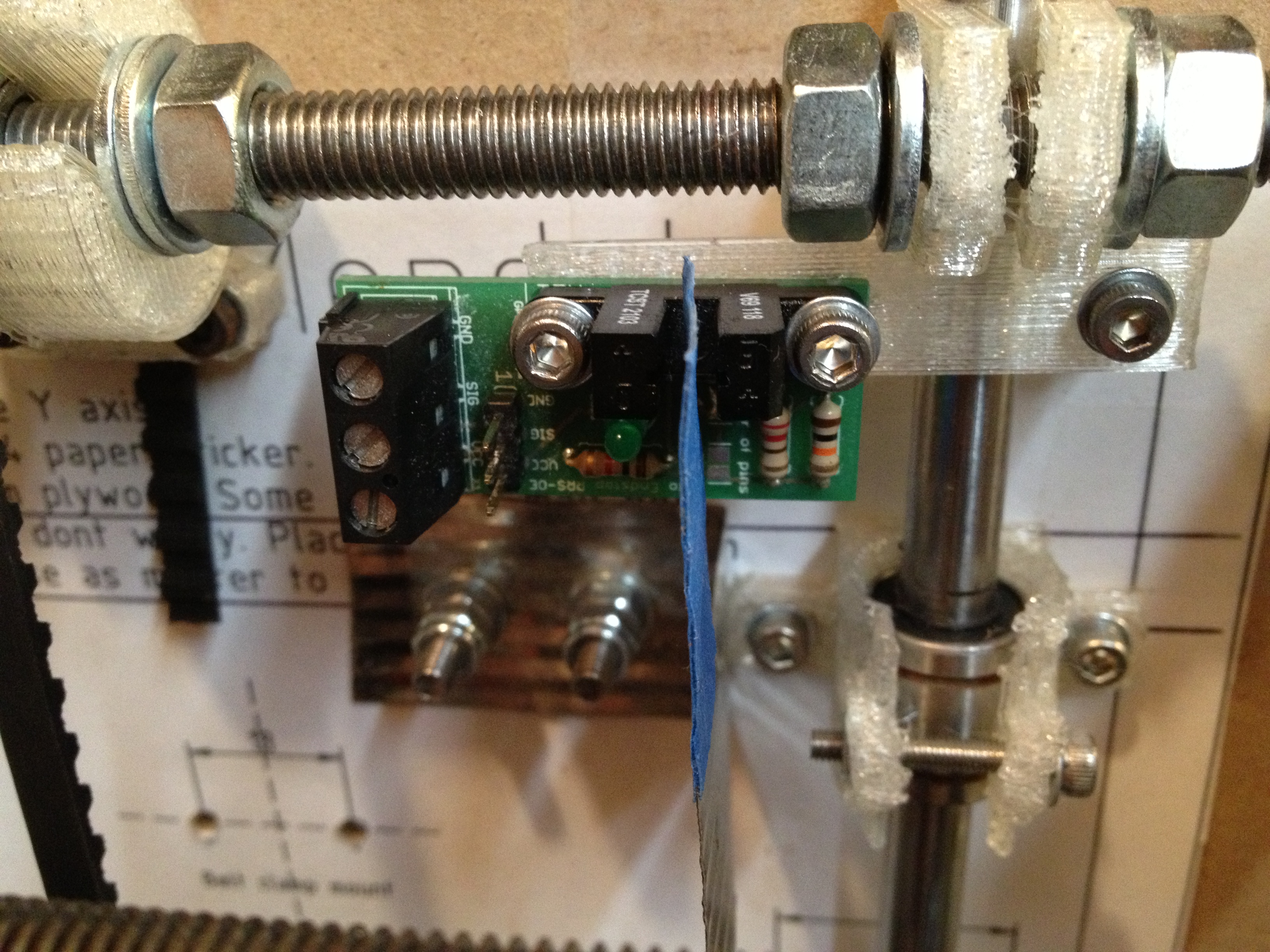
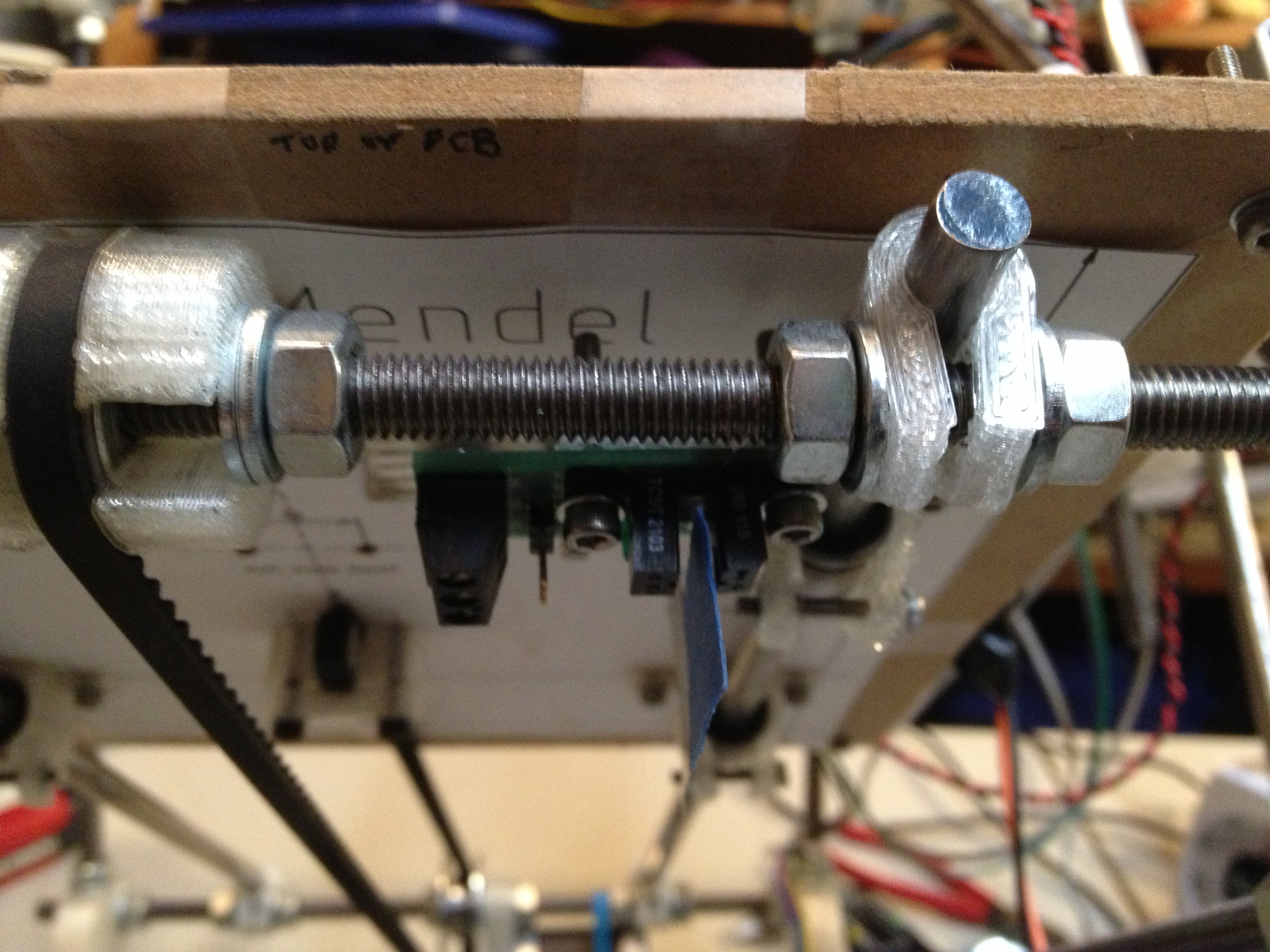
I also put some tape over my Y opto endstop, on the theory that it was too reflective and that was screwing up Y-axis homing every once in a while. It did seem to fix it (I didn’t see that occur during the next print), but I have seen it miss Y again since then, so I’m not 100% sure.

Anyway, the explicit homing code added to the gcode file, plus the y-axis optoflag tape, yielded this – minimug #3:

Third minimug:

It still wasn’t water tight. The next two prints were horrible..

Fourth minimug:

The fifth was worse:

I filmed this next video lineup/diary right as the sixth was beginning to print (in the dump/purge phase):

This next video, which was filmed during the printing of minimug #6, is an example video I’ll probably use when trying to describe to someone what a RepRap is, what I’ve built, and what it looks like when printing (at least for now):

The resulting minimug #6 was indeed better than #4 or #5, but showed signs of burn PLA.. I need to start keeping track of each print with its temperature and settings, etc, like a scientist.. (well, I’m trying through these videos, but I can’t remember what the temperature was for that print):

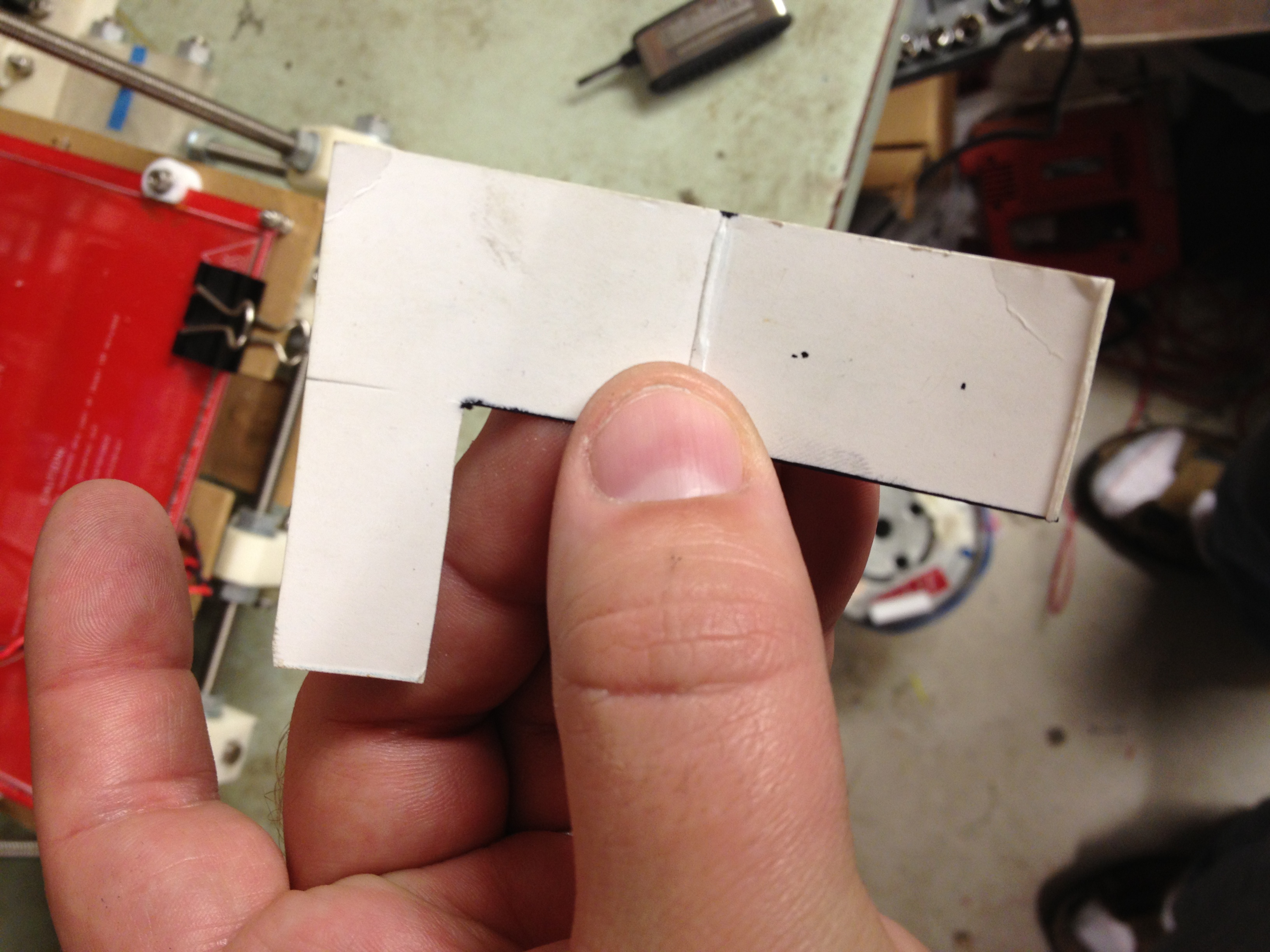
(That tall L-shaped thing to the front-left of the cylinder in those pictures is the “shield” that the RepRap host prints out every layer, to ensure there’s plastic in the nozzle before printing)

Another lineup of mugs (mug-shots.. aaaahaha!! ha! ahhh… ha.. hmmrph.. cough… (crickets)):

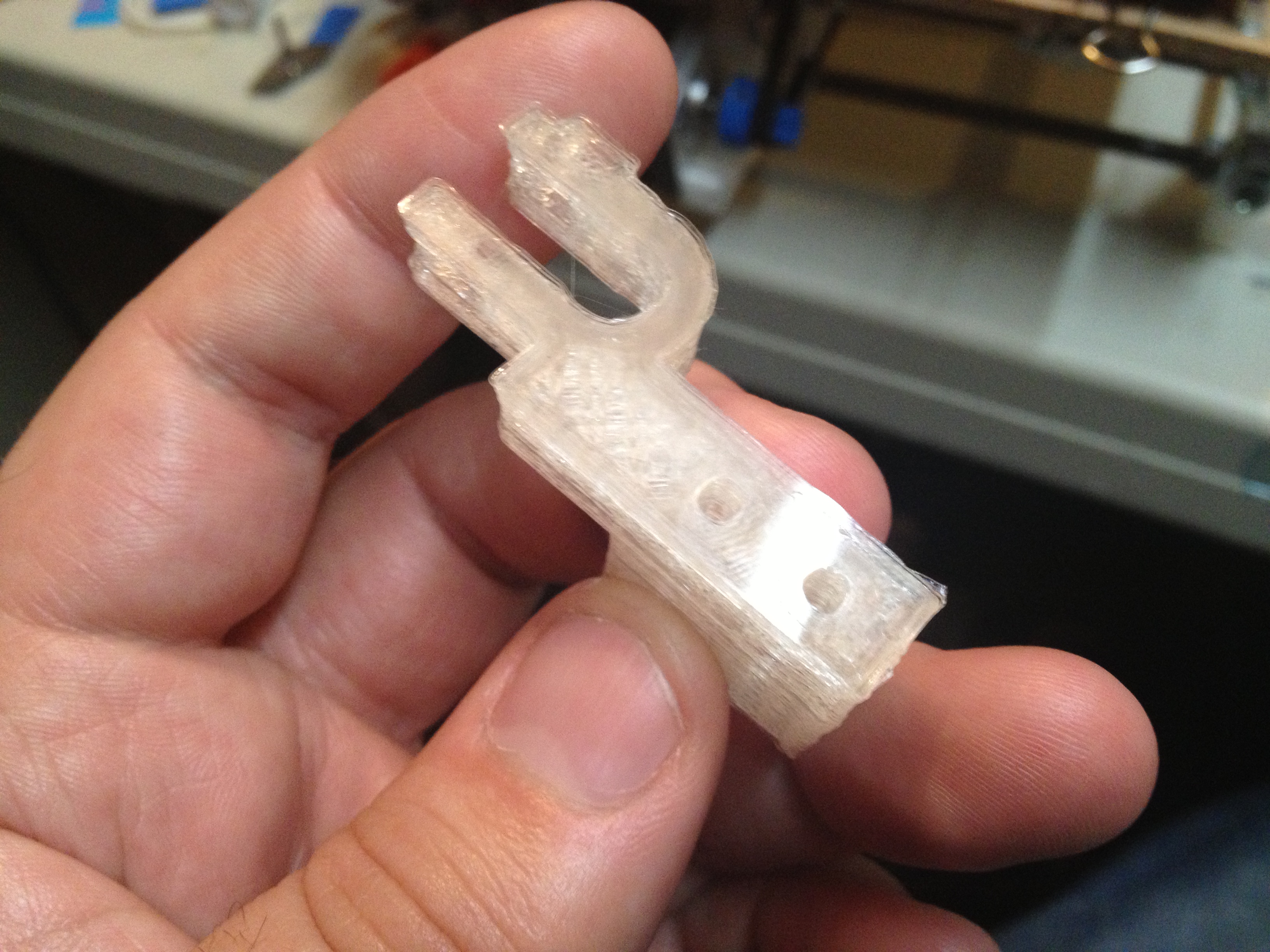
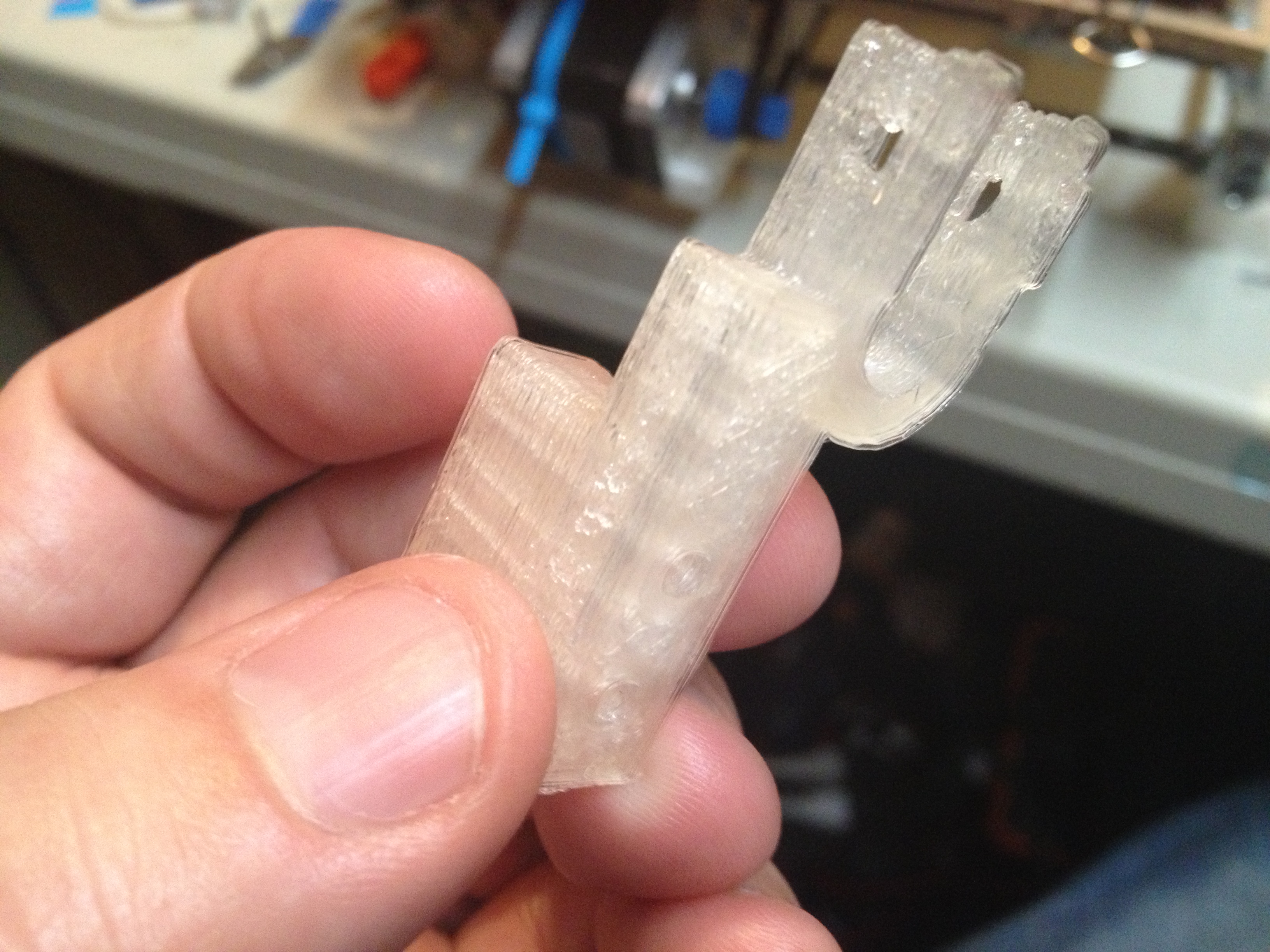
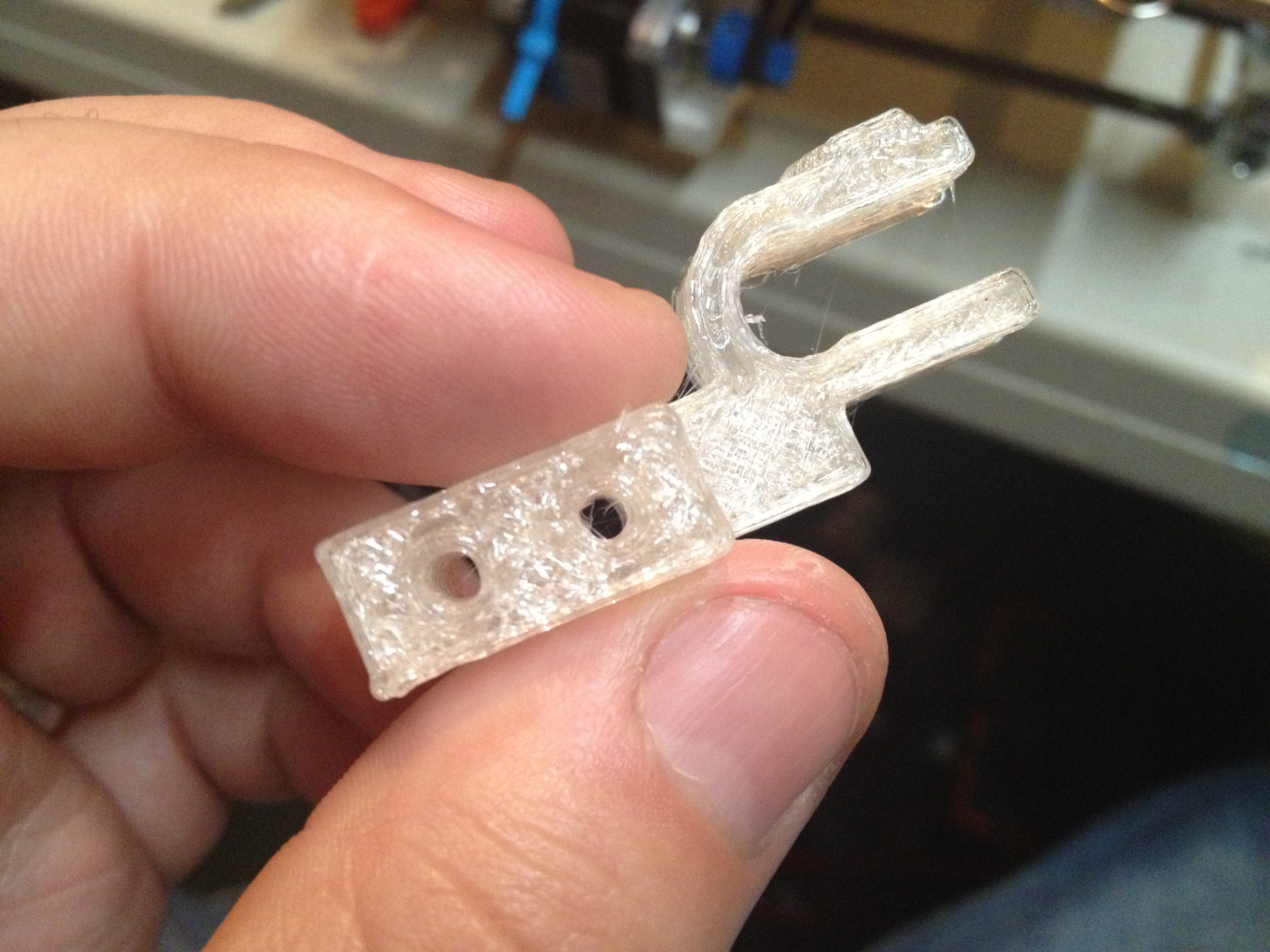
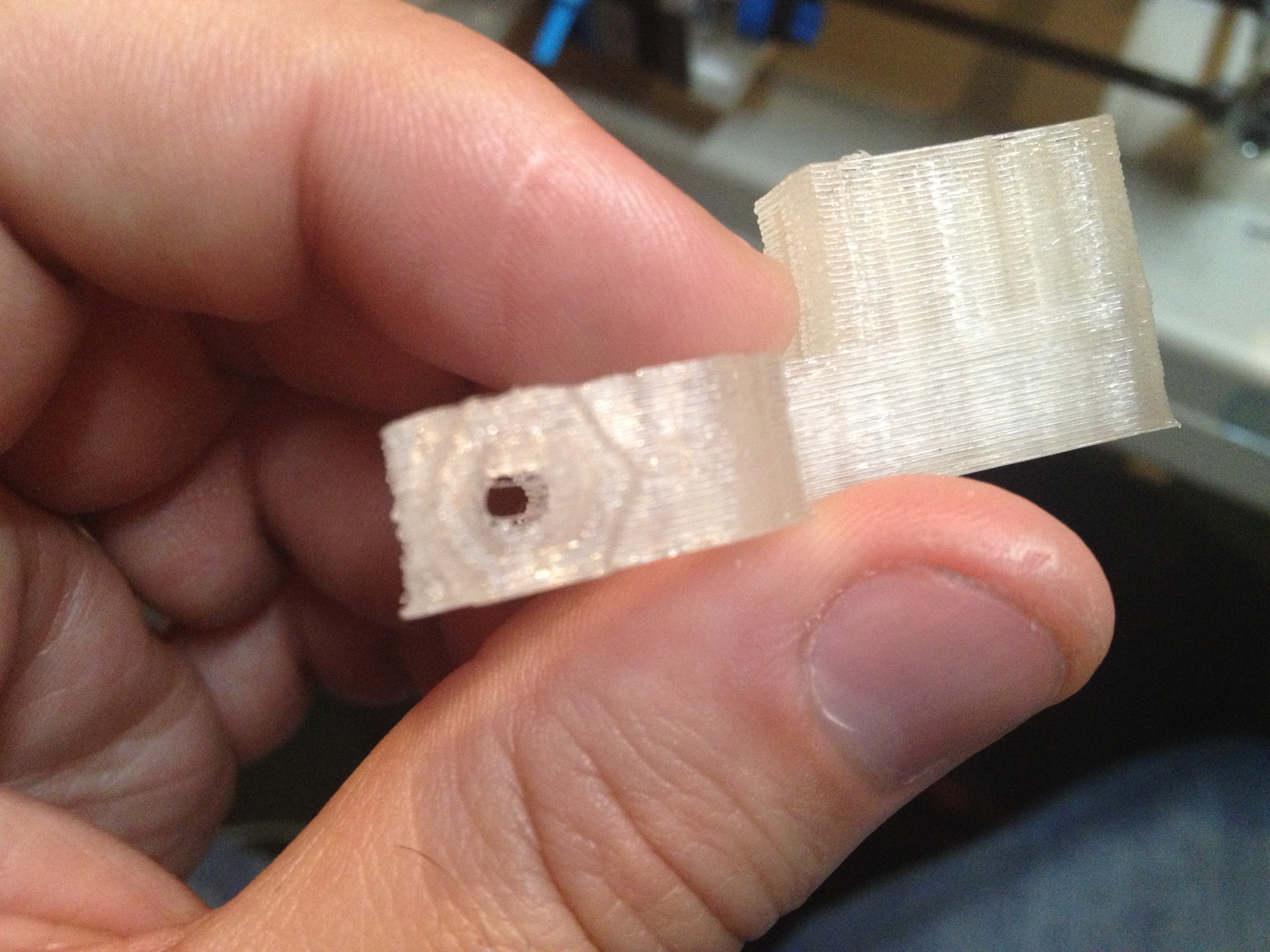
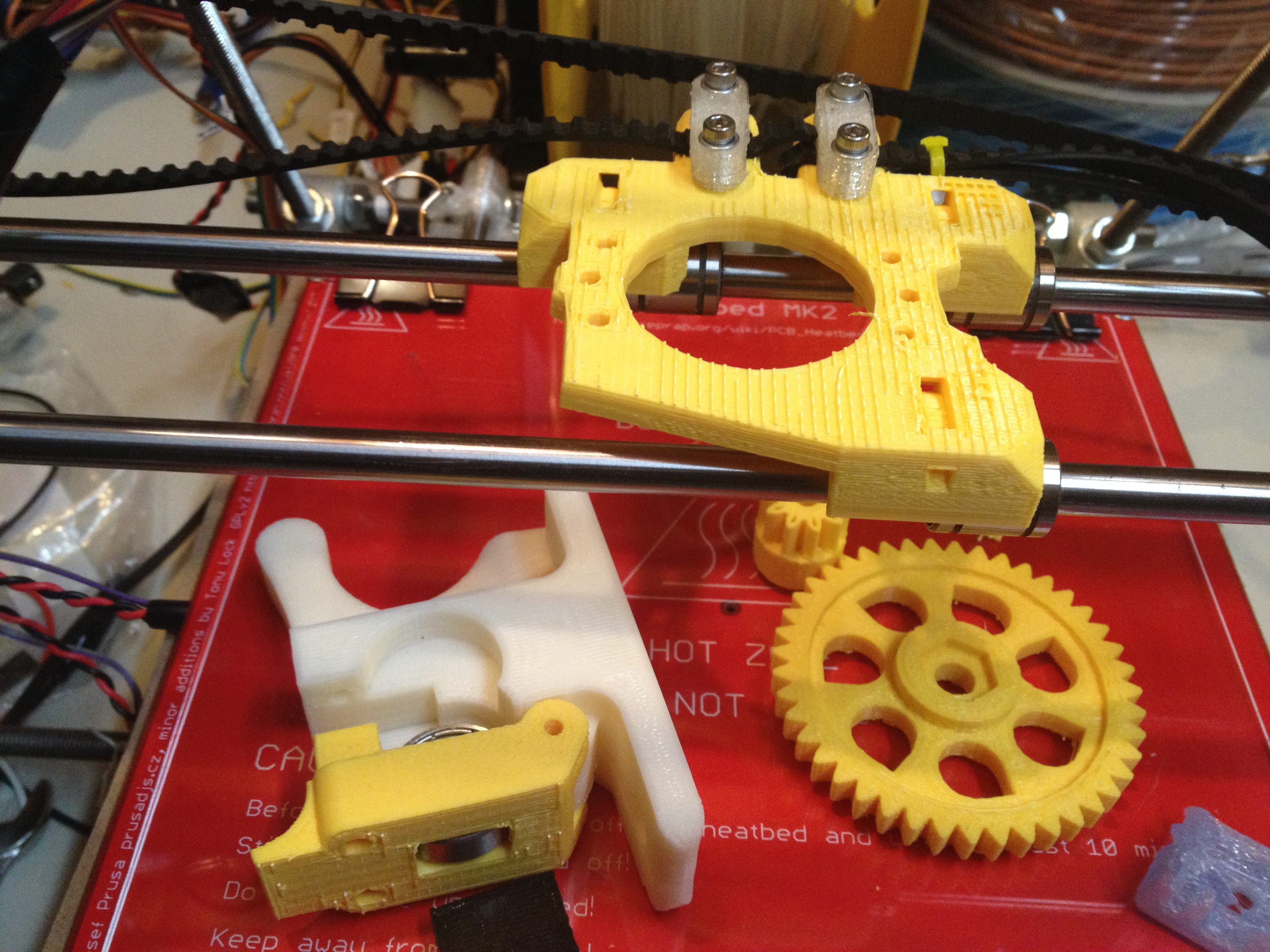
After this many minimugs, I was itching to try printing something else, if not just to eliminate the possibility that maybe making a water-tight minimug out of PLA was tougher than creating solid usable parts for Wade’s extruder. So I tried printing nophead’s beefed up version of the idle bracket for Wade’s extruder. The result was not good:

I tried printing another one, which came out worse:

…and here they are, side by side, with the 2nd worse one on the left:

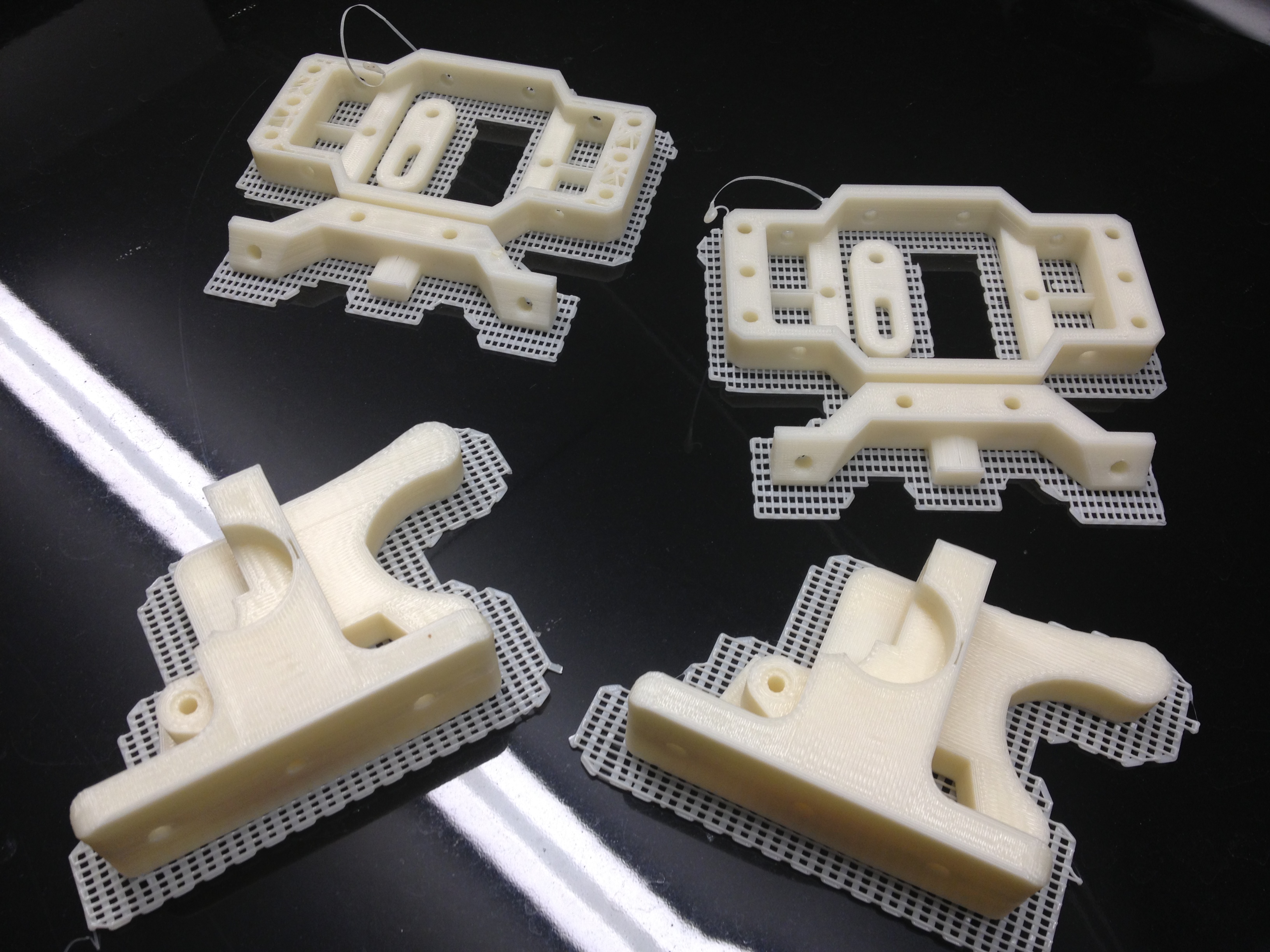
Back to minimug attempts, and ended up with a few like this that didn’t even get to be minimugs:

Another, larger, lineup:

And then, just to satisfy my curiosity about minimug #7, I taped the bottom and went to see if it could hold any water at all.. It was cool to try, because when it’s under water it’s almost invisible (just like when they dip plastic rods into water in a science museum exhibit to teach about light refraction):

Ok, maybe it wasn’t invisible, but it was cooler than I expected.. I forsee someone uploading a small water pistol to thingiverse (if that doesn’t run afoul of the general aversion to gun-related anything in the RepRap project, or any such feelings that might exist at thingiverse).

But I digress. Next I tried printing another piece of Wade’s extruder (since my first part went so well). I think it’s because when you’re in the middle of a run of failed attempts at something, there’s a desire to try something else, if not to just avoid the “insanity is trying the same thing repeatedly and expecting different results” trap.. Even though yeah, I was making parameter and temperature changes each time, so it wasn’t actually the same, it still felt the same at the end when you had a leaky minimug.

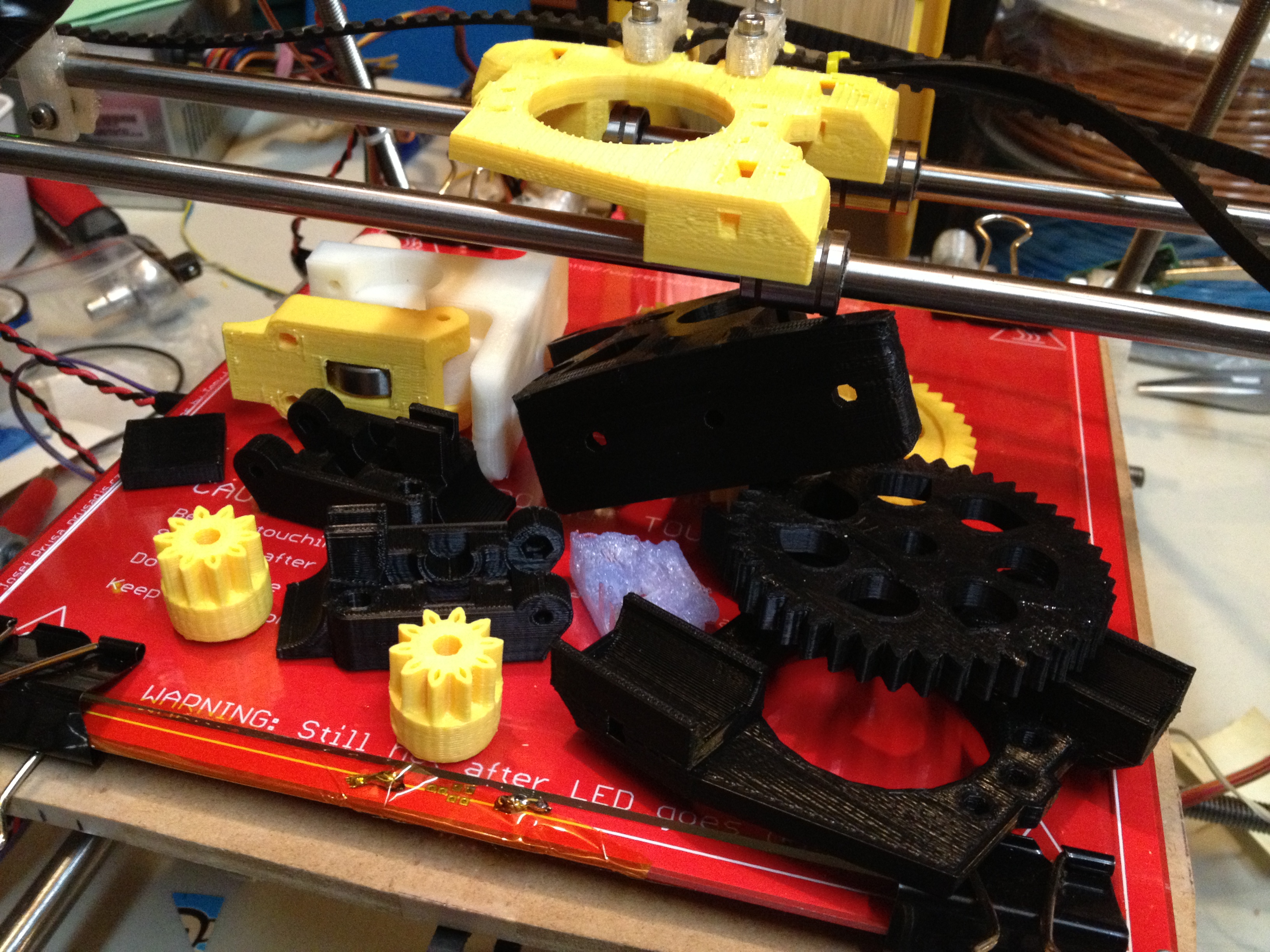
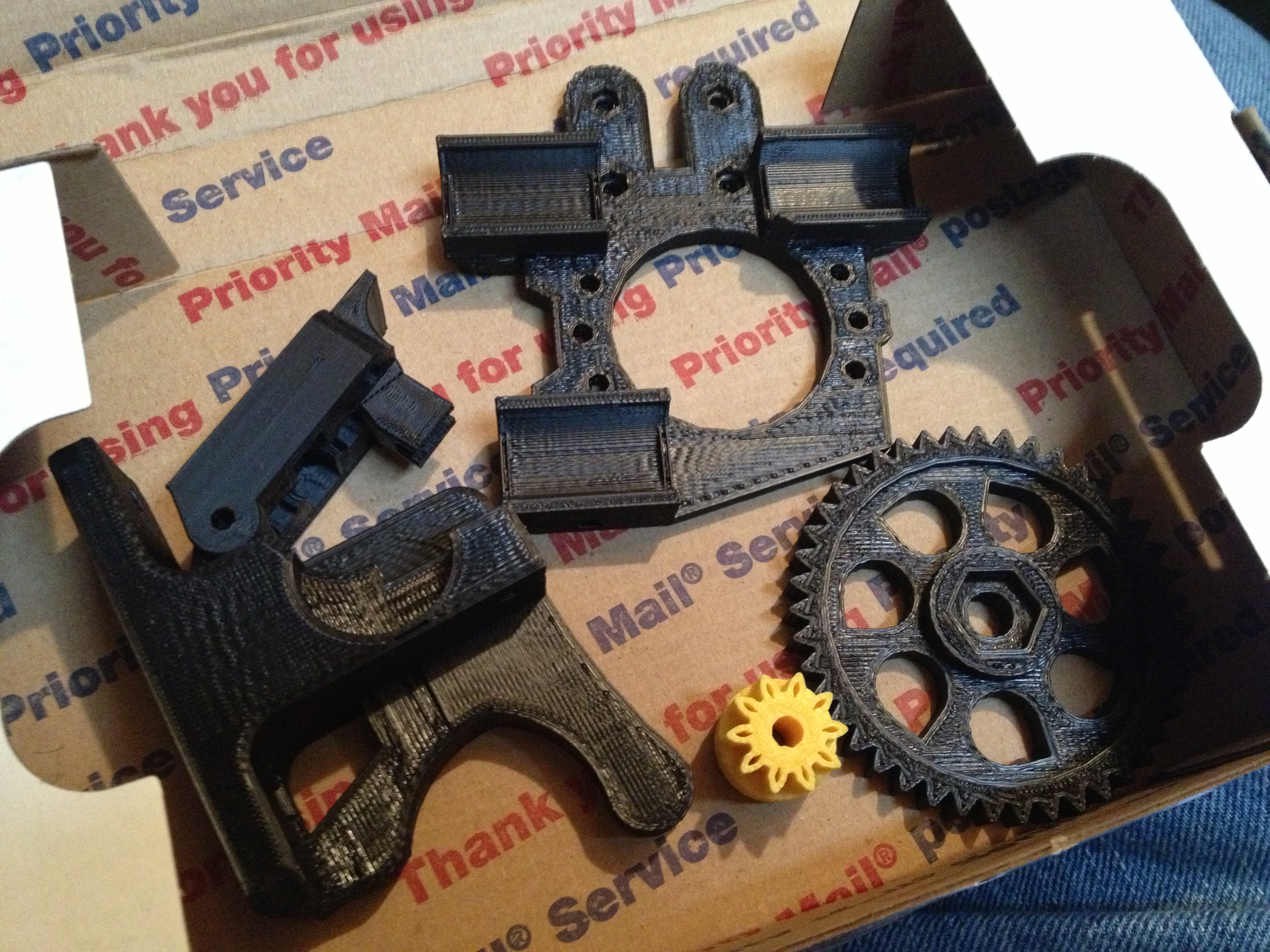
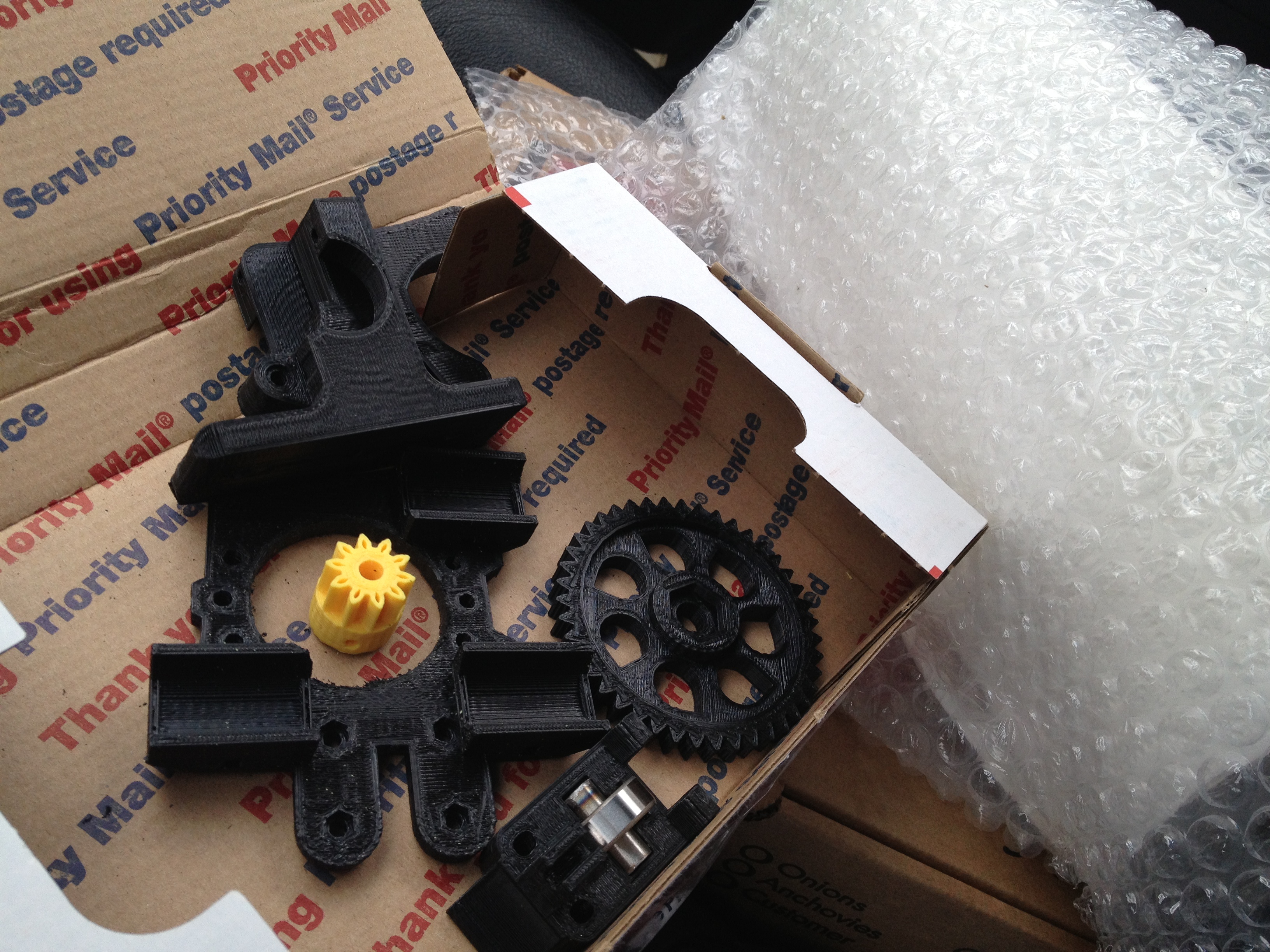
I tried printing the smaller of the two gears for Wade’s extruder (again, I went with a variation by nophead, this one having an area to slide an M3 nut into for a set screw.

I gave that one another try, and this time the latter print turned out better.. It’s still unusable, but at least this time it looks like a gear and you can see more than one tooth!

Undeterred by my lack of success (which should have pushed me back towards experimenting with different temperatures, remounting the extruder several times, and messing with print settings to get a perfect minimug), I decided to try something even crazier – see how far it would make it printing out a whole sheet of Mendel parts from one of the RFO files that ships with the RepRap Host software.. (ok maybe this one was just wanting to see what the UI looked like after I clicked the “Load RFO” button).. I loaded tray 1, removed the pieces that I absolutely didn’t need (the belt splitter jig pieces), and tried generating gcode (which took a while). Here was what the software showed me the build would look like:

But after printing what actually might have been an almost workable layer for the first piece or two, it lost any ability to extrude enough plastic (temperature problem? jam? who knows), and this was the result:

Yeah.. So, couple that with the fact that I knew I shouldn’t be wasting time on that yet because I wasn’t even there quality wise, and I headed back towards minimugs.. Except I didn’t actually get to making another mug yet (before the time of this post, anyway). I wanted to try something different, and one of the questions that had been nagging me was whether ANYONE had made a successful minimug out of PLA with the RepRap Host software.. (maybe everyone had been using ABS with skeinforge?).. So I decided I’d do what I’d told myself I didn’t want to do yet – try extruding ABS.

The problem was I didn’t want to get some PLA/ABS mix globbed up inside the extruder, but it’s not the end of the world if that happens, so I gave it a go (I’ve certainly printed enough ABS parts out on the Makerbot – that’s what most of my Mendel is made from!).

My first problem was what to print on.. On the Makerbot I’d found that double-sided tape on the acrylic bed worked ok.. I had some of it around, and despite my uneasy feeling about it, I tried putting it on the MDF bed:

I was able to extrude some ABS, although not a hell of a lot, so I shouldn’t have even tried printing but I did.. I guess I didn’t press down the tape well enough and it floated higher than the masking tape usually does, because this wonderful thing happened:

At least I have some scraps of ABS to remind myself that yes I’ve tried ABS on my Mendel:

That’s basically where I left it.. Next time I turn on my printer I either have to do more ABS experiments or flush the ABS out of the system to get back to PLA extrusion (which is always fun because of the temperature issues, etc). I’ve got this haunting feeling that time is creeping up on me, and that I’ll have to rebuild the heater barrel again someday (based only on my Makerbot experience, but that was usually after printing dozens of parts, so I’m hopefully nowhere near needing to do that yet). I can’t wait to get to the point where I’m printing out good usable solid pieces from PLA, like I did when I finally printed my extruder piece out of PLA back in December.

I’m tempted to ask people for advice (ok, screw tempted – feel free to submit advice in the comments!), but I shouldn’t need to – I’m my own source of advice! I’ve done this, with this very spool of PLA! The differences here are:

1) Obviously, it’s a different printer (Makerbot vs Mendel), with different quirks
1a) The extruder strength is different
1b) The extruder grip (gear vs splined shaft) is different
1c) The idler wheel spacing is different (known spacer bar for Makerbot, unknown for me)
1d) The idler wheel spacing will slip more over time here (fixed by other extruder pieces)
2) I’m using the RepRap Host software instead of skeinforge to do my slicing
3) I don’t have any idea which thermistor I’m using, so I haven’t changed firmware to reflect which thermistor I’m using, so the temperature numbers won’t necessarily be the same
4) Maybe moisture or age has affected the PLA (I doubt it, but it is a difference, and people have talked about it).

So, suggestions, stories of success/failure with others’ water-tight minimugs, etc are all welcome. While typing this I did a google image search on “minimug success” and one of the images was this beautiful minimug (looks like ABS) that Zach made back in 2008. I’m drooling. I wonder what size nozzle that was? Bigger?

That’s it for now!

I DID IT!!!!!

August 3rd, 2010

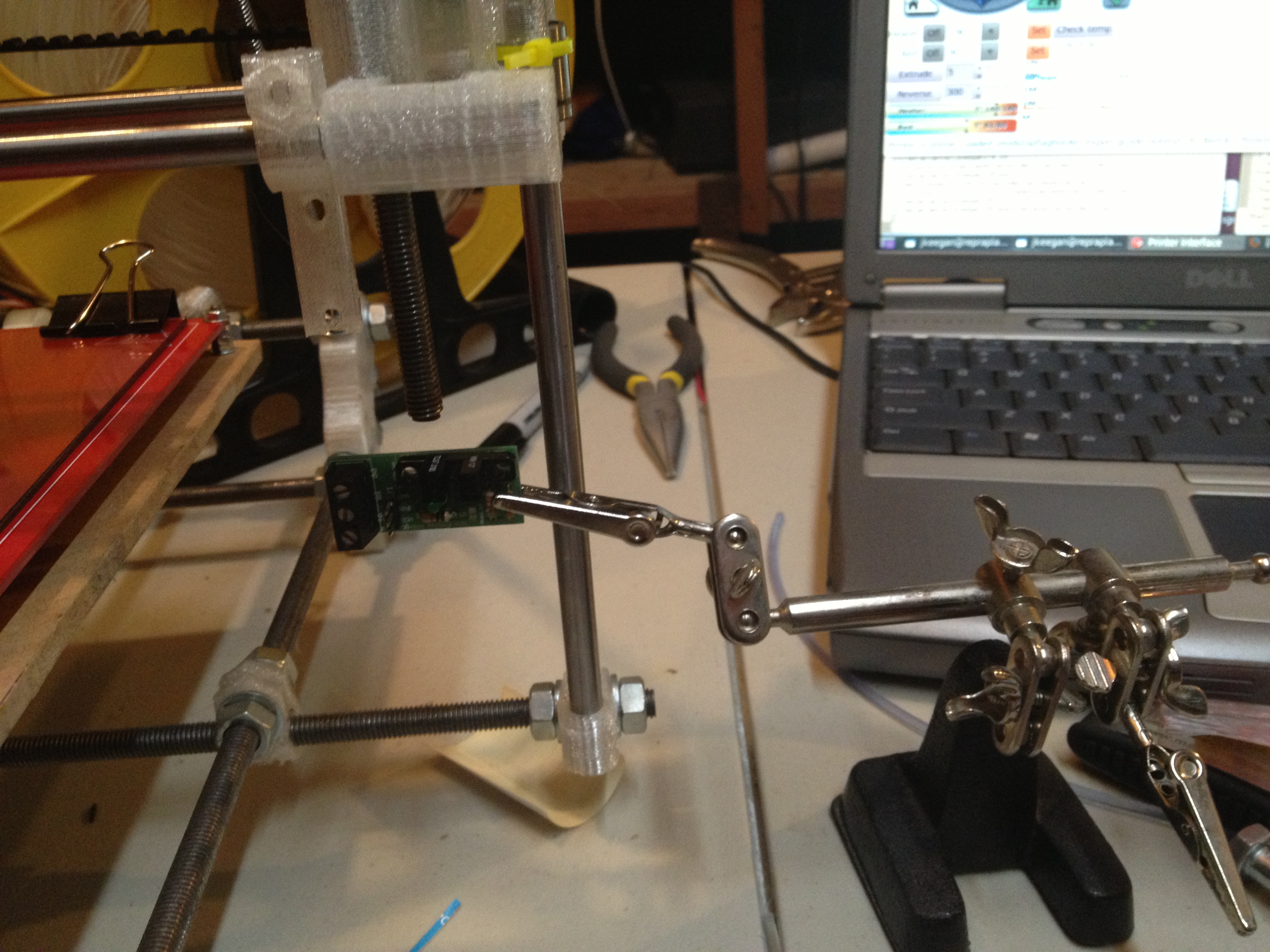
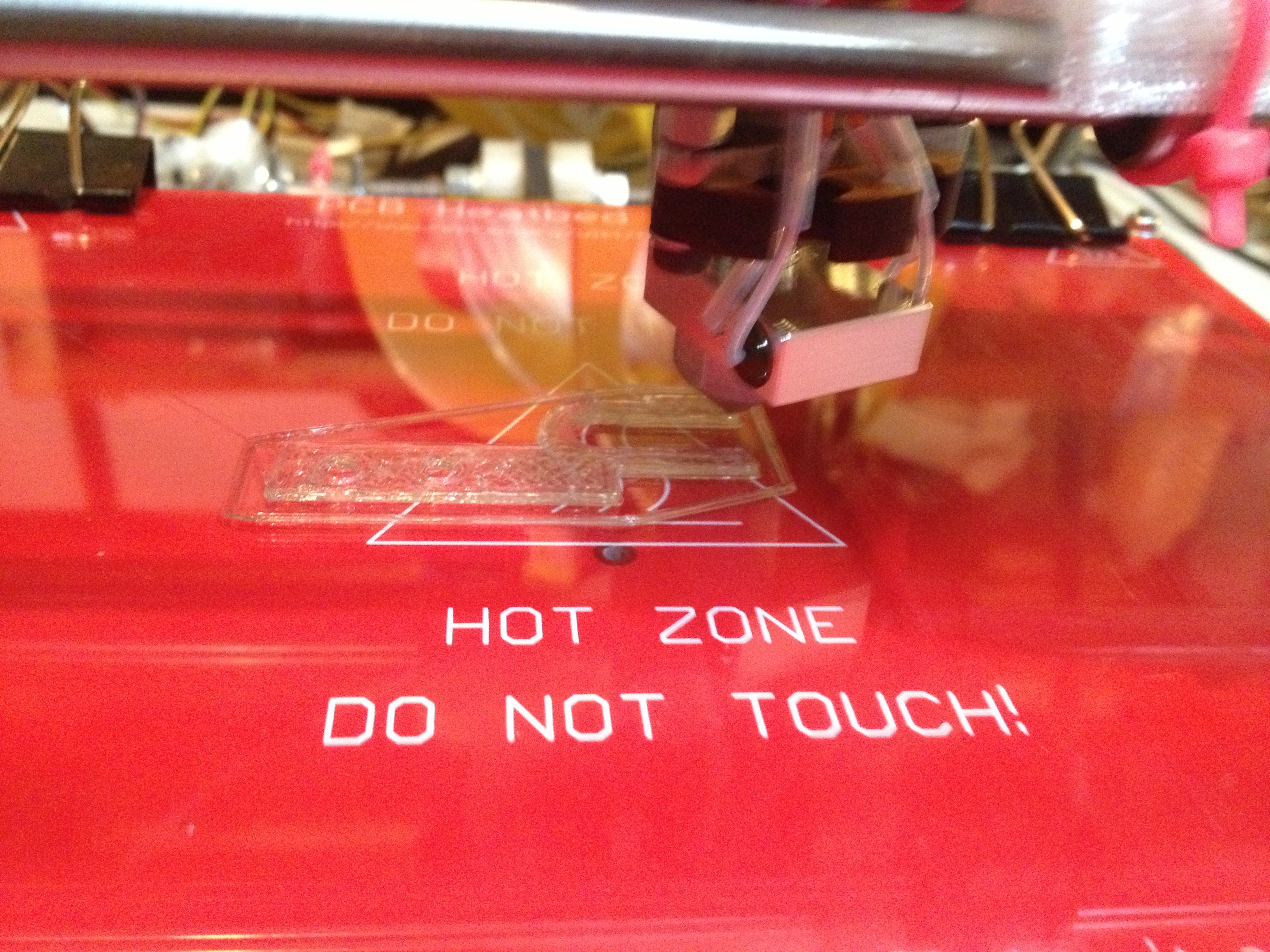
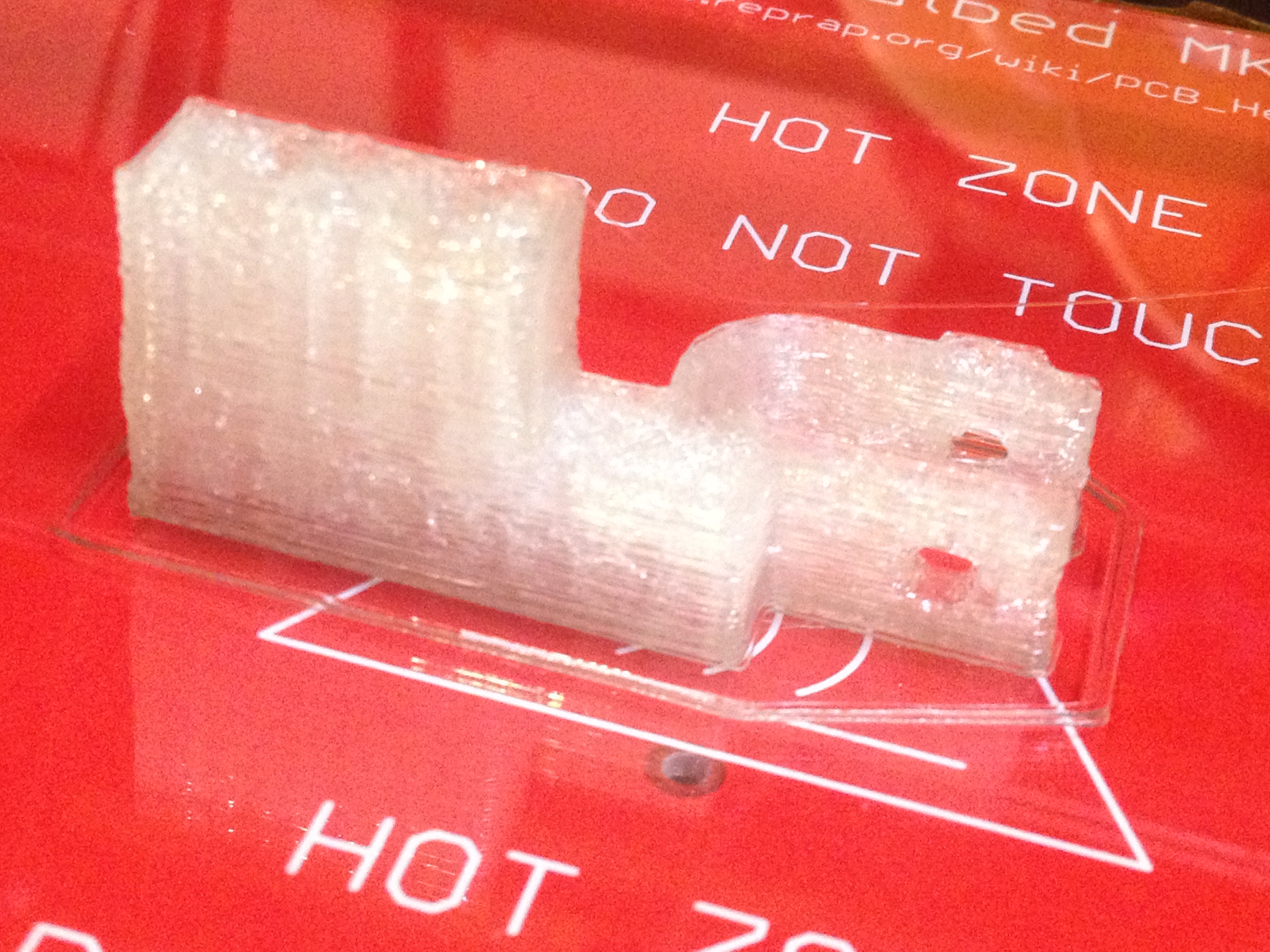
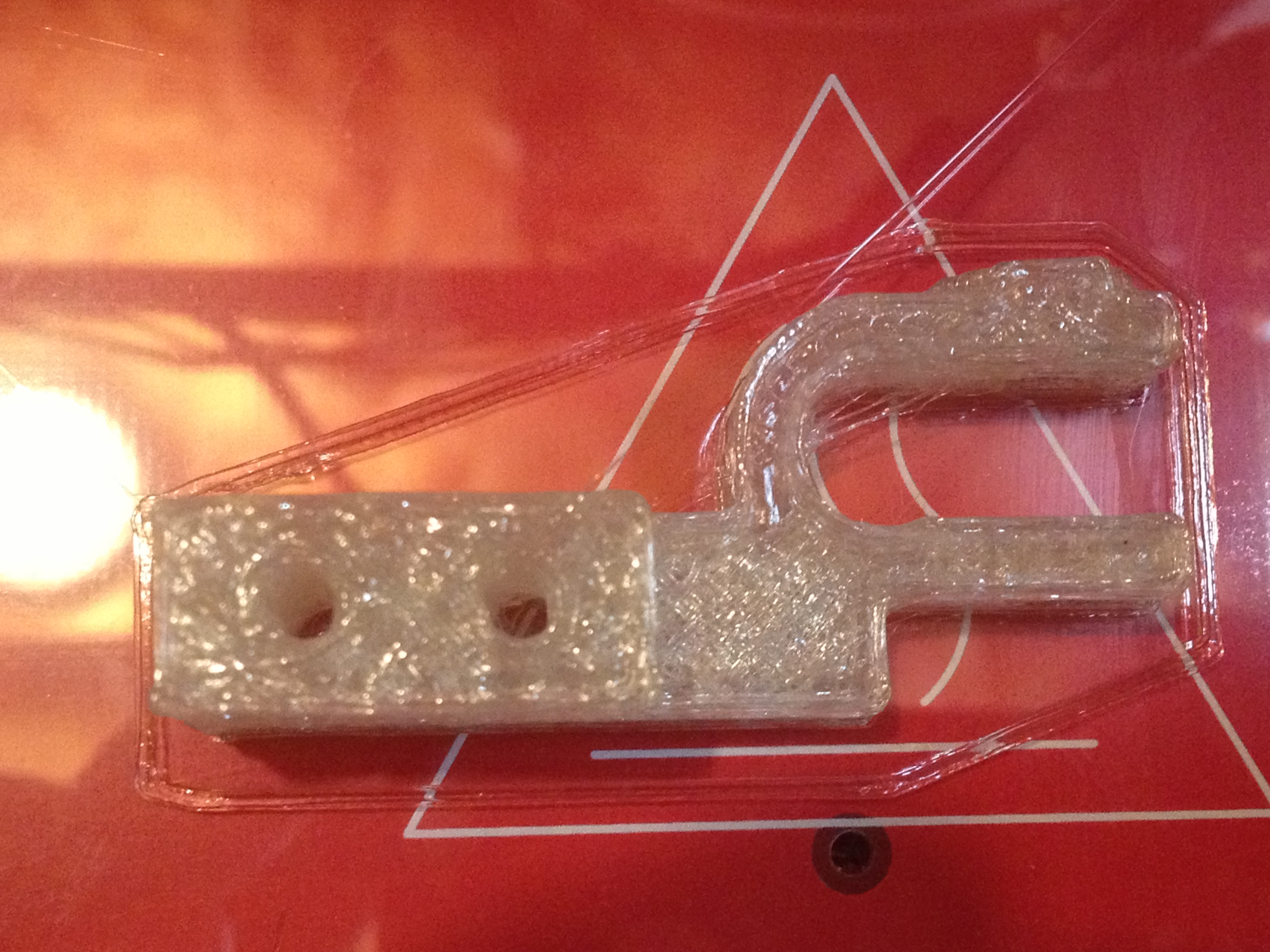
Short and sweet:

Four pics:

More in a later post, with all of the boring video and pics leading up to that. But for now?

MY PRINTER IS PRINTING!!!!!

August 3rd, 2010, first print. JeffTry15.

15+ tries later, buying better stepper motor

July 28th, 2010

Since my last post I’ve done over 15 print attempts.. I fixed a bunch of things during that time, and felt I was making at least some progress, but I’ve realized that I simply won’t be able to print anything real with the Mercury stepper motor I’ve been using for my non-geared, standard Mendel extruder.

Today I ordered a high torque stepper motor with a 3/16″ round shaft (Lin Engineering 4218L-01-10) for around $10. I’ll cut splines into that shaft too (as I did with this one), and hopefully get enough torque that I can dig into plastic enough to get consistent extrusion so I can print a geared extruder (or, one thing at a time, print anything). :)

The new stepper motor is due to arrive Tuesday. I won’t be doing much until then.

All of that said, here are a few pics and video clips of some of my print attempts up to this point (after a few gratuitous 3D pictures of my Mendel):

NOTE: With the lazy-eye 3D pics, I’ve found it’s best to click on the pictures first, then try doing the 3D thing. Wordpress tries scaling these to make them bigger, and in this case bigger is not better – it makes it very difficult to line up the images, and then there are scaling artifacts.. Click the pictures so they’re in their own un-scaled original forms first.
I love this first one – note the wires, the pool in the back, the table beneath it, the foremost threaded bar with the power cables on it, etc.

Look at this next one and see if anything looks “wrong”:

It took me looking at that above 3D image to realize that one of the M8 bolts on the top had almost come off from vibration. I had the actual Mendel right in front of me and didn’t notice it, but the 3D picture had me studying every bit of it and I noticed. :)

Here’s one last 3D pic:

Ok.. Here was video of JeffTry6, where I briefly got optimistic enough that I almost sound like that “double rainbow” guy (shiver):

Here was the result of that:

..and me talking about that:

So then I went about doing the math to determine what the number of steps/mm I should have for Z, and for that matter, for X and Y. I have McMaster pulleys (McMaster part# 57105K11) for my X, Y, and Z stepper motors, which have a larger diameter than the printed Mendel pulleys. For X and Y it’s easy:

// One step is the circumference of the pulley divided by the number of steps)
1 step = (McMasterPulleyDiameter * π)/ 400 mm
so
1 mm = 400 / (McMasterPulleyDiameter * π) steps

(where the 200 step (1.8˚) motors are in half-stepping mode, so we use 400)

That means my X_STEPS_PER_MM and Y_STEPS_PER_MM are 7.869315719200254 (I put 7.8693).

For Z there are two gear diameters and the leadscrew pitch to deal with too. For Z, my math was:

// 1.25mm pitch screw, 1 full turn, 1.25mmz
1.25 mm-of-Z-travel = (RepRapLeadscrewGearDiameter * π) mm-of-belt
so
1 mm-of-belt = 1.25 / (RepRapLeadscrewGearDiameter * π)  mm-of-Z-travel

Then combine that with the previous equation for 1 mm-of-belt from above:

// Same as above
1 mm-of-belt = 400 / (McMasterPulleyDiameter * π) steps
and you get
400 / (McMasterPulleyDiameter * π) steps = 1.25 / (RepRapLeadscrewGearDiameter * π)  mm-of-Z-travel

which reduces to:

1 mm-of-Z-travel = (RepRapLeadscrewGearDiameter / McMasterPulleyDiameter) * (400 / 1.25) steps

Maybe my measurements were wrong, or I’m taking the diameter of the wrong part of the gear.. My X/Y value seems ok, but my Z value didn’t work in practice. McMaster’s site says the diameter of that pulley is .637″ (16.1798mm). I measured the RepRapLeadscrewGear at around 1.125″ (28.5750mm). That gave me 565.1491 steps of the Z-axis motor to move the X axis up or down 1mm. So I set Z_STEPS_PER_MM to 565.1491 (in firmware, and also in the Preferences page), and it didn’t turn out right. It turns out the correct value through experimentation was 672. If someone wants to tell me where I got my math wrong on that one, I’m all ears (but again, it could just be the wrong measurement). And by the way, thanks to Laurie for verifying the math by solving the problem independently from me so we could compare our results.
Here’s how I determined the Z_STEPS_PER_MM through experimentation:

At some point after this I realized to my shock that when the nozzle moved towards the right on the X axis, the nozzle raised higher and higher above the bed. I’d previously spent time making sure this wasn’t the case, so I worried about how that had happened. The first thing I did was check the bed height with the spacer piece, and determined that the bed was correctly leveled. Then it hit me and I felt crazy for not having seen it immediately – the right leadscrew was somehow now a few turns higher than the left leadscrew. I think this happened when I’d been working to fix the Z axis problems I had a month or two ago. Anyway, I loosened the Z belt, adjusted it meticulously, tightened everything up again, and that’s all fixed now.

Then I proceeded to do more attempts at printing. JeffTry10 didn’t look very good at all..

Then another..

The best example of the fact that I’m not consistently extruding but rather dribbling with some slight push was this attempt at printing a 40mmx40mmx40mm cube, which I only let go for maybe 2 layers before aborting:

Before deciding to buy a new stepper motor with higher torque, I figured I’d give it one more try, this time changing the extruder firmware to use full steps instead of half steps, which I think should increase the torque. I certainly got more plastic out, but as you can see, it’s still not extruding correctly:

Here’s one more 3D picture of that print attempt, then a picture, then video:

That’s it for now. More next week!

First (failed) Print!!! LOL!

July 18th, 2010

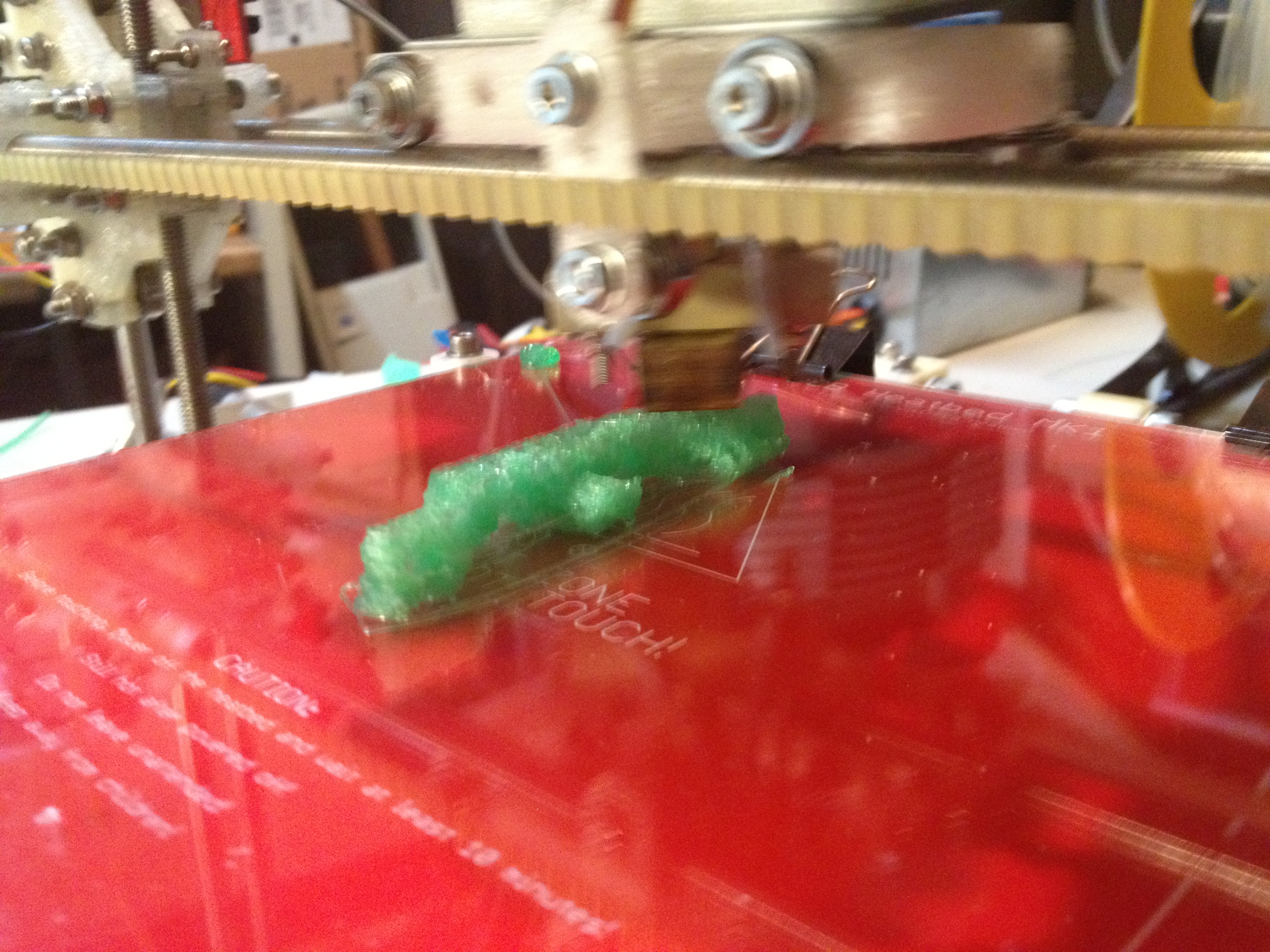
IT’S PRINTING!!! Well, it’s failing spectacularly at printing, but it has extruded plastic all on its own while trying to make a mini-mug (a little shot glass that I can toast success with). Instead it’s a glob of plastic that only a RepRap parent could love. :)

There is video of that a few photos/videos down from here, but as usual I’ll show what led up to that first.

I’d only had two times last week that I could play with my RepRap and I was having problems getting it to fully extrude on its own. The stepper motor seemed very weak..

Here it was, thinking it was printing a mini-mug:

Here’s a video showing the extruder appearing extremely weak, unable to push out plastic.

Then I started getting much closer just by adjusting the motor mounting while it was trying to extrude, so I could see where it could grip. I still wasn’t there, but I was closer:

3-d cross-your-eyes picture of the plastic in the extruder (click for unscaled picture, which works better):

I’d posted to the reprap forum about my weak extruder problem and Wade said he’d had the same problem, and suggested cranking up the current on the stepper motor and slowing the extrusion speed. I had already tried turning the trimpot on the extruder board with no success, and remembered reading on the extruder controller page that the trimpot wasn’t currently used.

It turns out that it can be used by the FiveD firmware if you issue the right “M” command (M113). M113 without any arguments causes the trimpot to be read right then. I’d you supply an argument, though, you can specify a value right there in the gcode file.

That revelation led to one long uneventful video that I’ll spare you from, and then…. to THIS:

Here is my RepRap’s first printed attempt at making a minimug:

Here is the entire removed top bed with the failed print:

And here are two cross-eyed 3d pictures of that print (click for unscaled pictures which again work better):

When peeling it off of the bed it was interesting to see that the bottom layer that was really flat (I think I trimmed my z opto flag about 0.5mm too short) actually stuck together, despite the thrashing that the failed build did to the rest:

So now I think I just have to find the right combination of: a) the correct spacing between the stepper and the bearing, b) the right PWM setting to use, and c) the extruder speed. Not sure on how exactly to change c yet.. Changing the gcode directly probably affects the rest of the build – when I was using skeinforge on the Makerbot I had to change something pre-rendering. Eh, we’ll see.

BUT NOW, I’M PRINTING!!! Woohoo!!!!!!!!!!!!!!! Now to just get something to print correctly… :)

Extruding!! (by hand, but.. EXTRUDING!!!)

July 12th, 2010

SO much progress since the last time I’ve written about it.

..and I’m actually at the cusp of printing.. So close I can literally smell it.. but I’m in a whole different category of problems now – problems getting things to print, not problems building the machine! So that’s actually one reason I want to post now – to cover all of the progress up to now so I don’t have to do it later. And there’s a lot to cover.. Huge media bonanza in this post – enjoy.

Ok, where to start.. Well, in my last real post I gave a quick preview of two youtube videos, so I’ll include them here. The first one shows a strange (new, replacement) problem I was having with the leadscrews:

Here’s a video from a month ago talking about the wiring that I’d started. Wow that seems so long ago:

Here are some pictures I took while wiring back then:

Then I had weeks worth of round-the-clock work on work stuff, so I couldn’t touch my RepRap for just about a month. But then this week I was on vacation with my family, and snuck in some nights and a few daytime hours of RepRap work. In a previous post nuttzy had suggested that I bring the RepRap out into the pool with me – I did almost that, by bringing it upstairs to work on.

More pictures..

One of the apps I have on my iPhone is a small app that makes it easy to take 3D pictures – you take a left and a right shot, line them up, and it’ll make either a parallel or crosseyed version for you (although sometimes it seems like it’s mixing those up, so I go with whatever works best). Here were two of those that I couldn’t resist taking.. It works great on an iPhone, not so good on a big screen TV. You want it to be small enough that you can cross your eyes and make the two images overlap then click, then the 3D effect takes place and you can easily make out depth. The downside to the first one is the fact that the front-most part is out of focus, which kills the whole 3D effect if you try to focus on it (which is a downside in any 3D pictures/movies).

I can’t get WordPress to not scale these images to be bigger, and scaling ruins the effect, so I’ll provide links to them.

3D-image-1

3D-image-2

The next thing I did was scratch an itch that had been driving me crazy ever since I got the Z-axis installed – I made feet for my Mendel. I also cut out the removable top MDF sheet to place on top of the bed, so that after a print I can just remove that and take the pieces off without reaching around inside the Mendel.

Another thing that had been bothering me was my power connection. Ultimately I’ll get around to obtaining a 12V power brick and connect that to an XLR connector for power, but I’ve been busy for the past month or so, so for now I have an ATX power supply. I’d been connecting two wires from the ATX power supply into the chocolate block on the bottom, but got sick of that, and figured what the hell – I’ll buy a 2nd XLR connector for when I eventually get an old laptop 12V brick, and free the current one up for me to wire it for use with the ATX power supply. However I didn’t want to wed myself to any particular power supply, since they often die, so I needed a molex connector.

I couldn’t bear to cut one off of any of the countless computers/accessories in my house, and I actually started looking at mouser.com for raw parts. Crazy. Instead, Y-adapters for 4-pin molex power connectors are like a buck. I had one in the other room, but again thought of the many times I use it. I went online, bought 3 more at around a buck a piece (they’ll arrive later in the week), and that freed me up to butcher that cable. Here’s the very nice result.

By the way, I LOVE the feel of an XLR connector – the locking feature is nice, and it’s just a very satisfying click. They’re more prevalent in Europe, from what I hear (at least for power) – I’ve never seen one used for power here in the US.

Next, I had the X-axis built up again to the point where it was moving (after having mostly fixed my Z-axis problems, and temporarily disabling my X-axis in the process). As for the details on this next video, I don’t think I was actually using the home feature at this point. I probably moved X, Y, and Z to some non-zero coordinate, then told them all to go to 0. I don’t think that at that point my Y opto flag was working, and Z didn’t even finish during the video, but I was still happy about it:

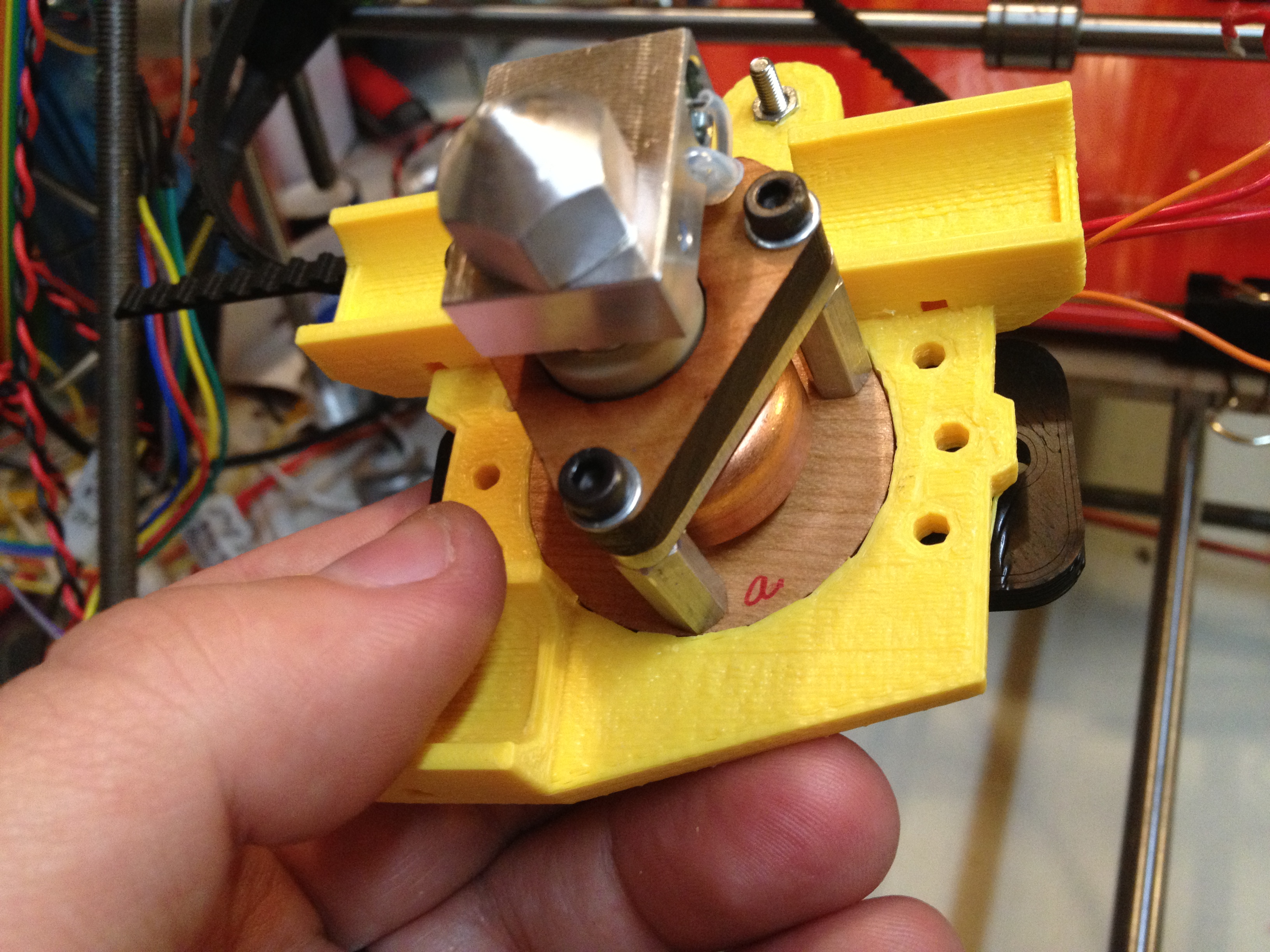
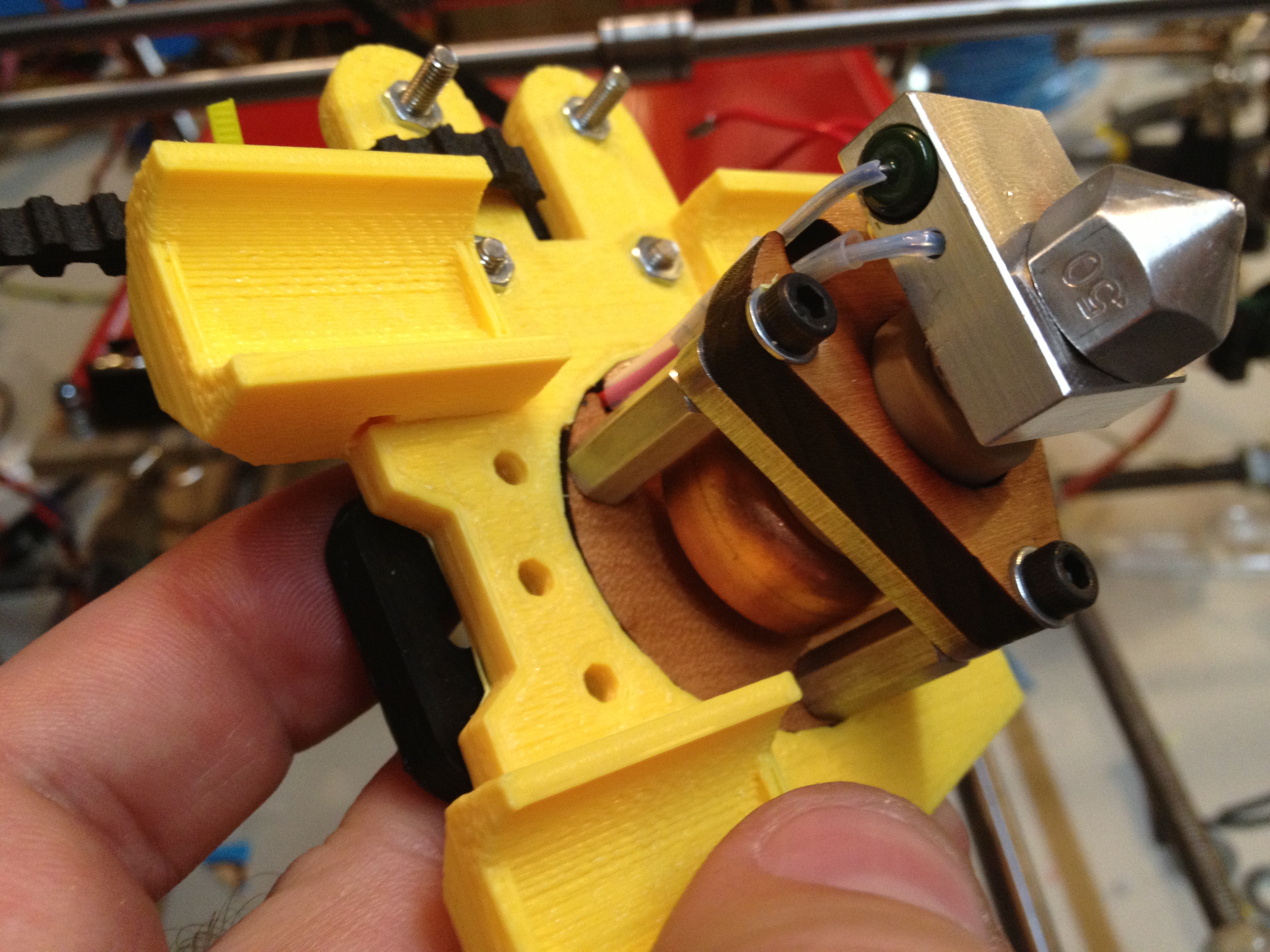
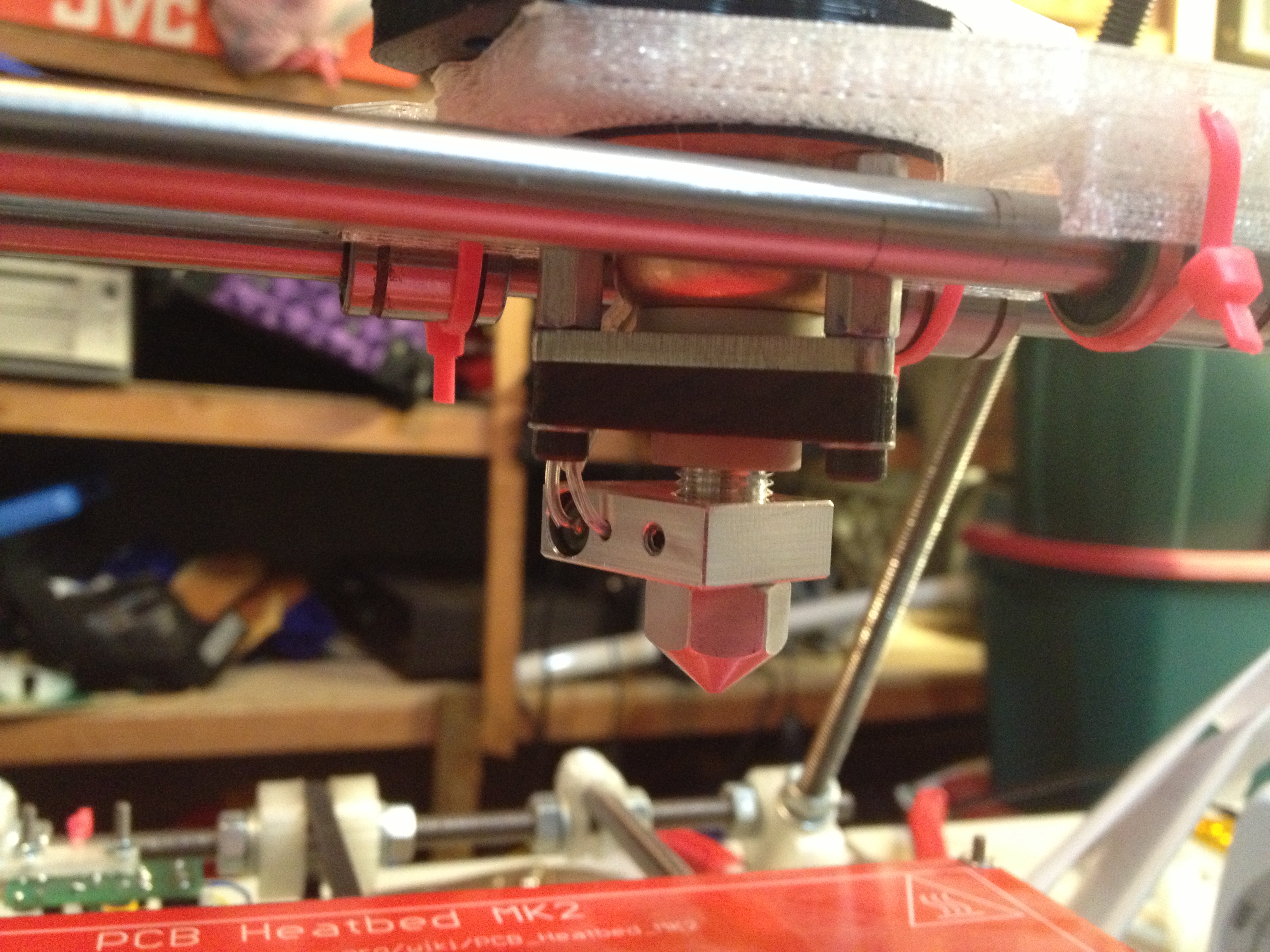
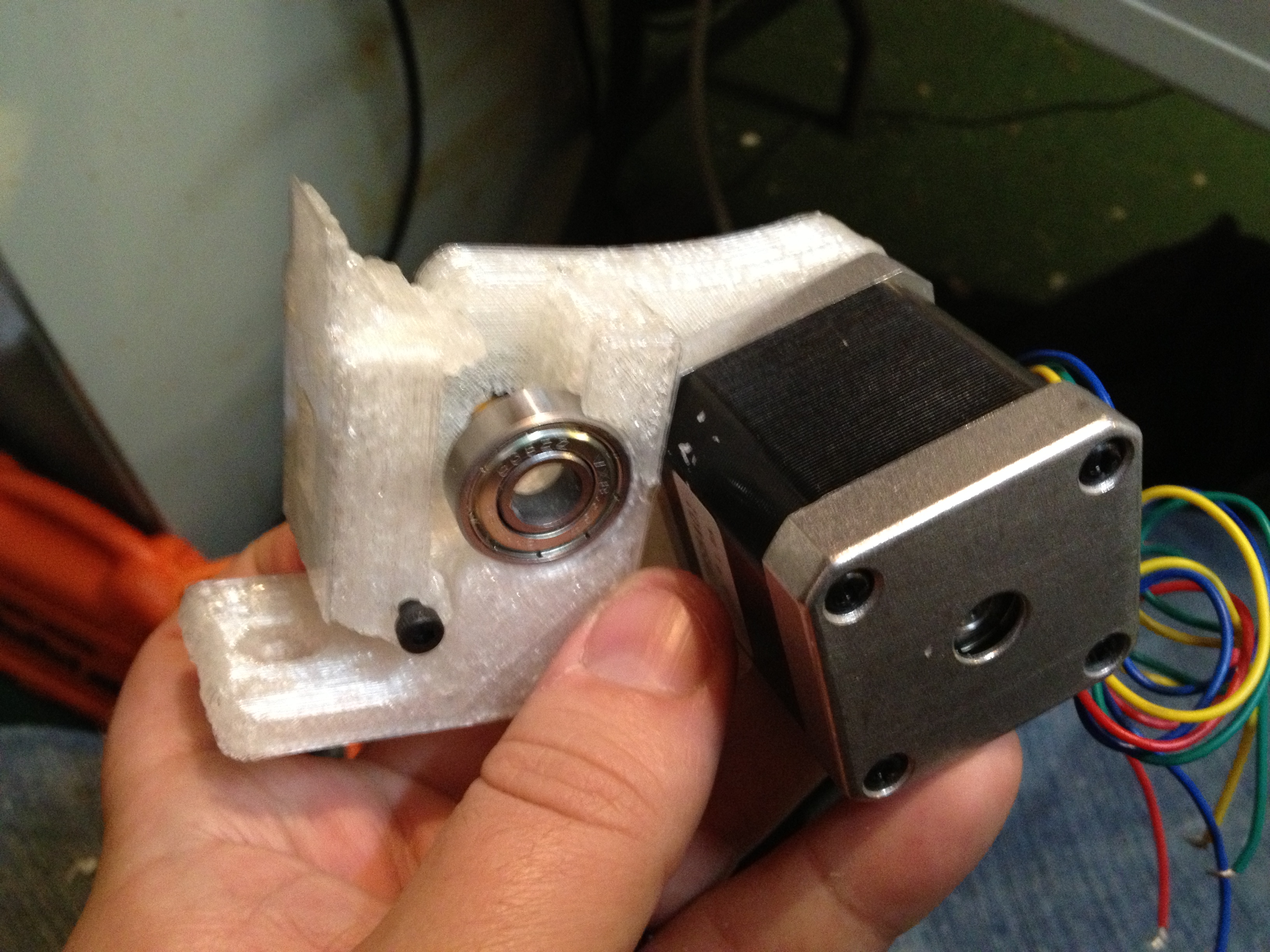
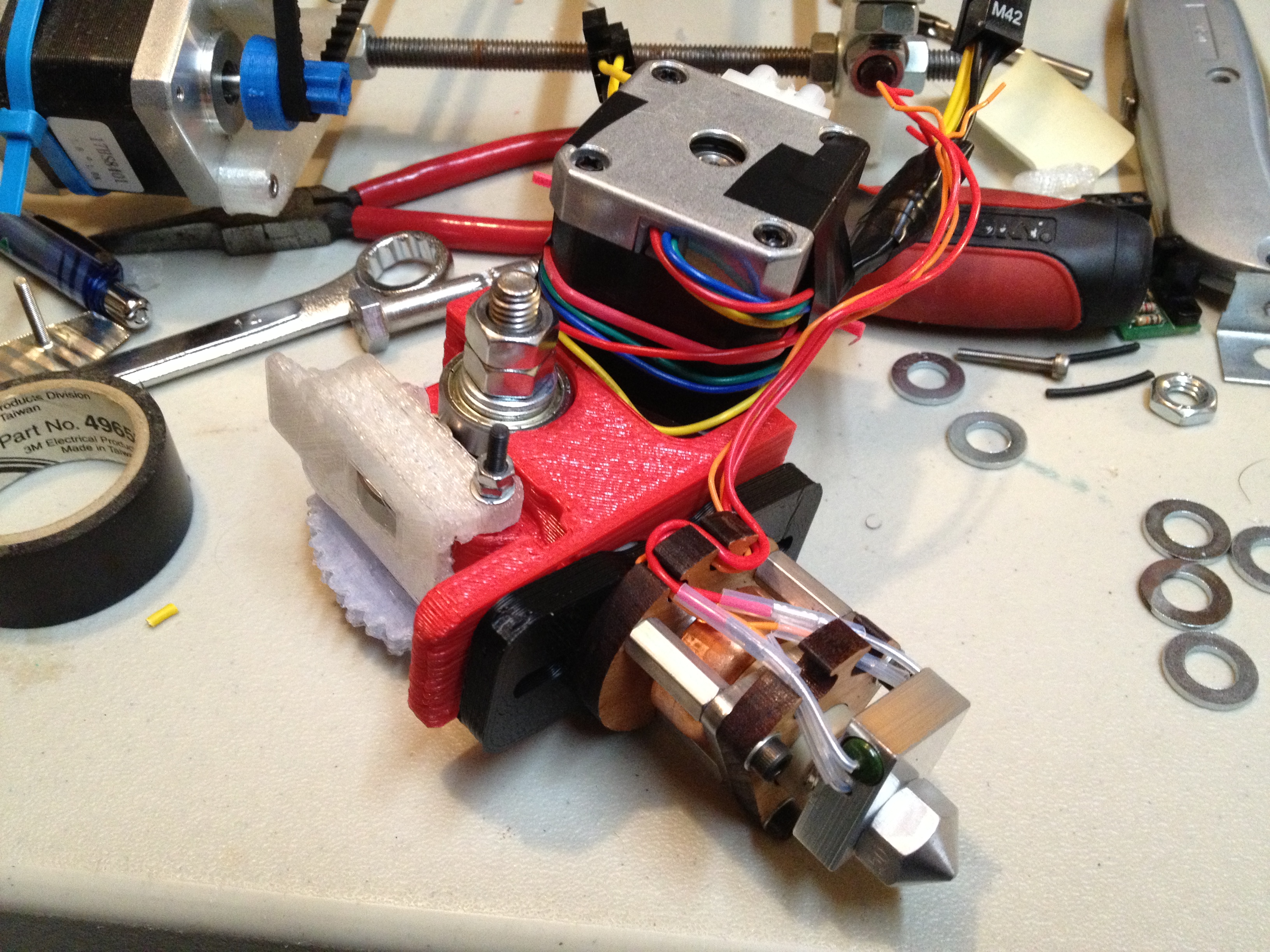
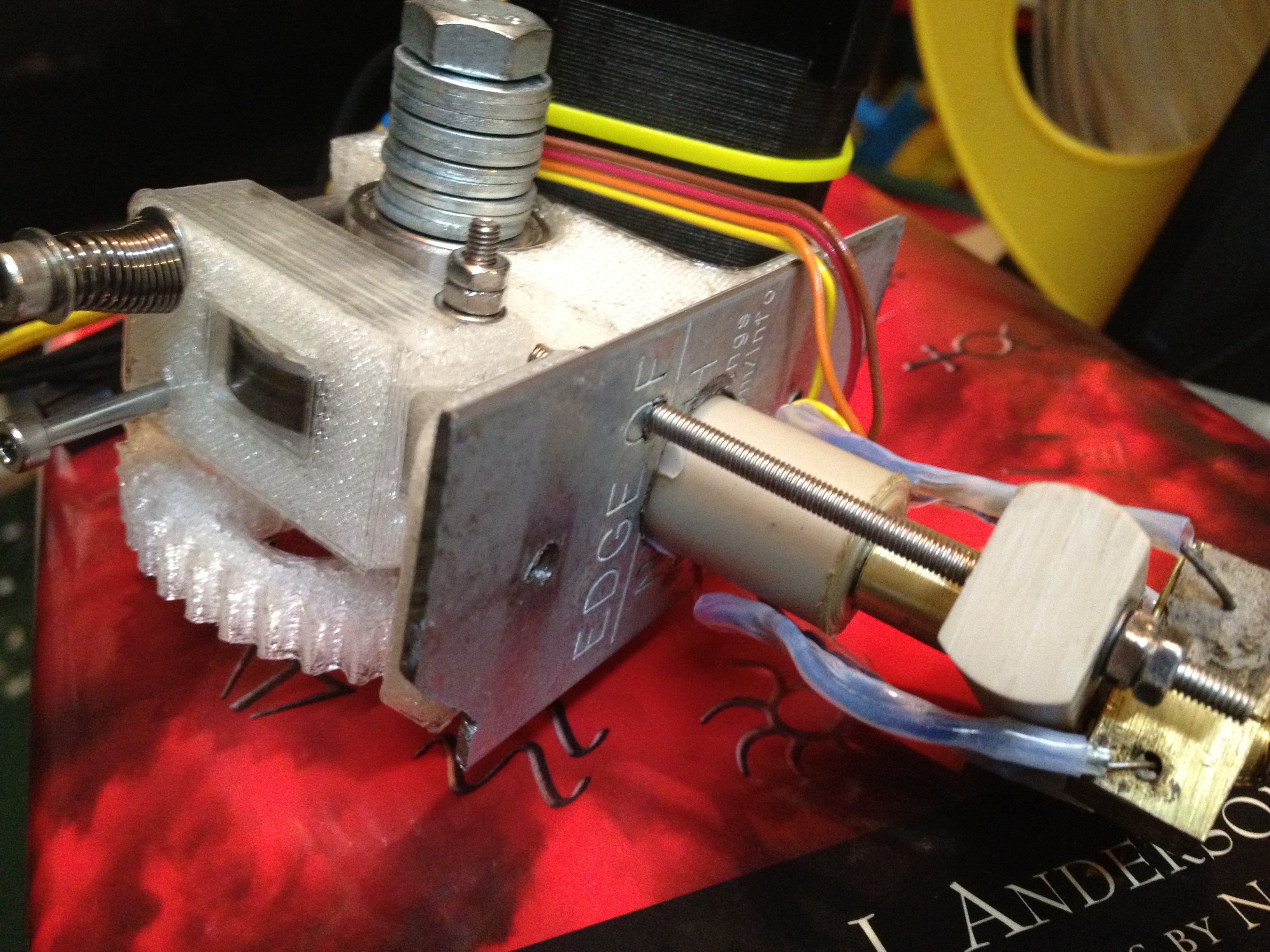
Next, on to the extruder. I decided to use a purchased 5mm nozzle, but make my own Mendel-sized barrel. In fact, I made it 4mm shorter so that the total length of the barrel and nozzle combined would be the same as the standard Mendel barrel. There was less space for the nichrome heater, but that’s good – I want to keep that heating zone short anyway.

Here I show why I’m building an entirely new heater barrel even though it was one of the first things I’d completed, and showing the old and new one side by side:

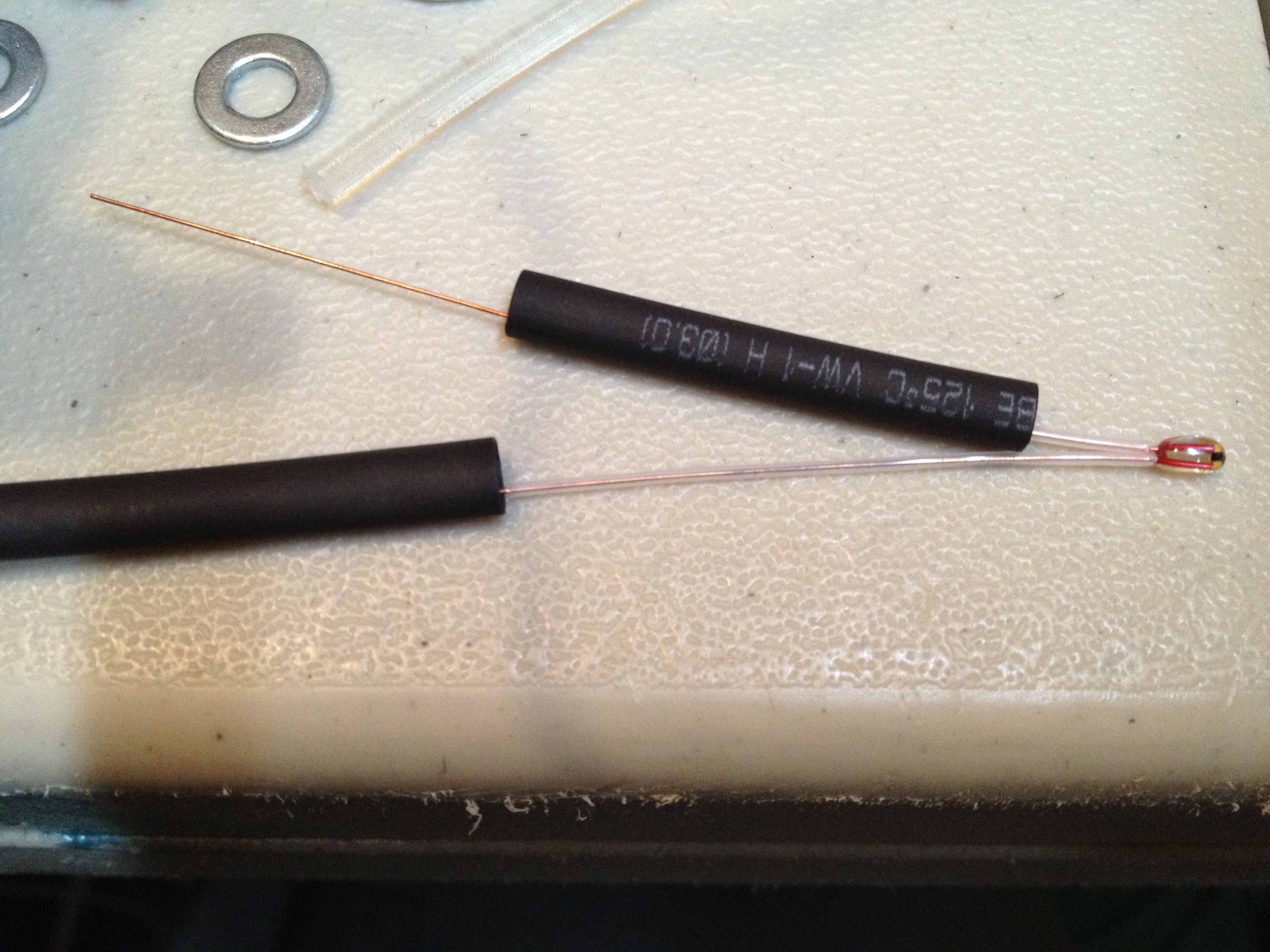
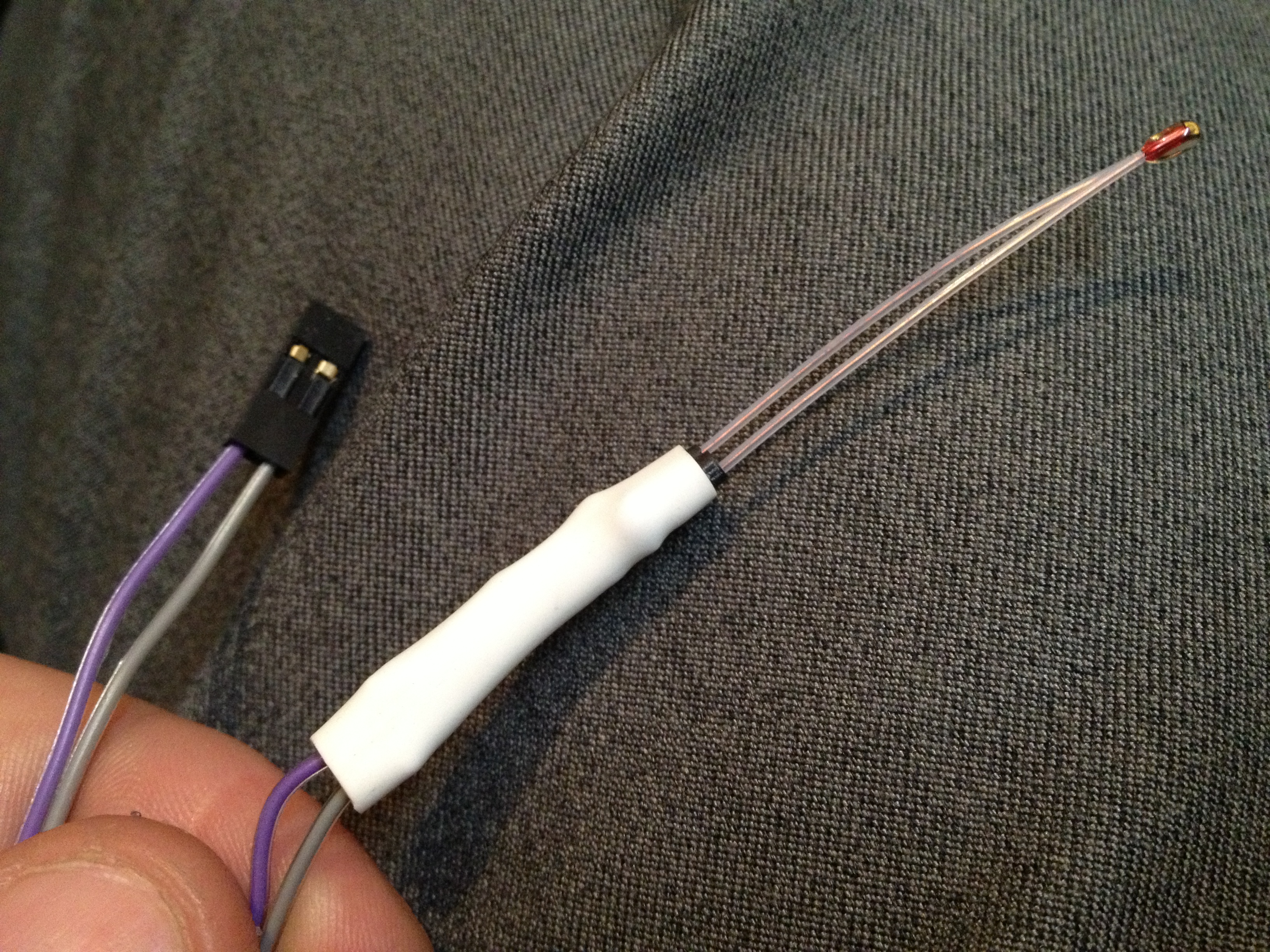
So I used that new barrel, purchased nozzle, and purchased PTFE insulator to build the heater assembly. I wrapped nichrome wire around it, wrapped that in Kapton tape, attached my thermistor, wrapped that in Kapton tape, and taped up the wires. Then I took it upstairs to test the thermistor:

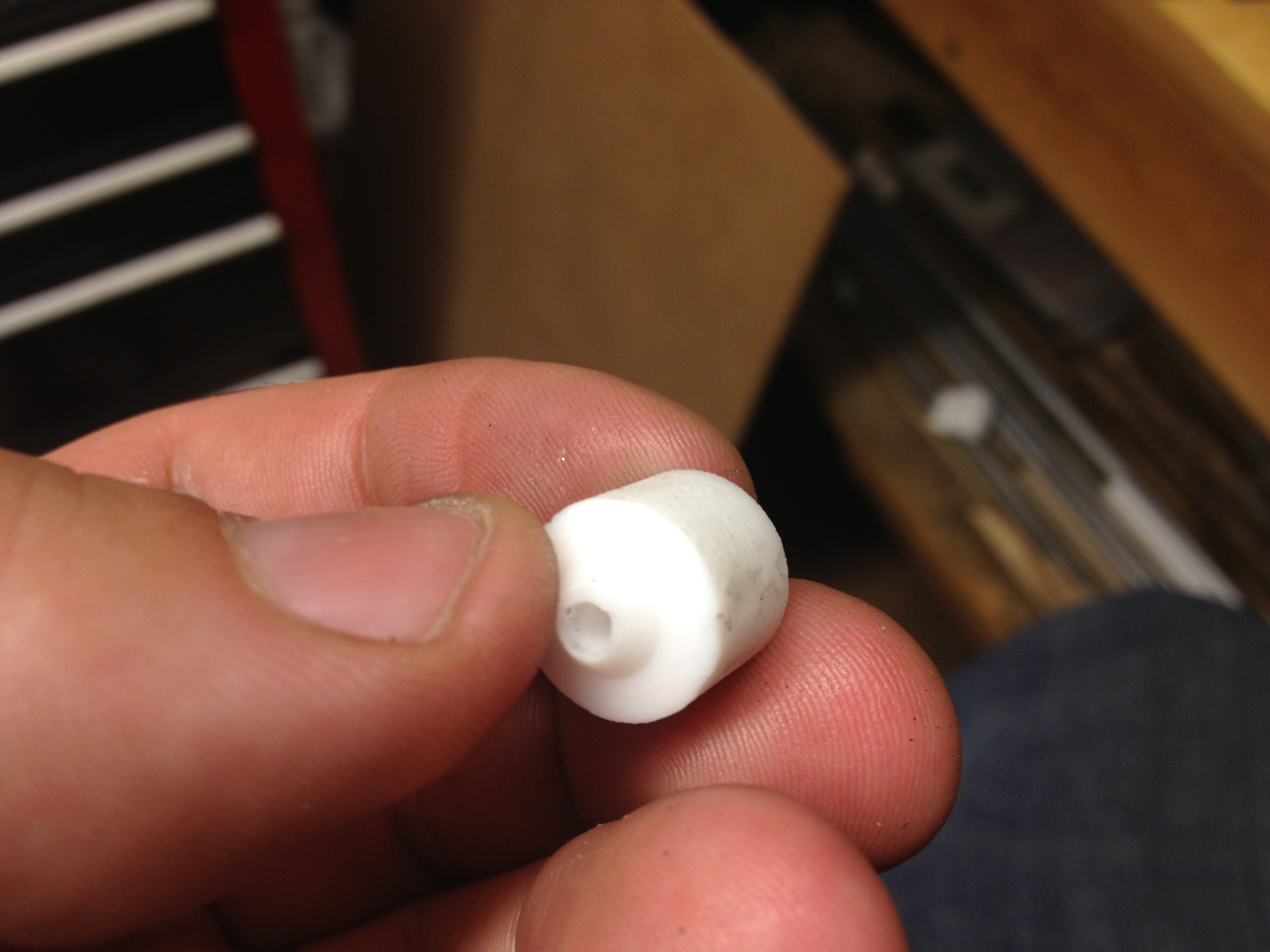
I’ve noticed that since I’m so close to being done, the idea of printing SOON has raised the stakes of everything I do. So quite often I’m filming video before doing something, realizing that that might be the video filmed before a moment of tragedy or triumph. Here was one such pre-event video, about the simple task of cutting notches in my purchased PTFE insulator (I’ve made at least 9 on my own, but during my last makerbot.com purchase I threw in one so I’d have a perfectly centered, professionally machined one in a pinch).

And the follow-up result video:

(No, I still don’t have a lathe).

So now I was all ready for another task I’ve been dreading – gluing my PTFE insulator into my Mendel extruder piece. I’ve been dreading that because with the Makerbot I went through at least 5 or 6 PTFE insulators, and this one will be permanently welded to my pristine Mendel extruder piece (which I can’t print any more of, not having a working printer).

As with many of these worry-about-it tasks, there wasn’t much to worry about (at least until the PTFE insulator dies someday, but hopefully that will be after I print out a better extruder piece).

My JB-Weld experience:

JB Weld works by mixing two agents. The first is this black goop:

then you mix it with this (which I put right on top of it in this pic):

Here’s what it’s like when you mix it:

Here was the result before drying:

The next day:

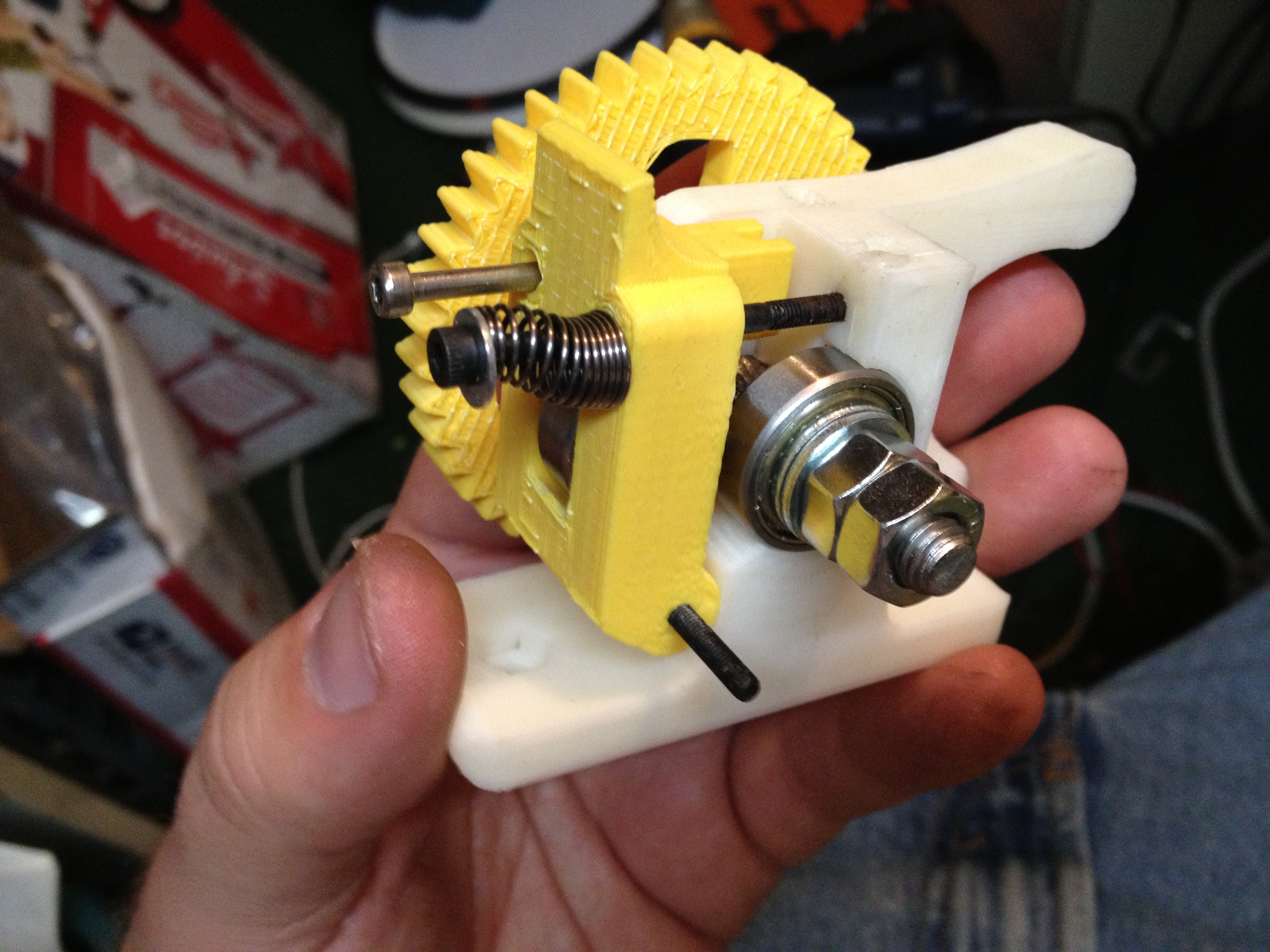
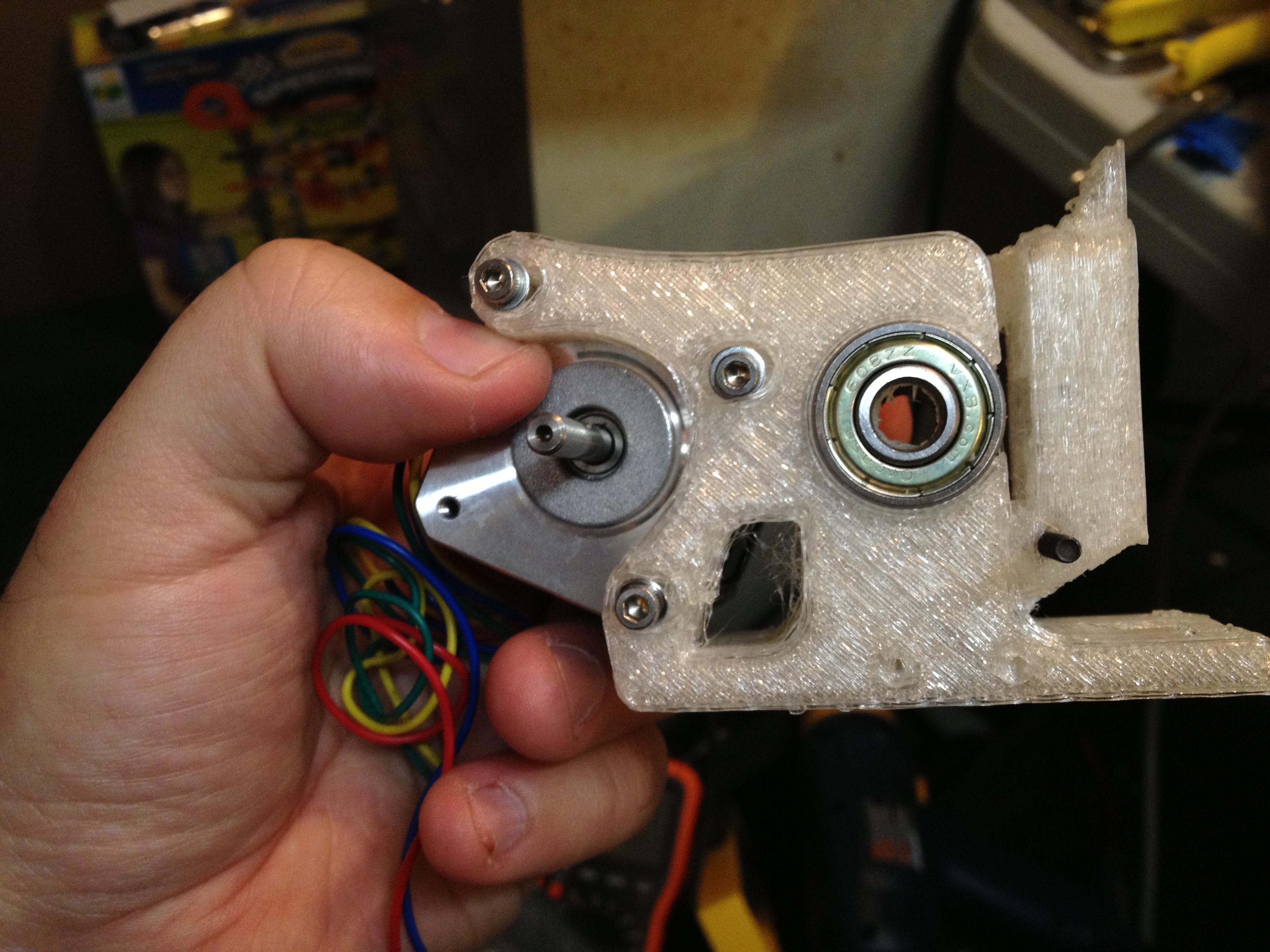
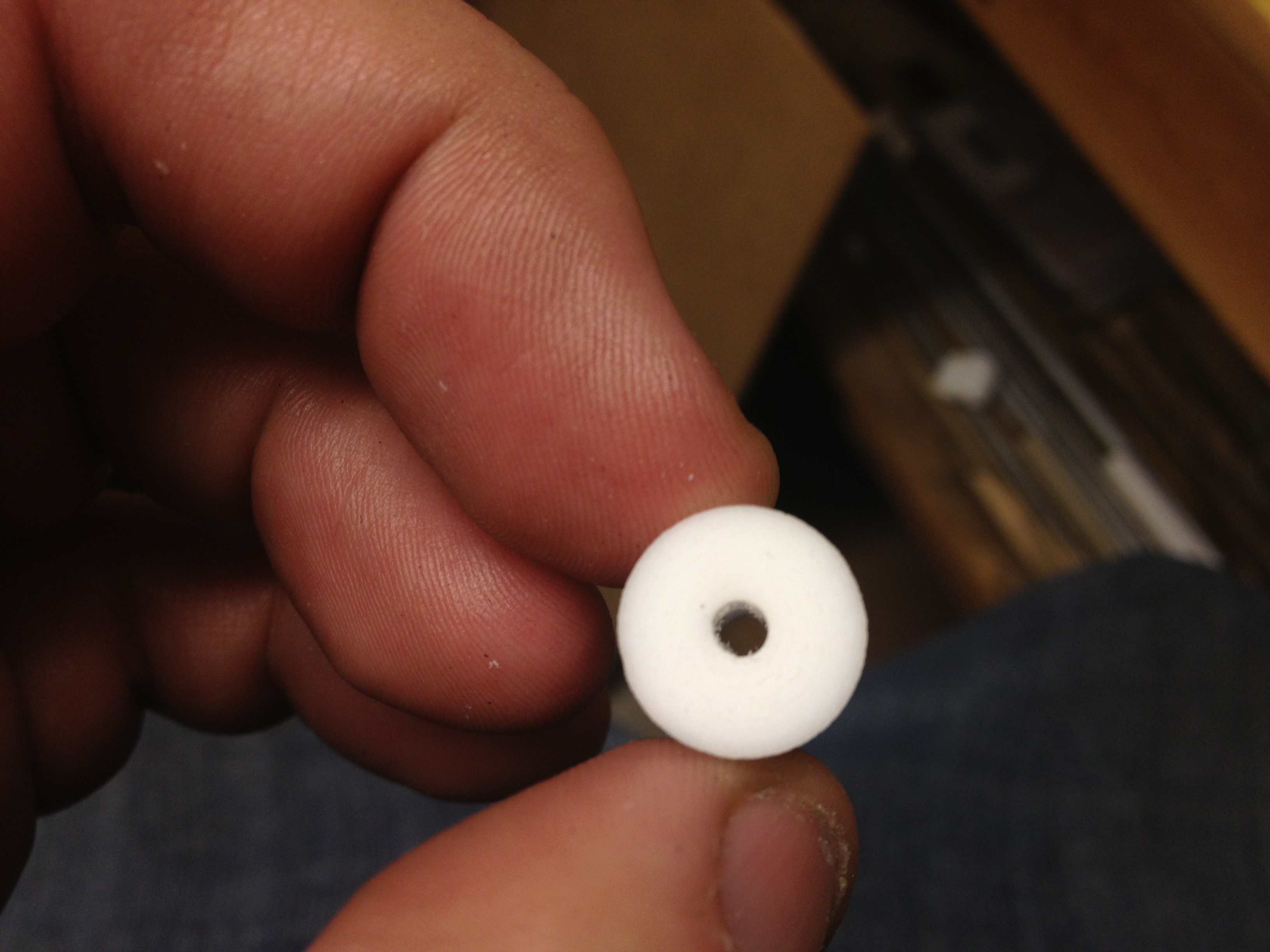
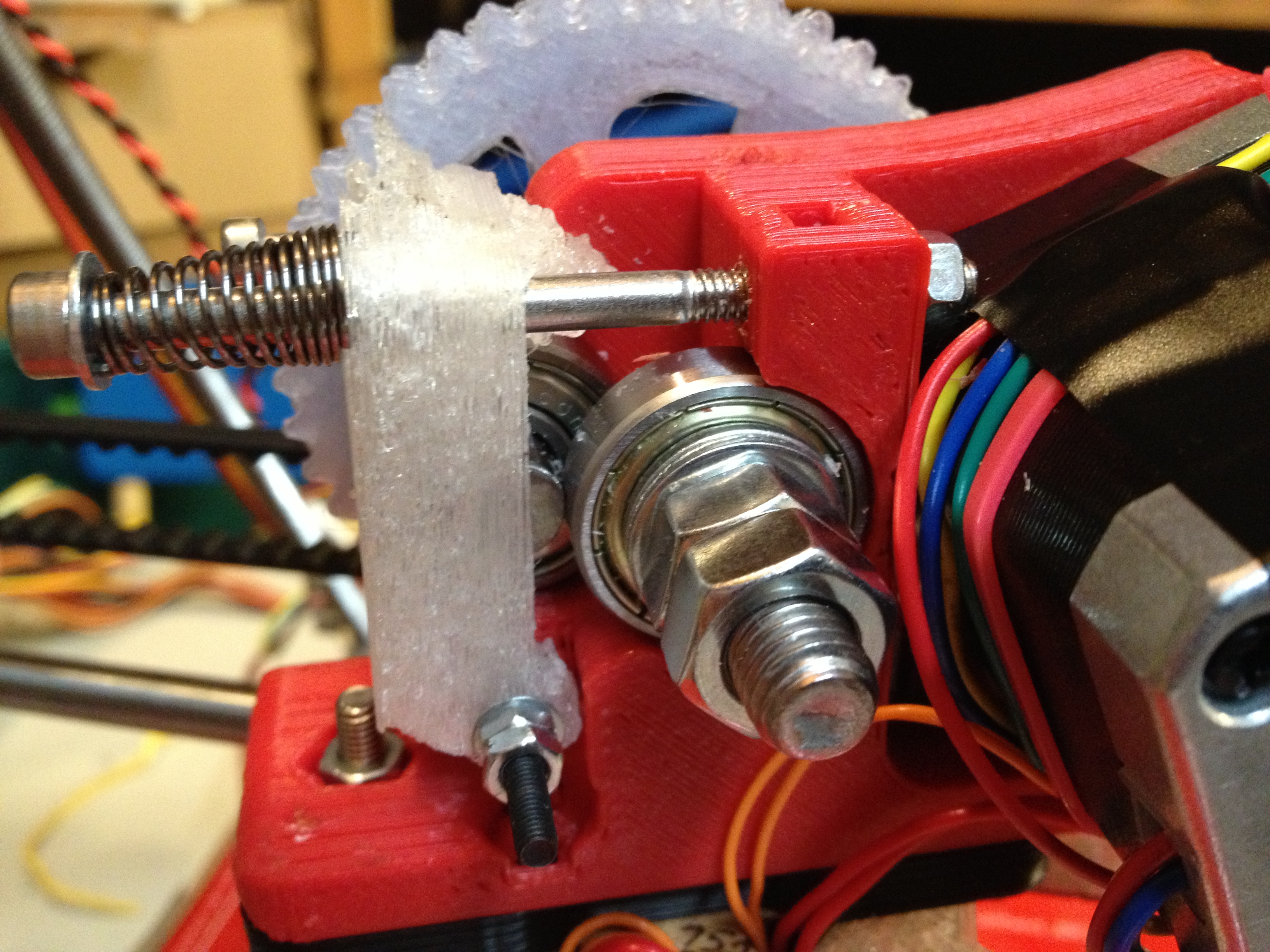
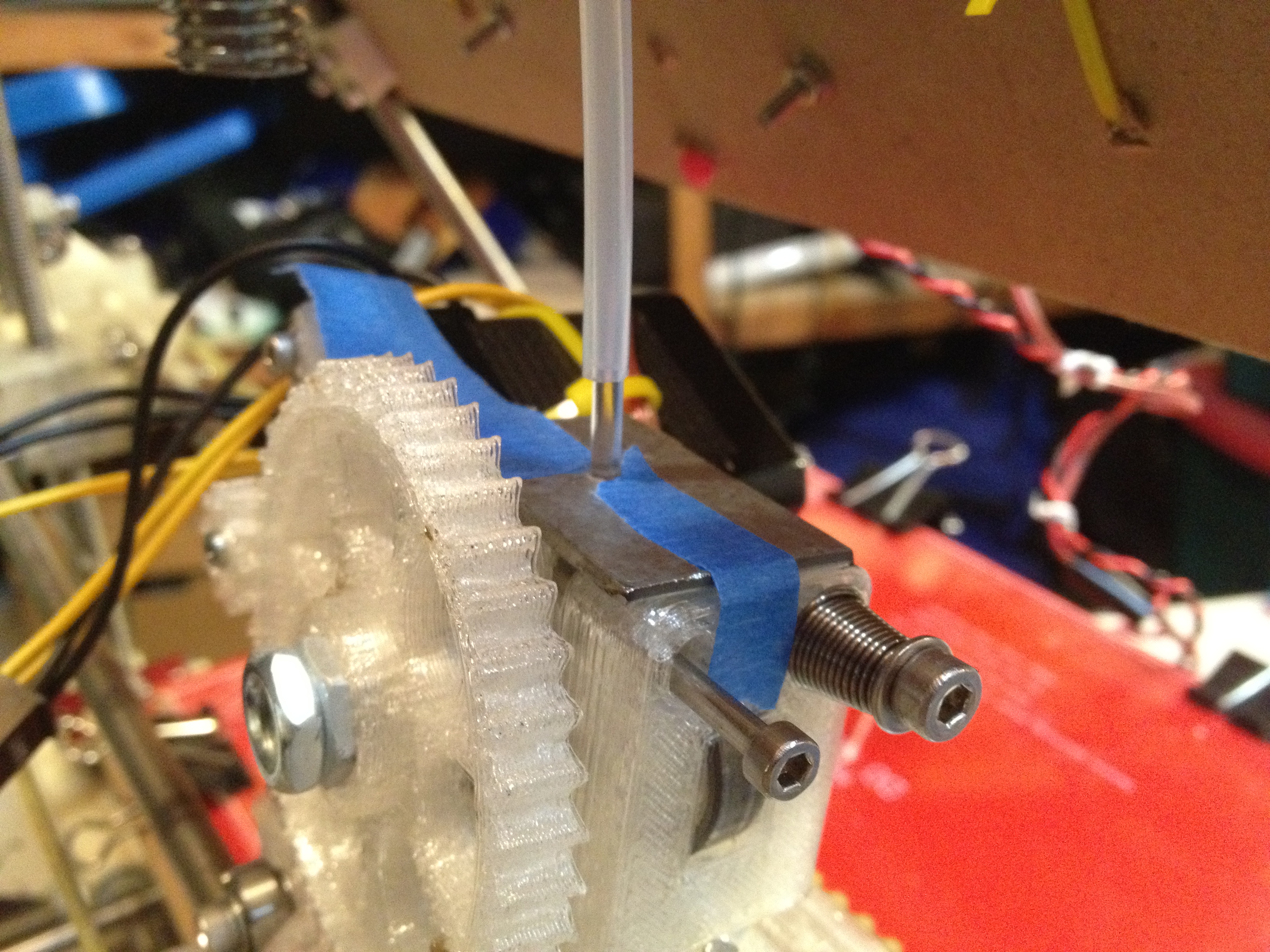
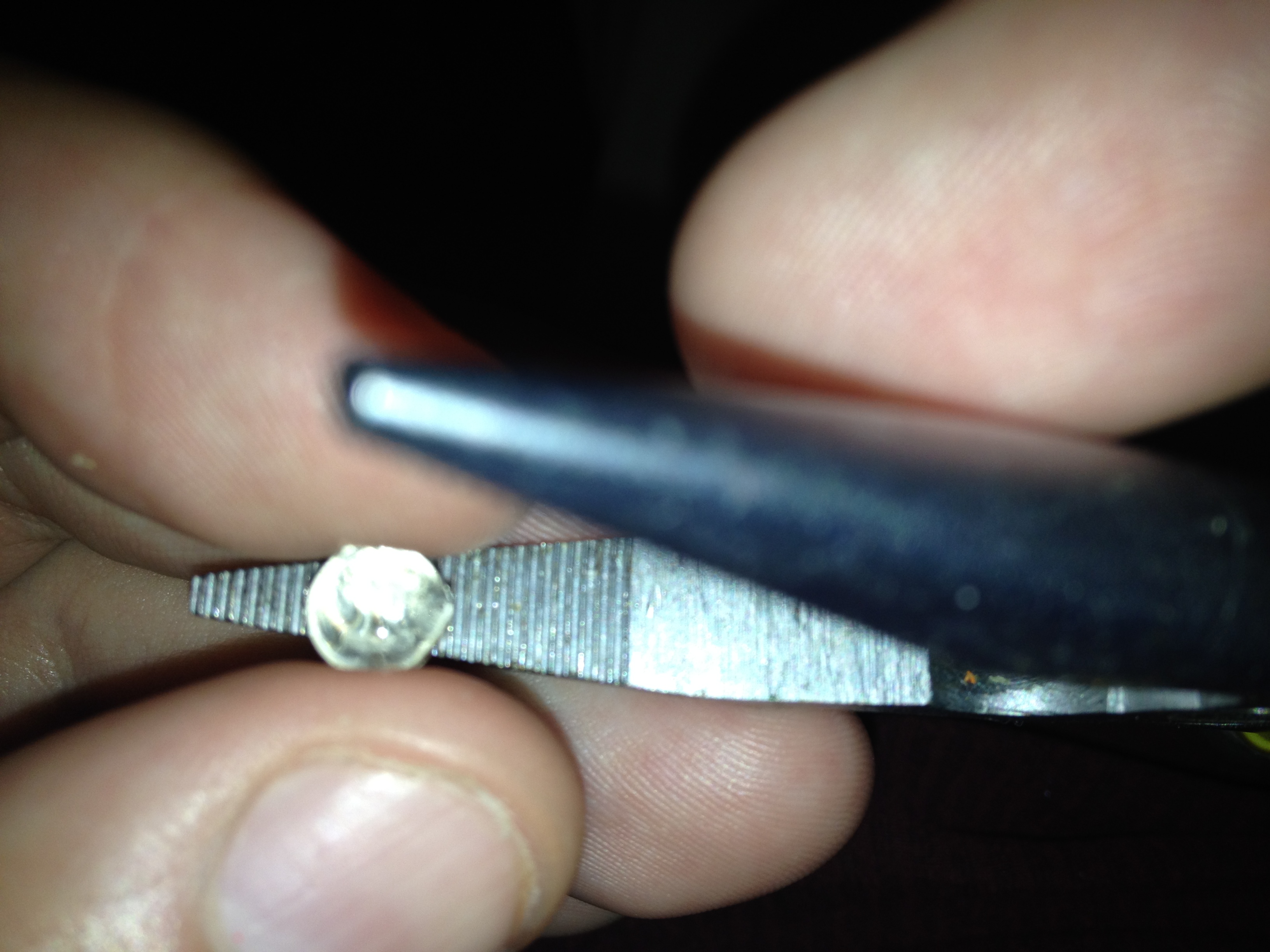
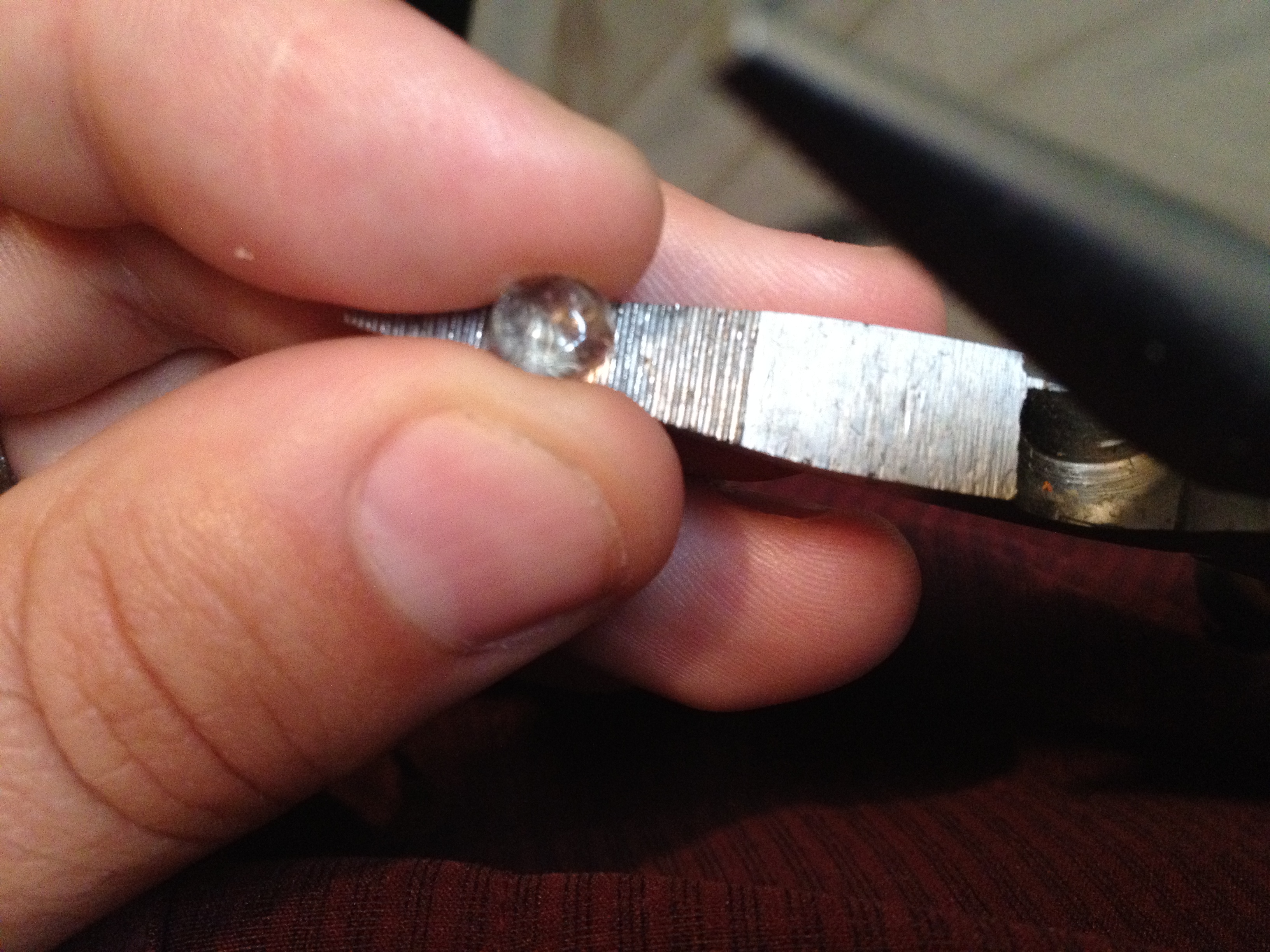
So then, getting really close, I hit a huge roadblock. While others get to use new cool geared extruders like Wade’s Geared Nema17 Extruder or Adrian’s, I’m stuck with the RP parts I have, and that means I’m using the standard Mendel Extruder piece for now (at least until I can print a new one). That means the extruder shaft needs to directly push the plastic against a bearing, and a bare smooth extruder shaft won’t do anything but slip. I’d previously purchased this S10T08M012A0505 small gear wheel to put on the shaft, as suggested under “Adding a small gear wheel” here.

As soon as I went to put it on, though, I realized it wouldn’t fit inside the Mendel Extruder part:

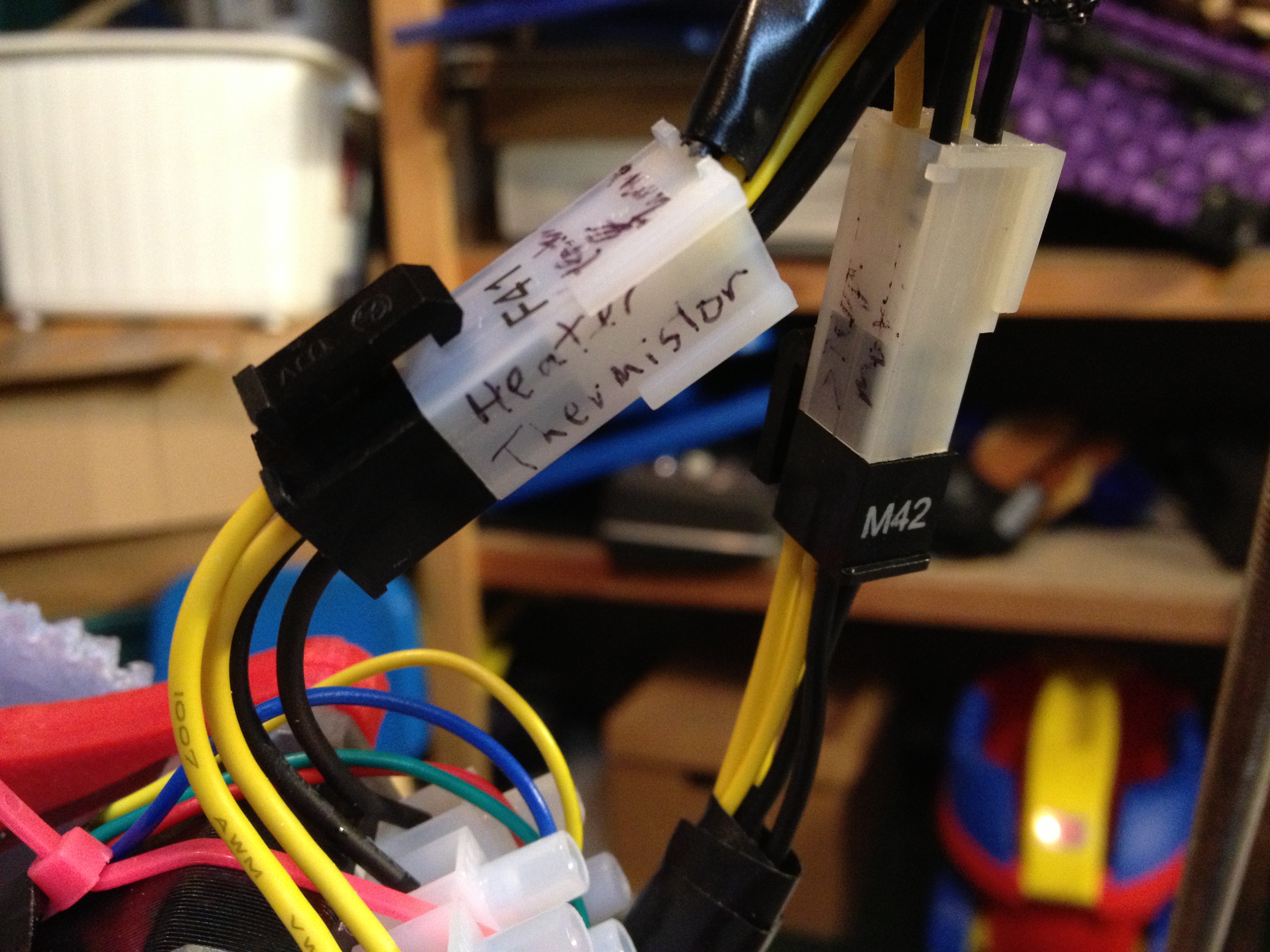
Ignoring that problem for a while, I continued on with tasks I still had to tackle. I built a small stripboard with two 4-way connectors, as was suggested in the RepRap Wiring video – one set of four is for the extruder stepper motor, and the other is for the heater and thermistor connections. I built an 8-way ribbon cable with two 4-way connectors to mate with that. Here’s it all put together:

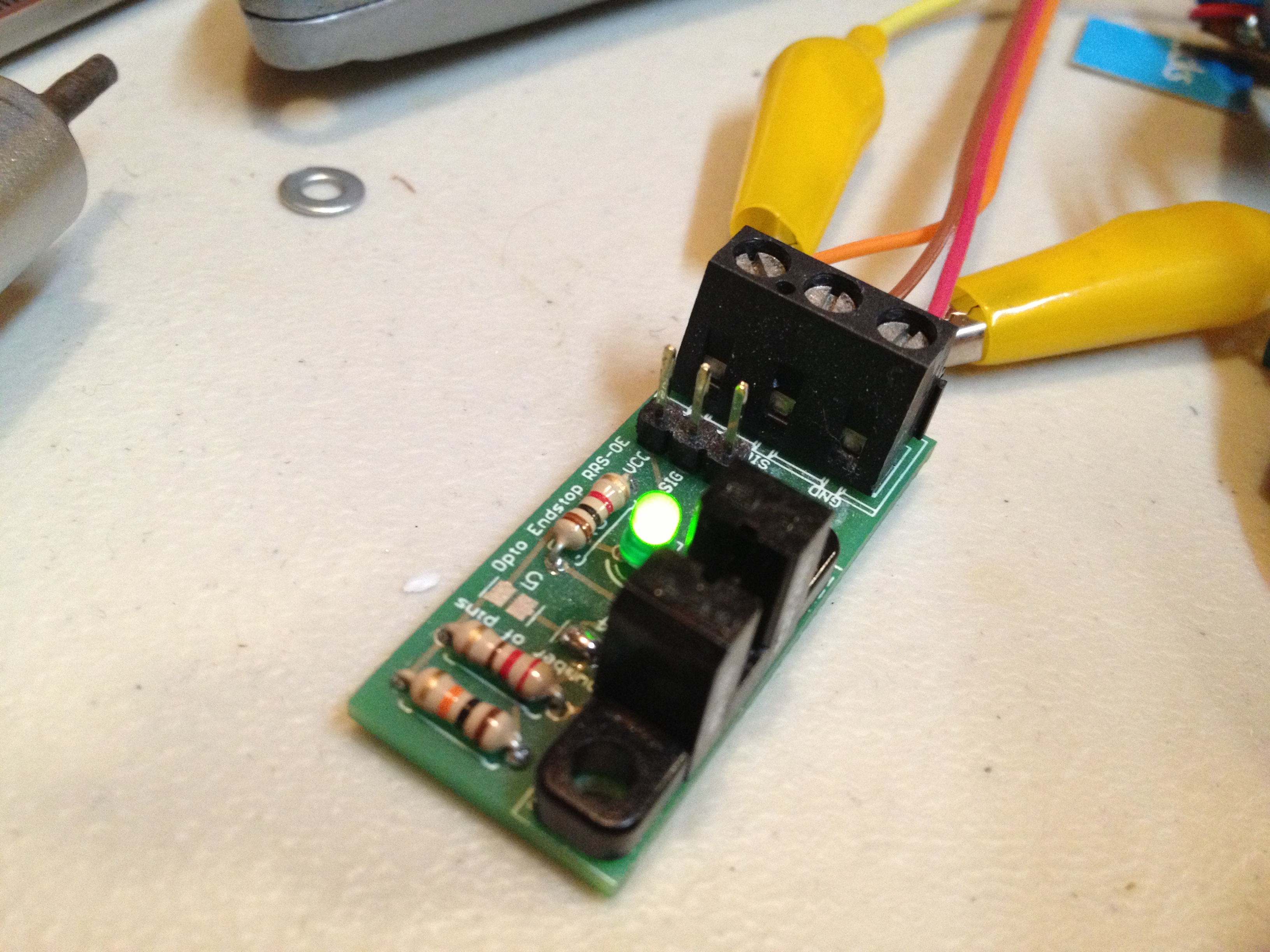
Then I got the final Z opto flag remade in tin and working great (somewhere before this I’d remade the X and Y opto flags in tin as well). The original Coke-can ones I’d made were just too flimsy – a slight breeze would knock them out of alignment. These new ones were made from a tin can of mandarin oranges (thanks Emily!). I also had to replace the X opto endstop board with a spare I’d made, because it stopped working for some reason (I’m using polarized connectors, so it wasn’t the polarity).

Finally I wanted to see my extruder actually extrude (which I originally envisioned I’d do waaaaay before assembling any of the Mendel itself!). I rested the extruder on the top of the frame, hooked it up, and did the test (pushing plastic in by hand). Despite what the first video says, I went with 170 degrees C (who knows what temperature it really was – I haven’t done any thermistor calibration or anything). I was using UltiMachine 4042D PLA.
Two part video:

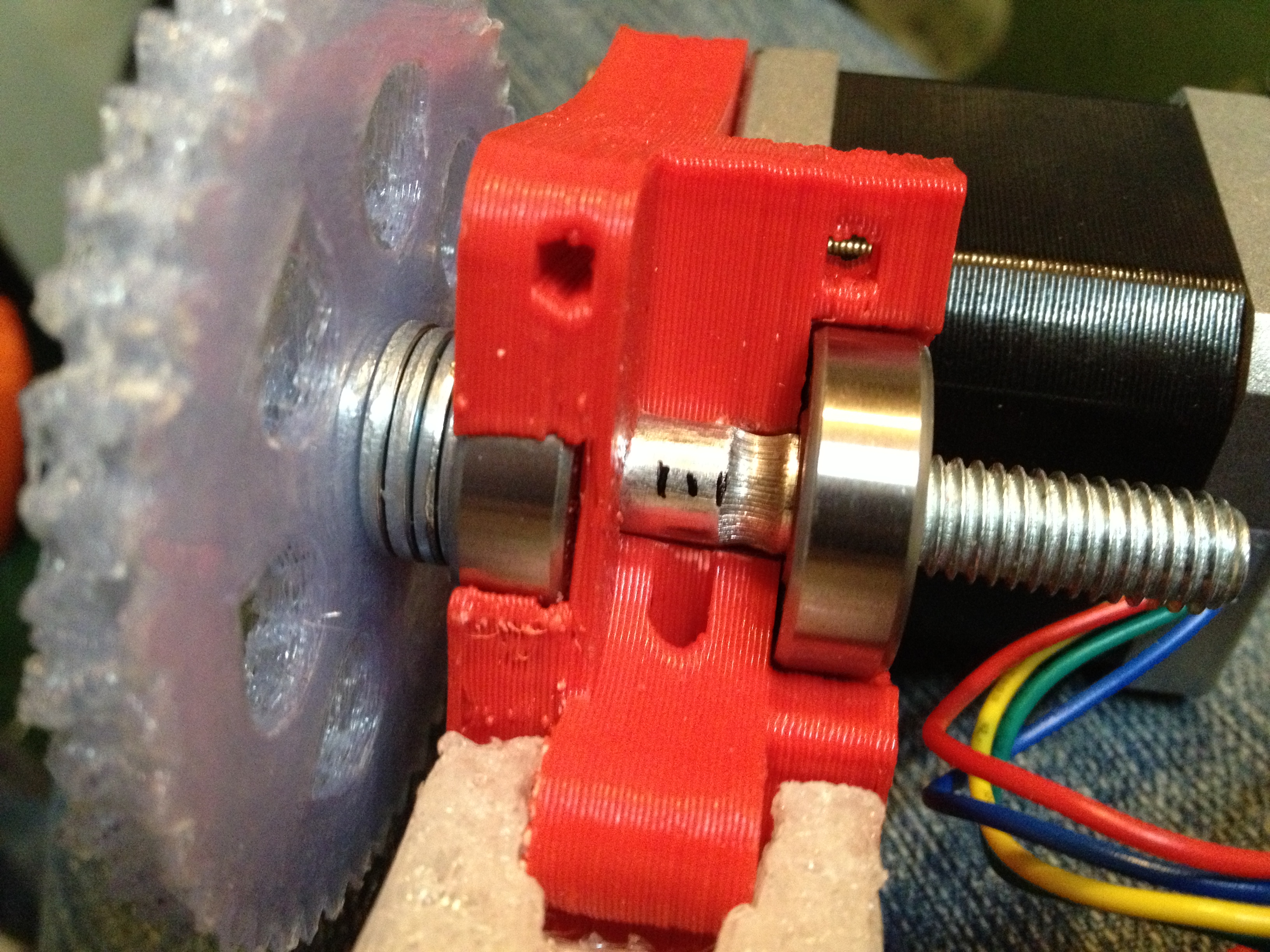
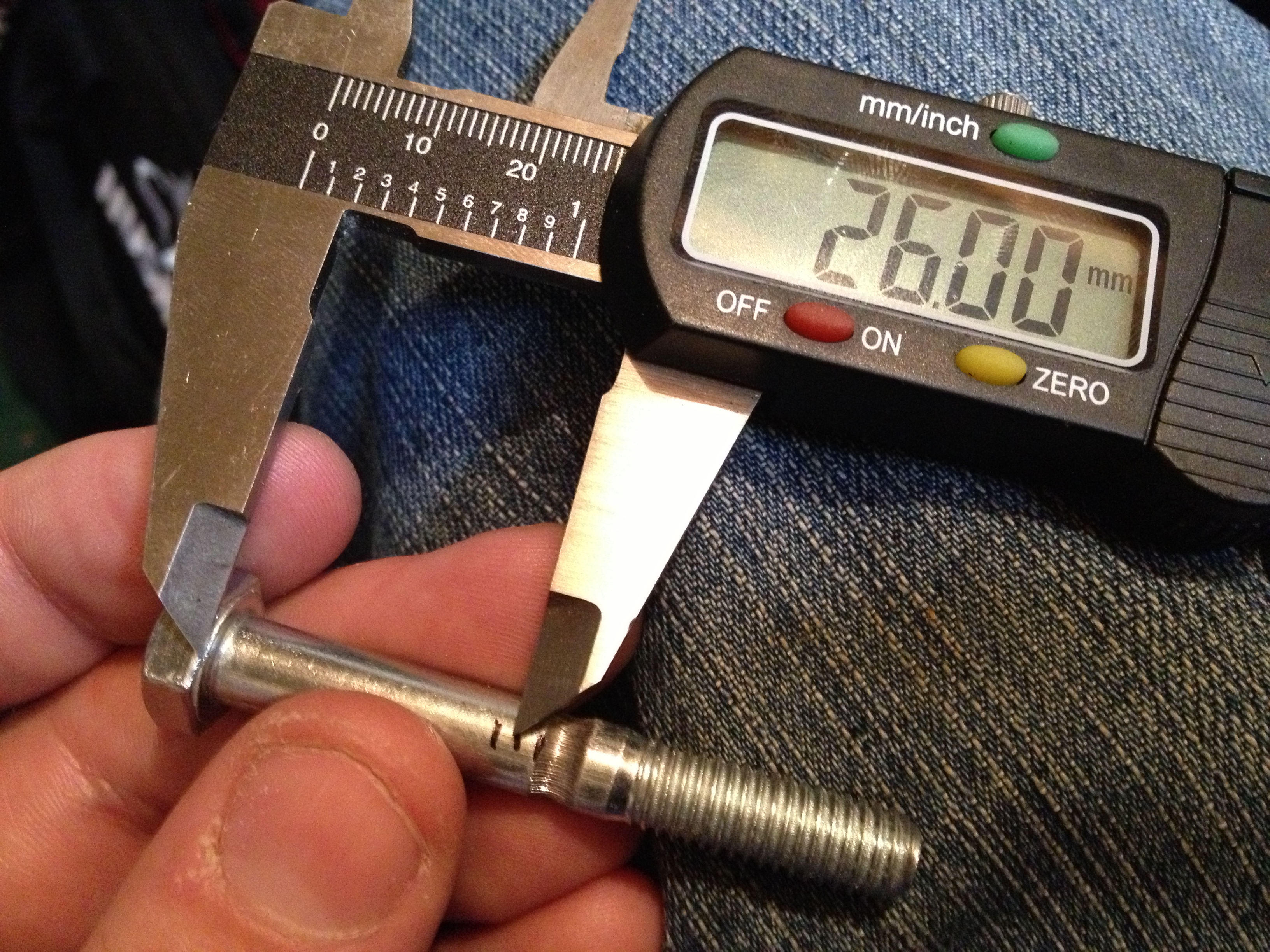
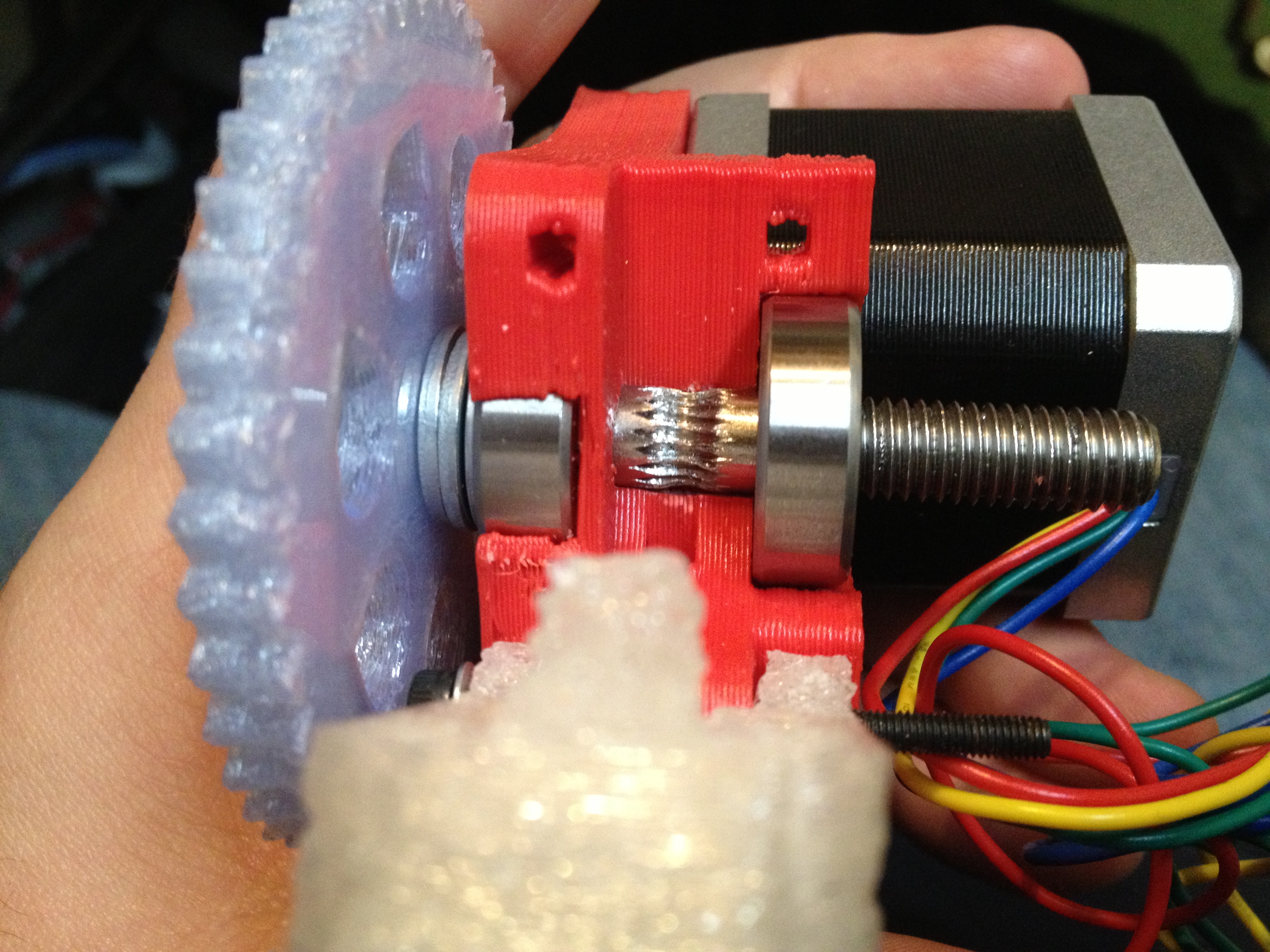
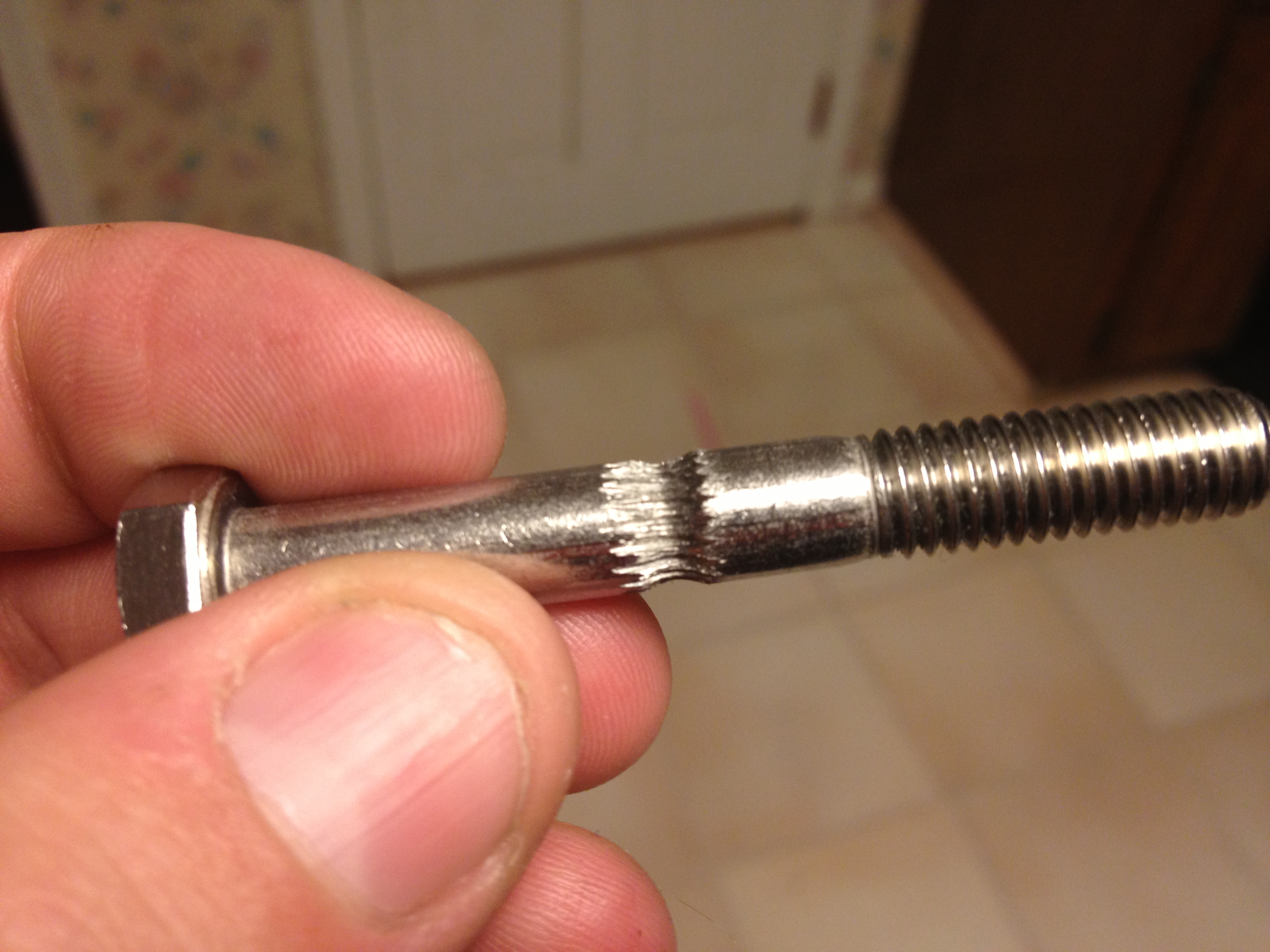
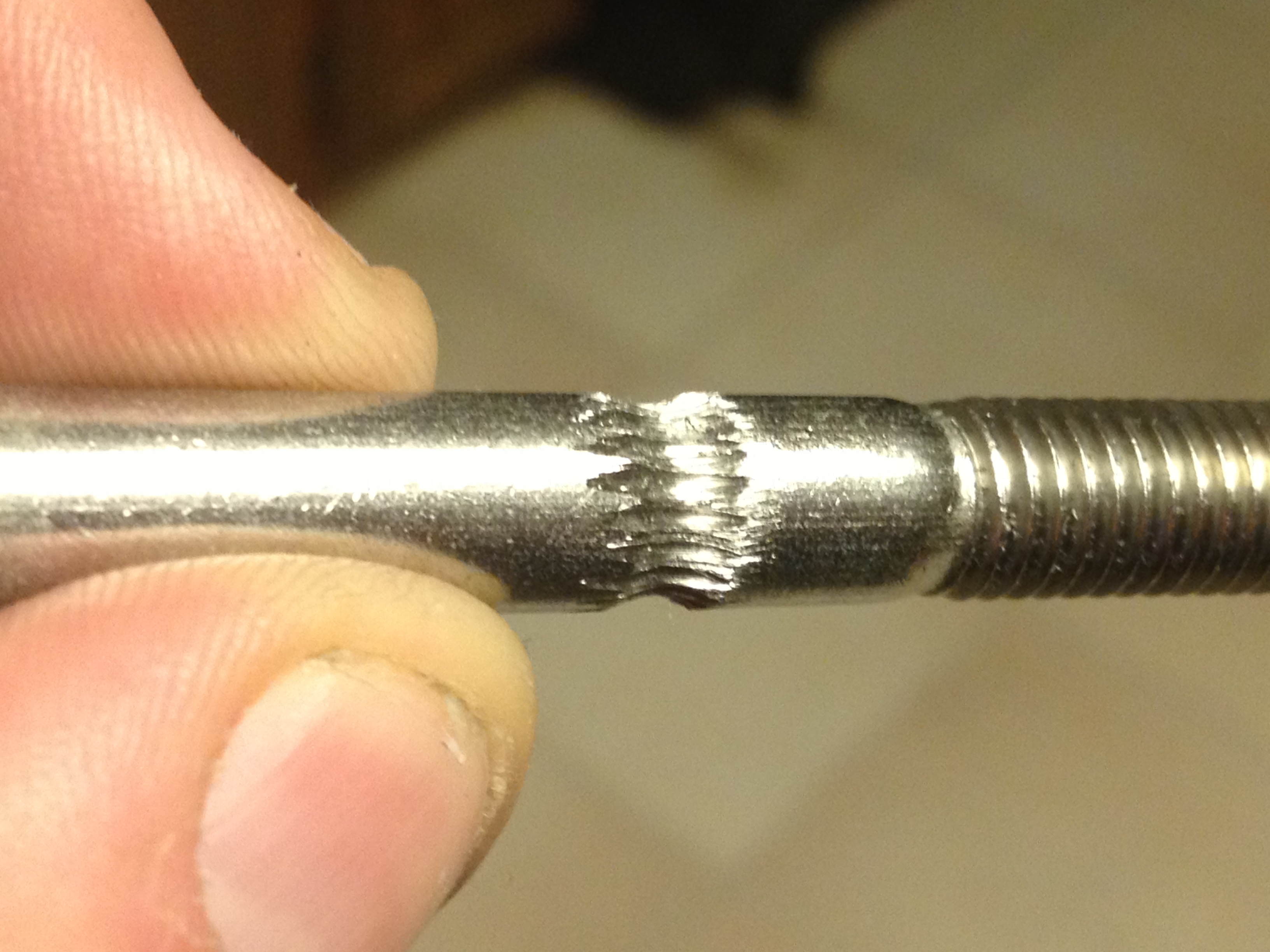
Ok, so that left one remaining problem.. Getting the extruder motor to be able to grip the plastic to push it in by itself. Not being able to use the gear wheel, I decided I’d try cutting splines in the shaft, as described under the “Getting your stepper to put splines on its own shaft” section of the Pinch Wheel Variations page.

I built this rig to do the trick (from the above instructions):

Then here I describe and use the rig:

Did I mention I was close? :)

Laurie and I were up pretty late, as I told her I was so close that I needed help bringing stuff upstairs.. I brought the RepRap, and she brought the lazy susan with PLA on it. :) As I untied the twist ties around the PLA, I remembered when I’d tied the PLA up previously – it was when I had to return the Makerbot; that was a sad moment, this was happy. We set our expectations low (rightly so), hoping just to have it extrude. We then had the X-axis start to fail (aaaggghh!!!), but Laurie figured it out (she’s a genius!). :)

And there ya go.. That’s all I have. I started typing this up Saturday night, ended up typing it through Sunday night. Actual prints probably not coming until next weekend sometime.

(and congratulations to anyone reading this far.. Did you actually watch all of those videos?)

Thanks go to Tom Royer for the continued use of his corded Dremel (vs my cordless one), and to Reed P. for his Dremel extension (which I’m returning tomorrow as I now have my own). While I’m at it, thanks to P. Newman at work for helping me with various mechanical issues that I couldn’t figure out (like how to remove a stubborn set screw which was driving me crazy, among other things). Thanks to Chris for giving me someone to talk to in person that’s reading as many of the online reprap blogs as me (your parts are coming soon I hope!). Thanks to Laurie, Emily, Alicia, Cara, and David for giving me a day or two of our vacation to do this latest push, and for being the best support in the world.

Oh, and again, thanks to you for reading this far. Seriously, who made it this far? :)